Payments and your balance
The club bills sessions in the app; you see what is due and pay online in seconds — by BLIK, bank transfer or card.
Screenshots
Your balance and history
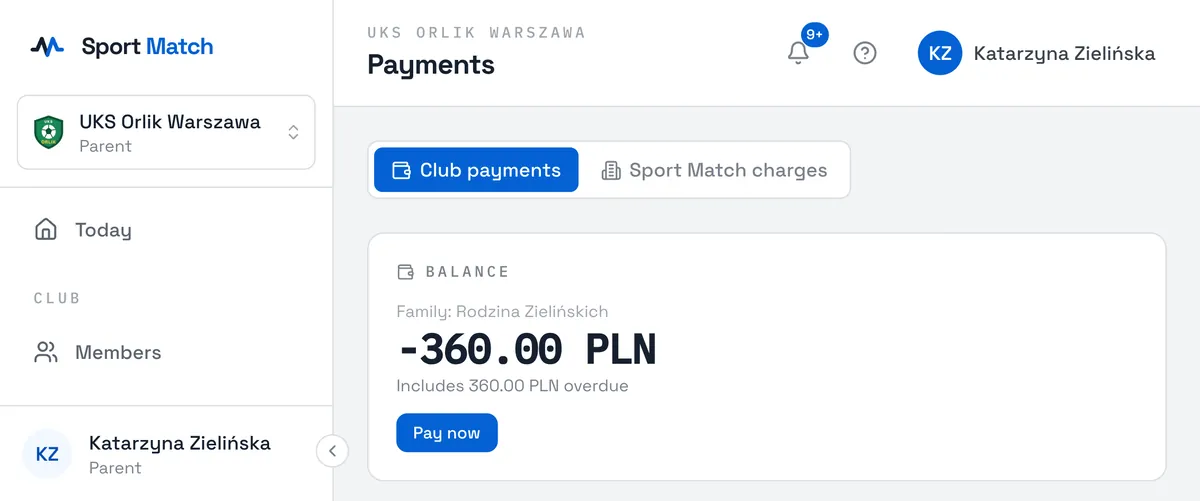
Choose Payments in the menu. At the top is the Balance card: a negative amount is what you owe, and the line below says how much of it is overdue from earlier months. Below the balance is your history — My payments, and for a parent a separate list for each child.
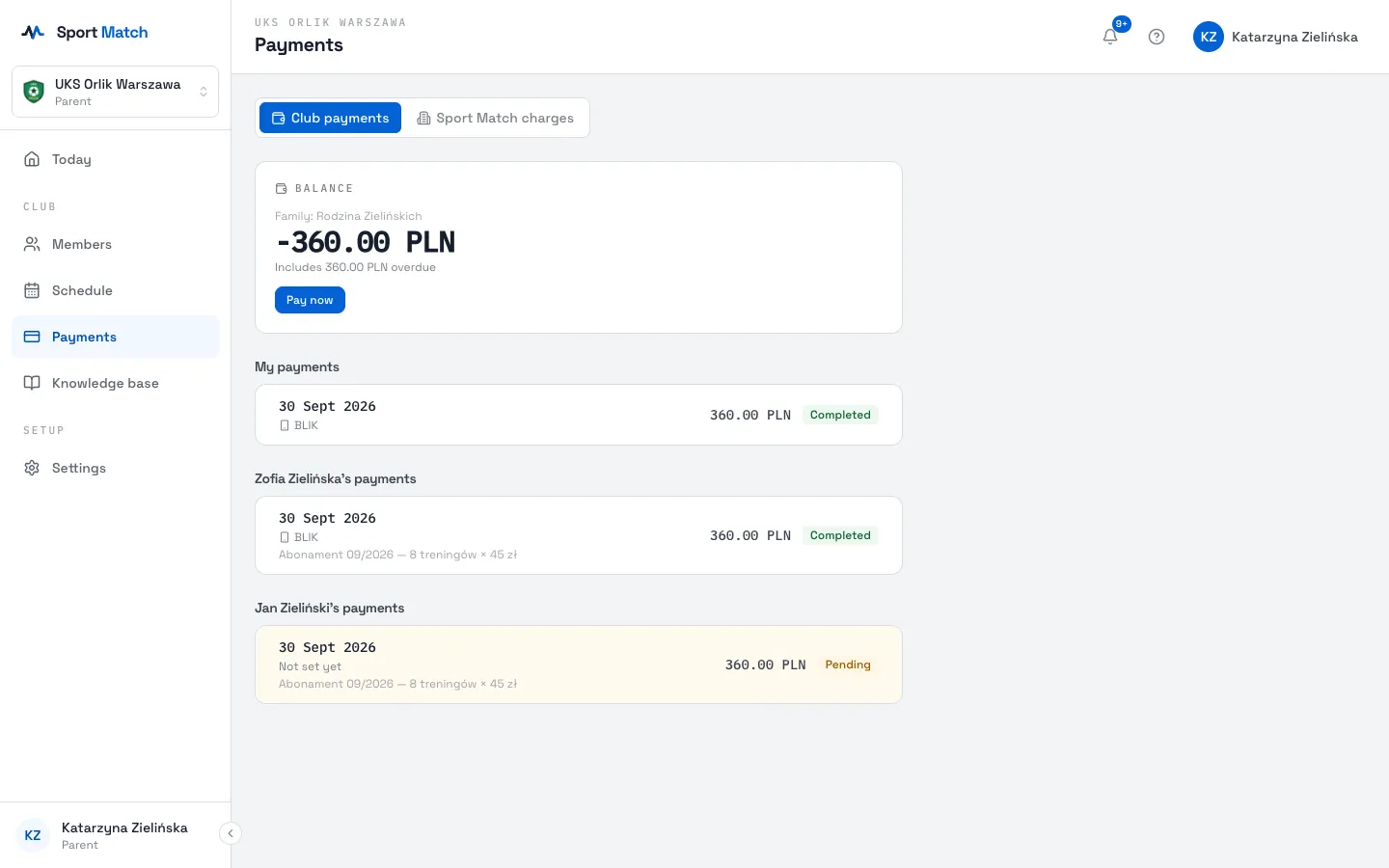
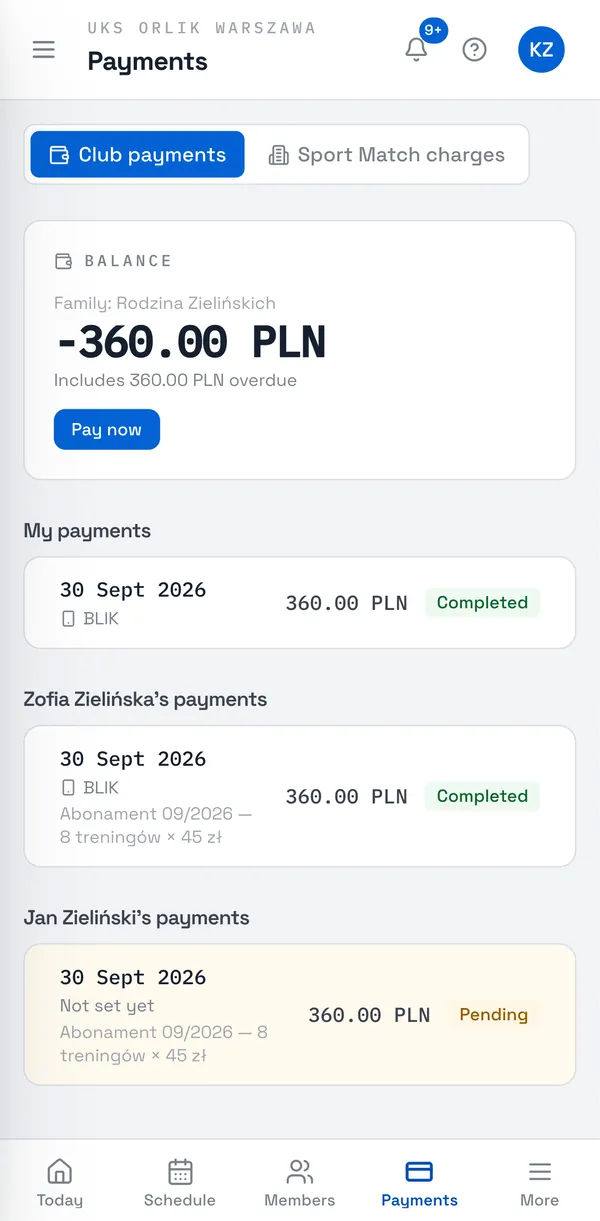
- Pending
- Billed and not yet paid.
- Partially paid
- Part of it is paid — you see how much of the total.
- Completed
- Paid, or a payment that reached the club.
- Failed
- An online payment that didn’t go through — try again.
- Provisional / Final
- On a monthly subscription the amount is provisional until the month ends. If attendance falls below the committed level, the whole month is re-priced at the standard rate — so the amount can go up, never down.
How you’re billed is up to the club. Pay as you go means you pay only for sessions where the coach marked you present; on a subscription you pay for the month’s sessions, at a rate that depends on the attendance you committed to.
Pay now
-
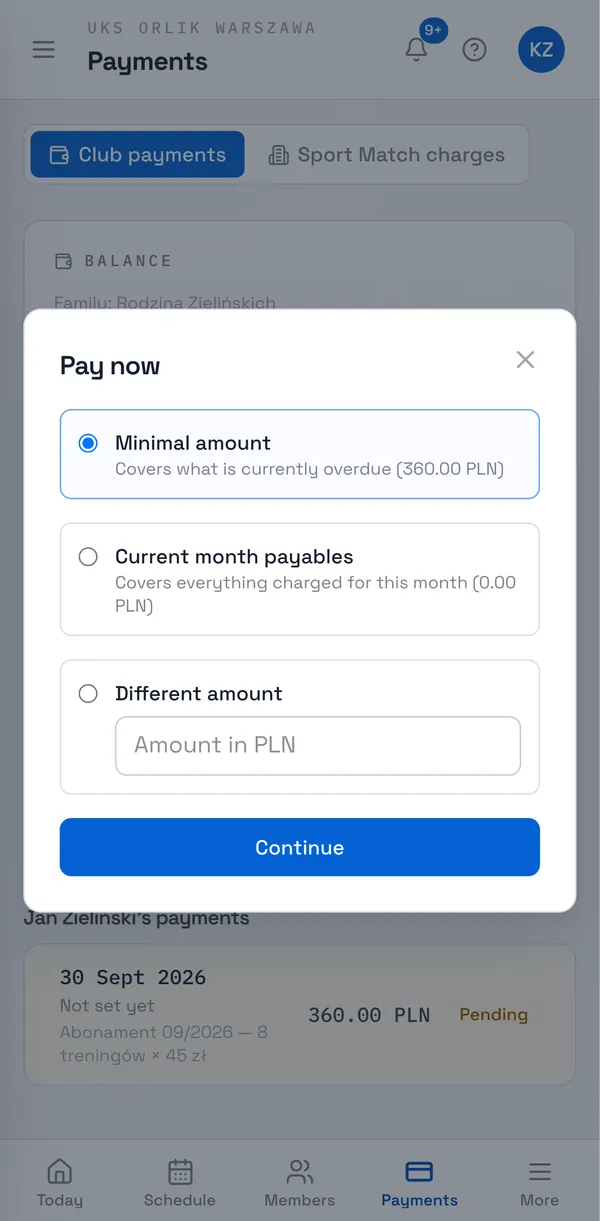
On the Balance card (in Payments or on Today) choose Pay now.
-
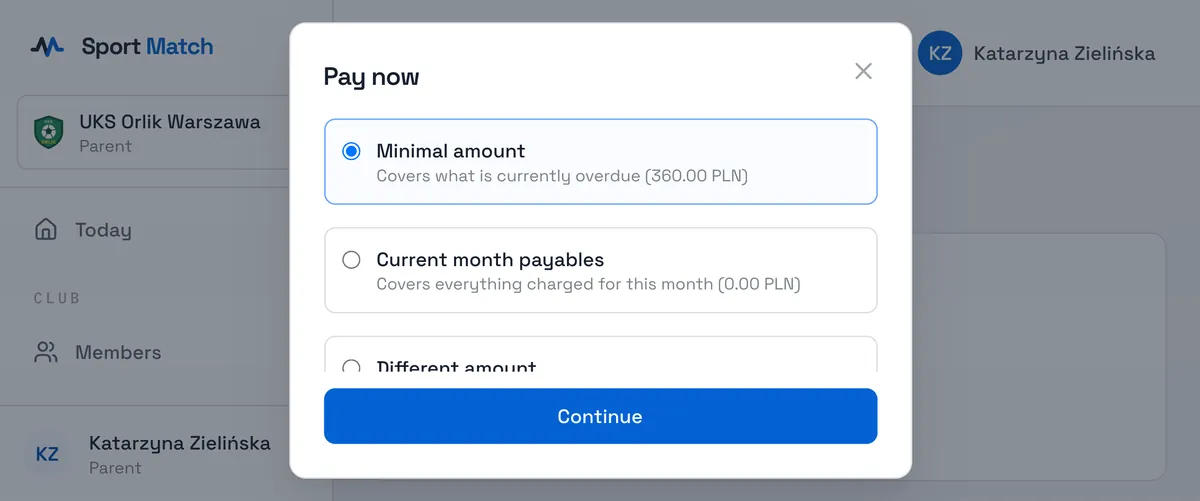
Choose the amount: Minimal amount covers what’s overdue, Current month payables covers everything billed this month, and Different amount lets you pay more. Choose Continue.
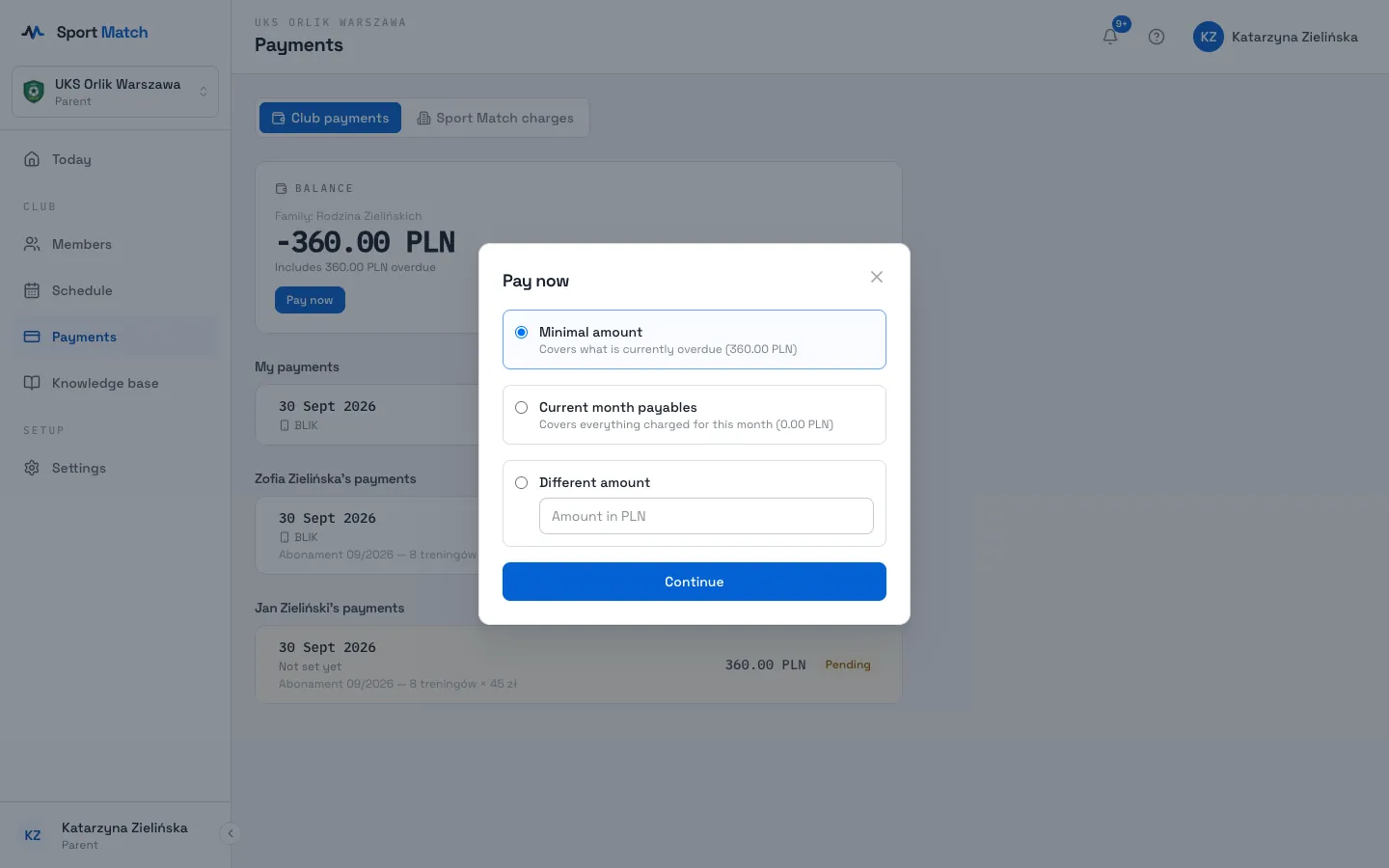
-
Paying for several families? A split screen appears: enter a percentage or an amount for each family — the others adjust so the total stays the same — and choose Continue.
-
Pick your bank, BLIK or another method from the list (payments are handled by Przelewy24). You’re taken to the payment page — pay as you normally would with your bank.
-
After paying you return to the app. Payment received — done; Awaiting payment confirmation — your bank is still processing it, and the balance updates by itself; Payment failed — try again or pick another method.
Tip: A payment settles the oldest unpaid charges first. Anything extra stays as credit towards future charges.
Paying in cash or by transfer straight to the club’s account? That’s fine too — the club records the payment and it appears in your history.
Invoices
If your club issues invoices, they use what you enter in Settings → Invoice details. Leave it empty to be invoiced as a private person, or choose Company and enter the company’s details — see Profile and account settings.
Sport Match charges
The Sport Match charges tab in Payments lists charges made by Sport Match rather than the club — currently only the paid SMS notifications add-on (see Notifications).
Frequently asked questions
I paid, but my balance didn’t change
A bank transfer can take a moment. The balance updates by itself once Przelewy24 confirms the payment. If nothing has changed after a working day, contact your club.
Is paying online safe?
Yes. Payments are handled by Przelewy24 — neither Sport Match nor your club ever sees your card details or bank login.
The club refunded me — where do I see it?
The refund shows in your payment history, and you get a notification about it. The club can return the money through Przelewy24 or itself — in cash or by transfer.
Didn’t find an answer?
Write to us in the chat — it opens on this page, no login needed — or email contact@sportmatch.pl.