Sessions and confirming attendance
Let the coach know whether you’ll be at a session — with one click on Today or in the schedule. You can change your answer until 24 hours before it starts.
Screenshots
The schedule
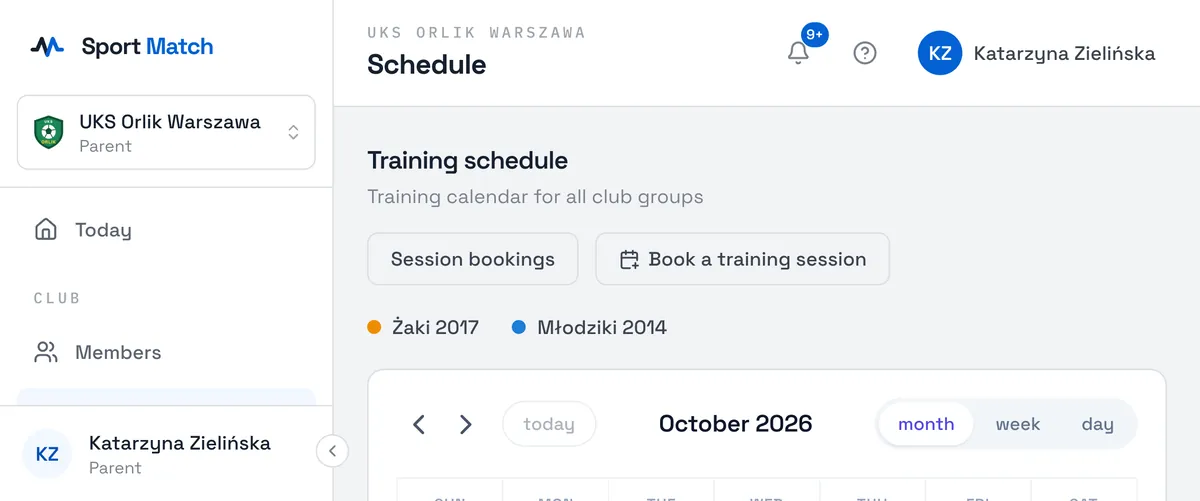
Choose Schedule in the menu. It shows your sessions and your children’s, in their groups’ colours. On a computer switch between Month, Week and Day; on a phone you start with a list of this week (List) and move between weeks with the arrows. Cancelled sessions are struck through.
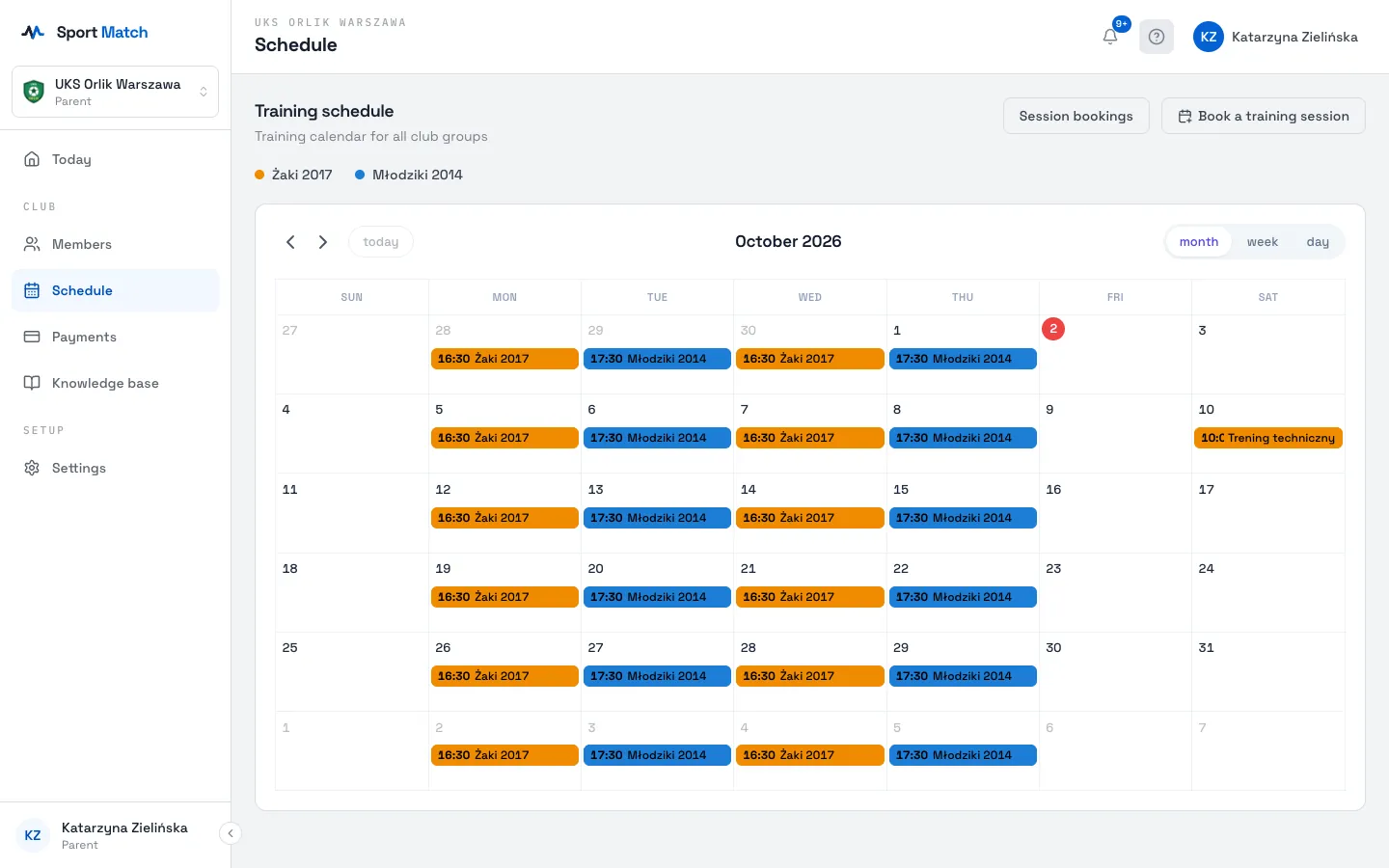
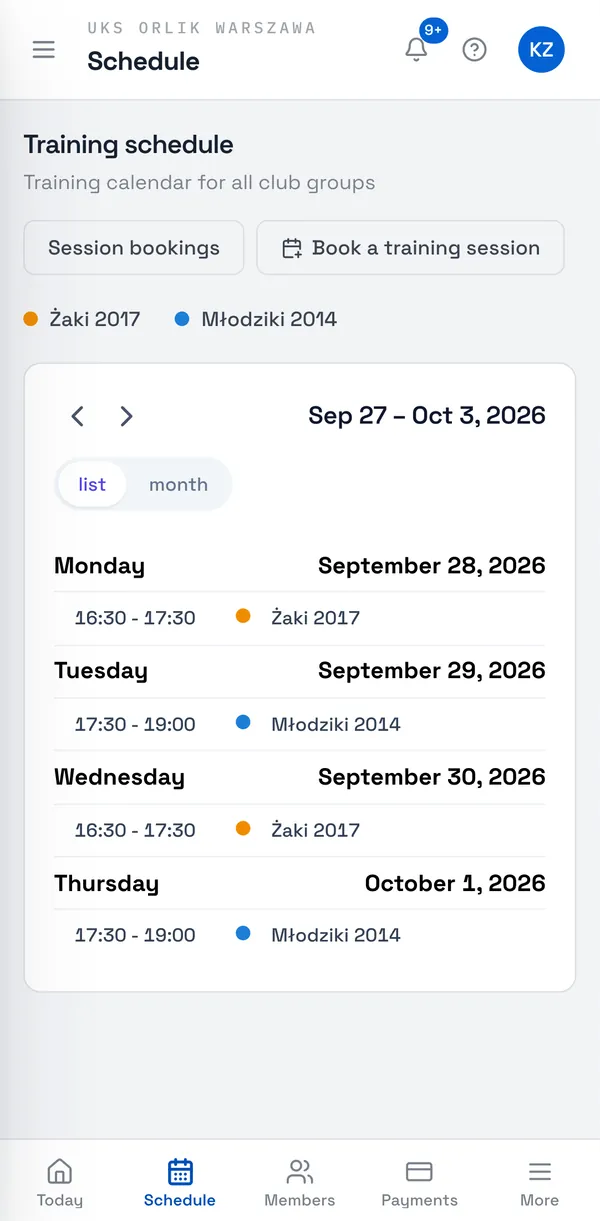
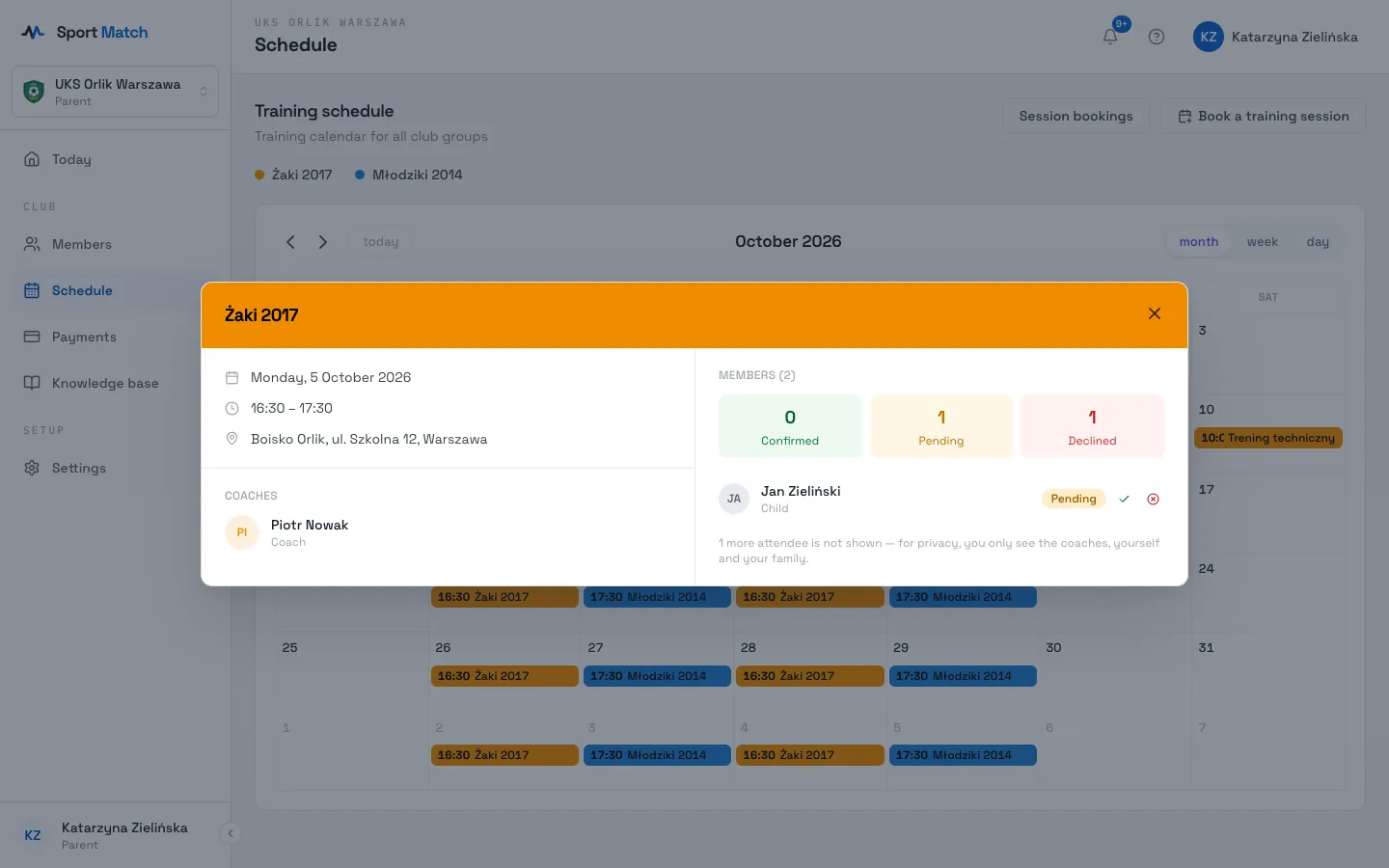
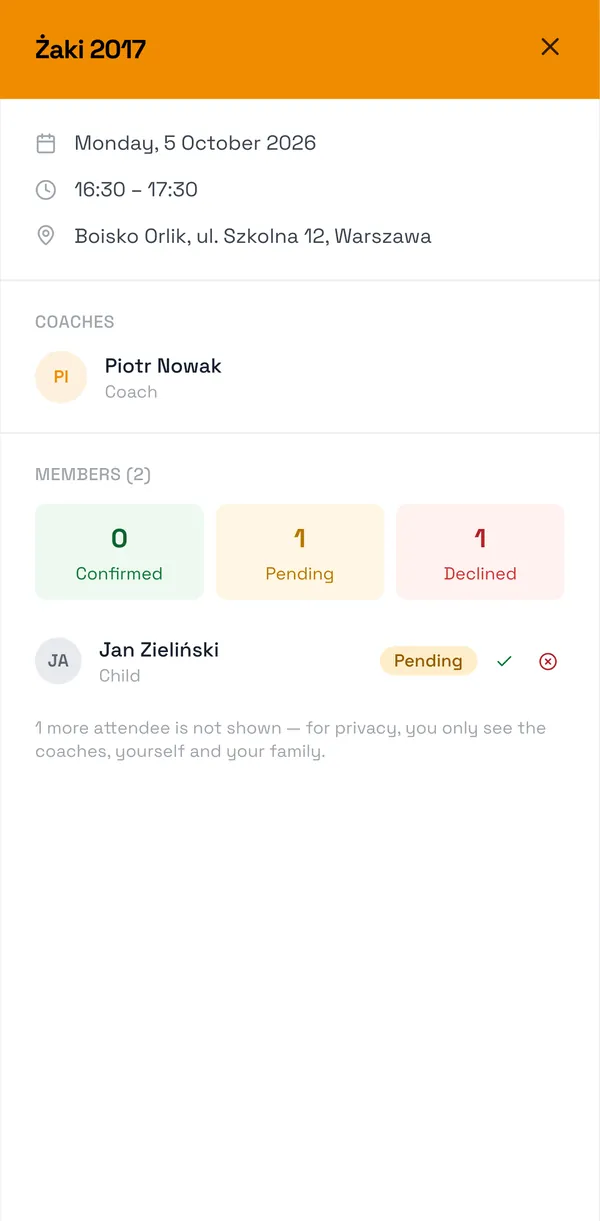
Click a session to see its details: the date, times, coaches and place. Clicking the address opens directions in Google or Apple Maps. The attendee list shows the coaches, you and your family — other attendees are hidden for privacy.
Confirm or decline
-
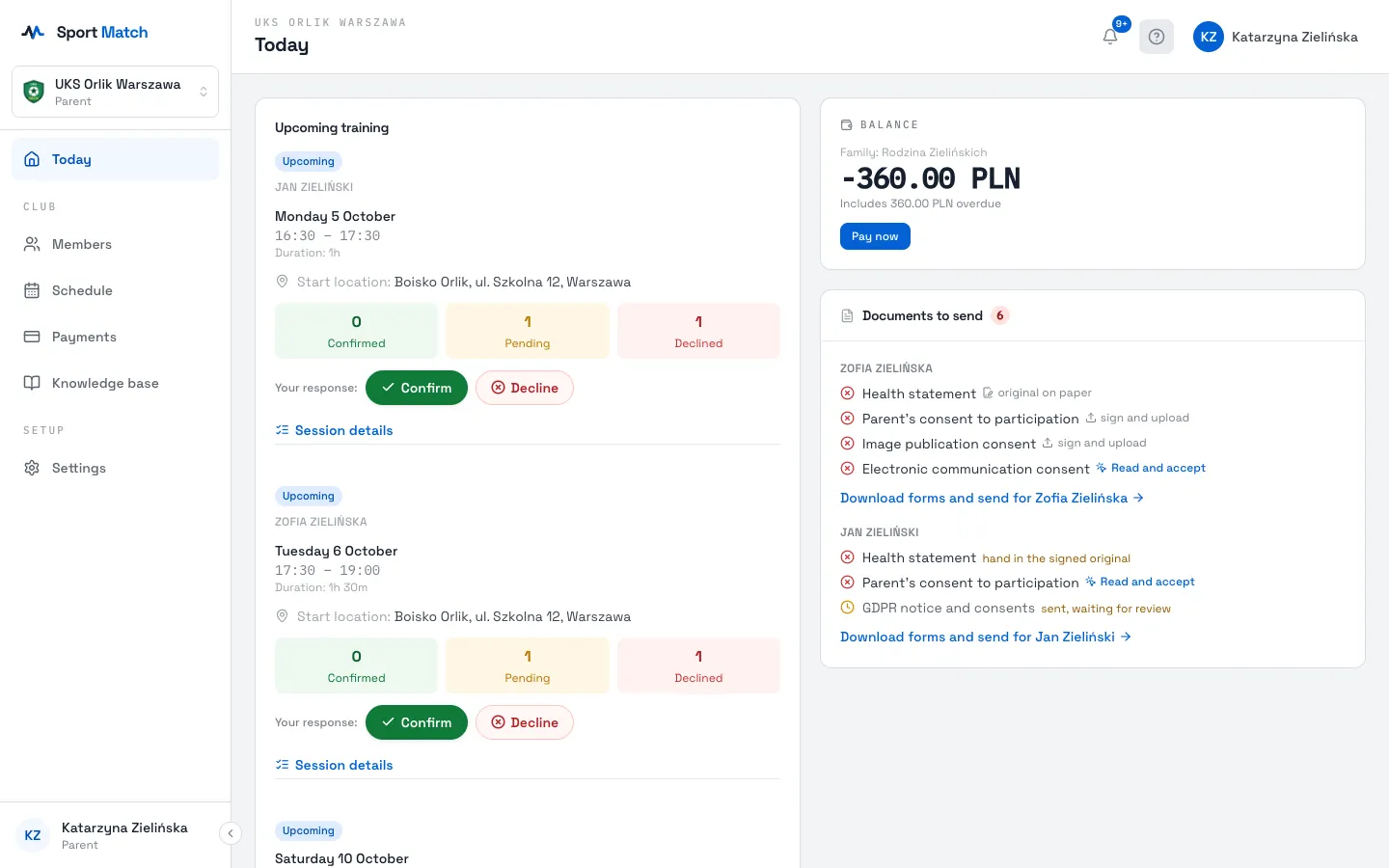
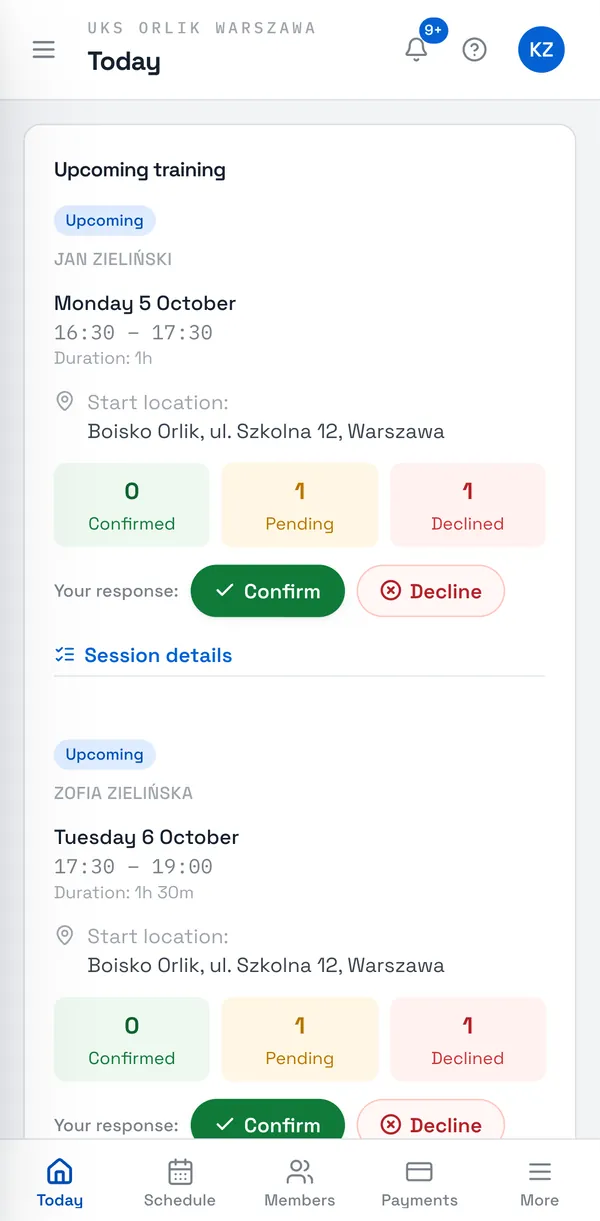
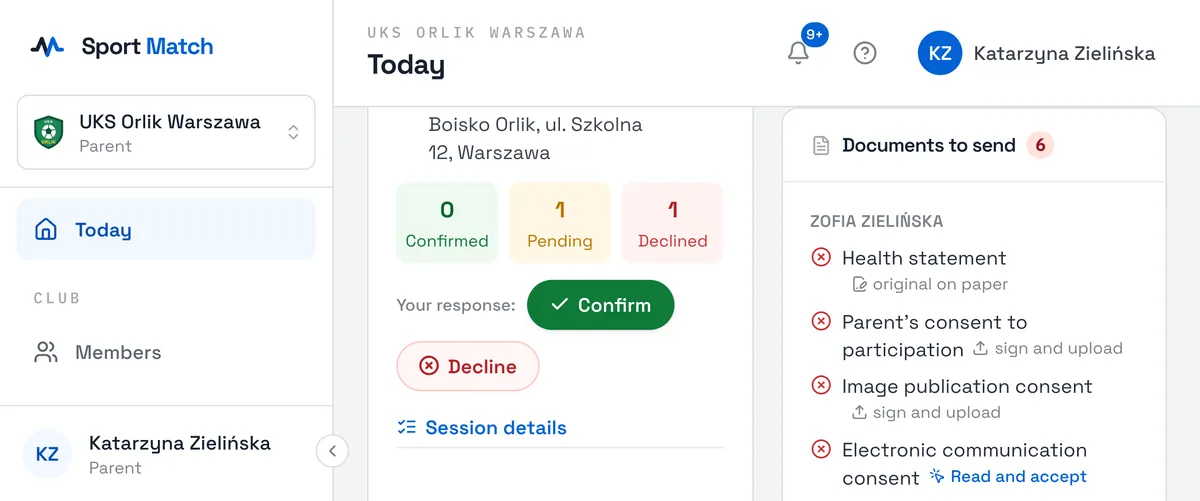
On Today, on the Upcoming training card, next to Your response choose Confirm or Decline.
-
You can also answer from the schedule: open the session and, next to your name (or your child’s), click ✓ to confirm or ✕ to decline. When several of your children are on the same session you also get Confirm all and Decline all.
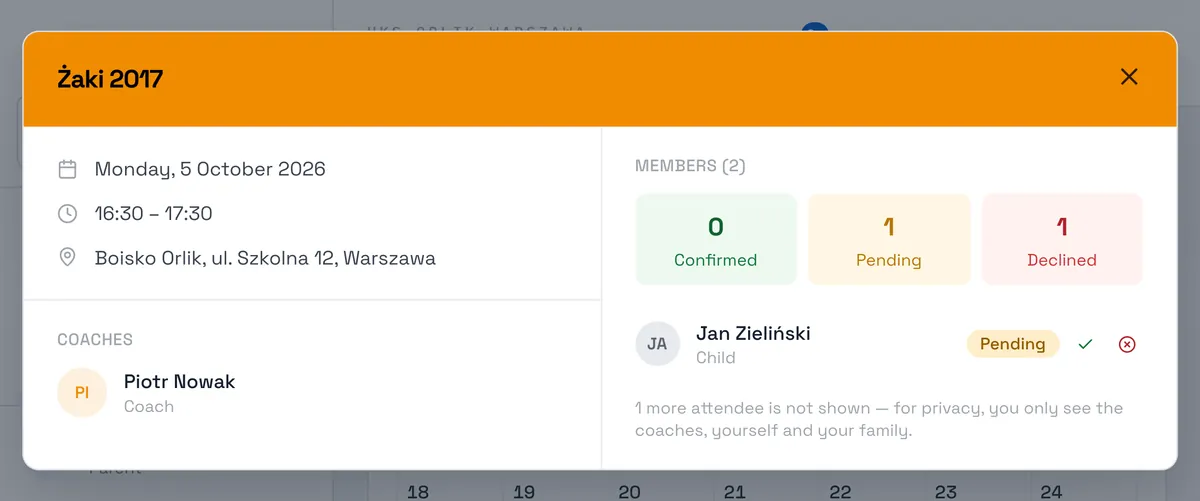
-
Changed your mind? Undo a confirmation with Cancel, or confirm a session you had declined.
Important: Responses close 24 hours before the session (“Responses are closed — the training starts in less than 24 hours.”). Anyone who hasn’t answered by then is confirmed automatically. If something comes up at the last minute, tell your coach.
Your answer is a declaration. After the session the coach marks who actually came — and that is what counts: people paying per session pay only for sessions they attended, and on a subscription attendance counts towards the monthly commitment. Details: Payments and your balance.
Your child’s attendance
A parent answers for a child exactly the same way — next to the child’s name. The Upcoming training card shows which child each session is for, above the date. If the club has set a primary guardian, only they can confirm or decline the child’s sessions; the other guardians are notified of every change. More in Parent accounts: your children.
Open sessions — sign up
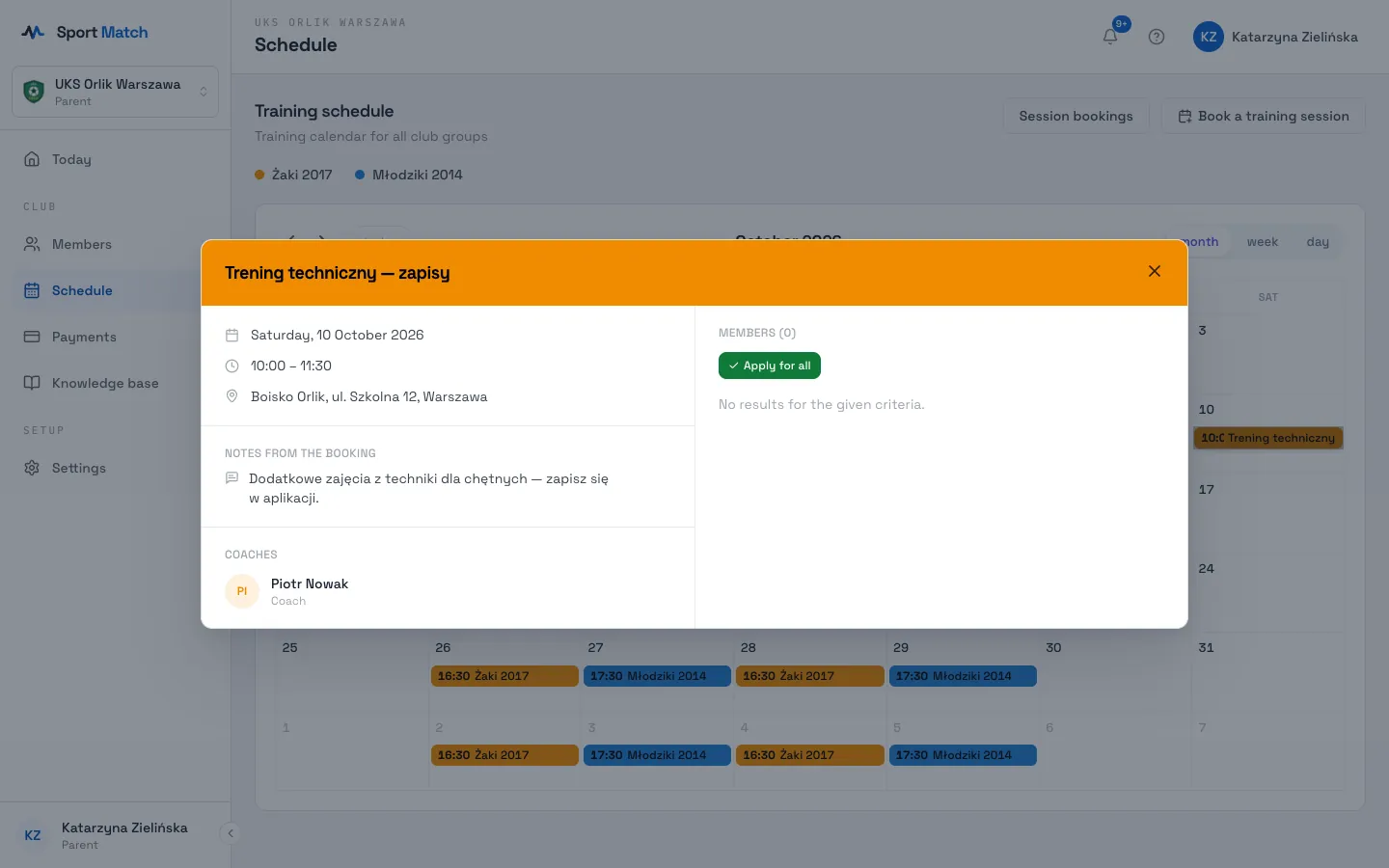
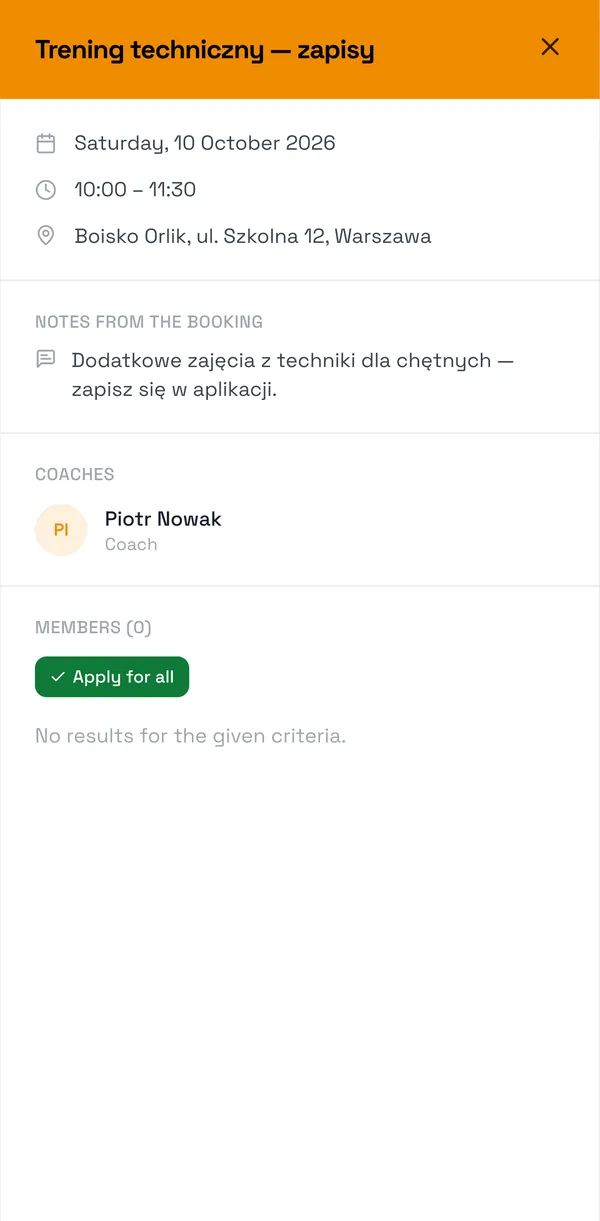
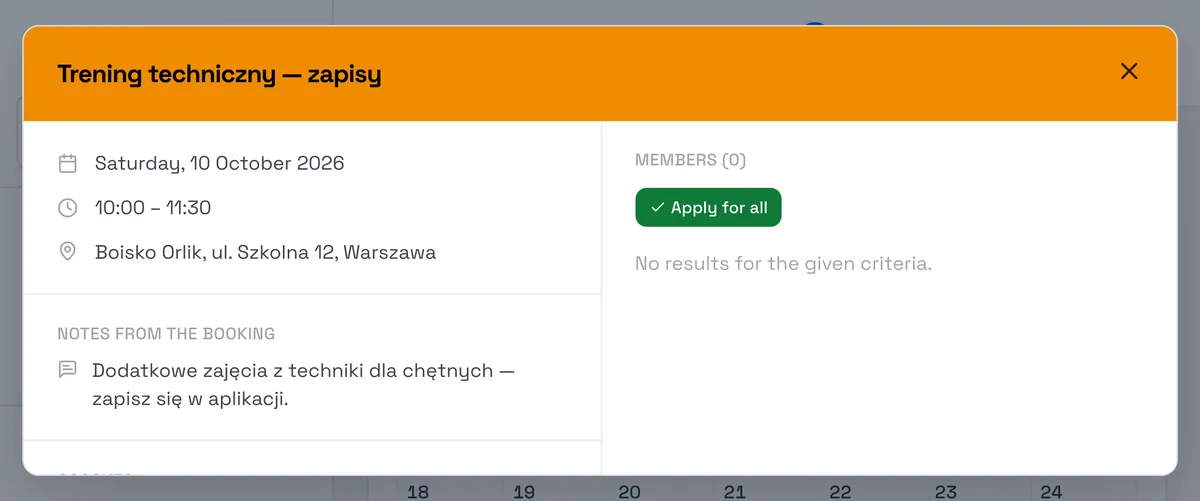
Sometimes a coach runs an extra session people sign up for — you’ll get a “New optional training… is open” notification. Open the session in the schedule and choose Apply to join (or Apply for all to sign up several children). Once you’re in you’ll see You’re in with a Withdraw button next to it. The same deadline applies: up to 24 hours before the session.
Frequently asked questions
Does declining cost anything?
Declining in advance never triggers a charge for pay-as-you-go sessions. On a subscription, the rules (such as the required attendance percentage) are set by the club — see Payments and your balance or ask your coach.
I don’t see the Confirm and Decline buttons
Either the session starts in less than 24 hours and responses are closed, or — for a child — the primary guardian decides.
Didn’t find an answer?
Write to us in the chat — it opens on this page, no login needed — or email contact@sportmatch.pl.