Booking a one-to-one session
Pick a coach and a time, and the coach prices the session. You only pay once you accept the price — a 50% deposit confirms the booking.
Screenshots
First, verify your phone
Your coach confirms the session by phone, so booking needs a verified mobile number. Without one, the booking window shows Confirm your mobile number first with a Go to Settings → My profile link. There, choose Verify next to your phone number and enter the code from the text message.
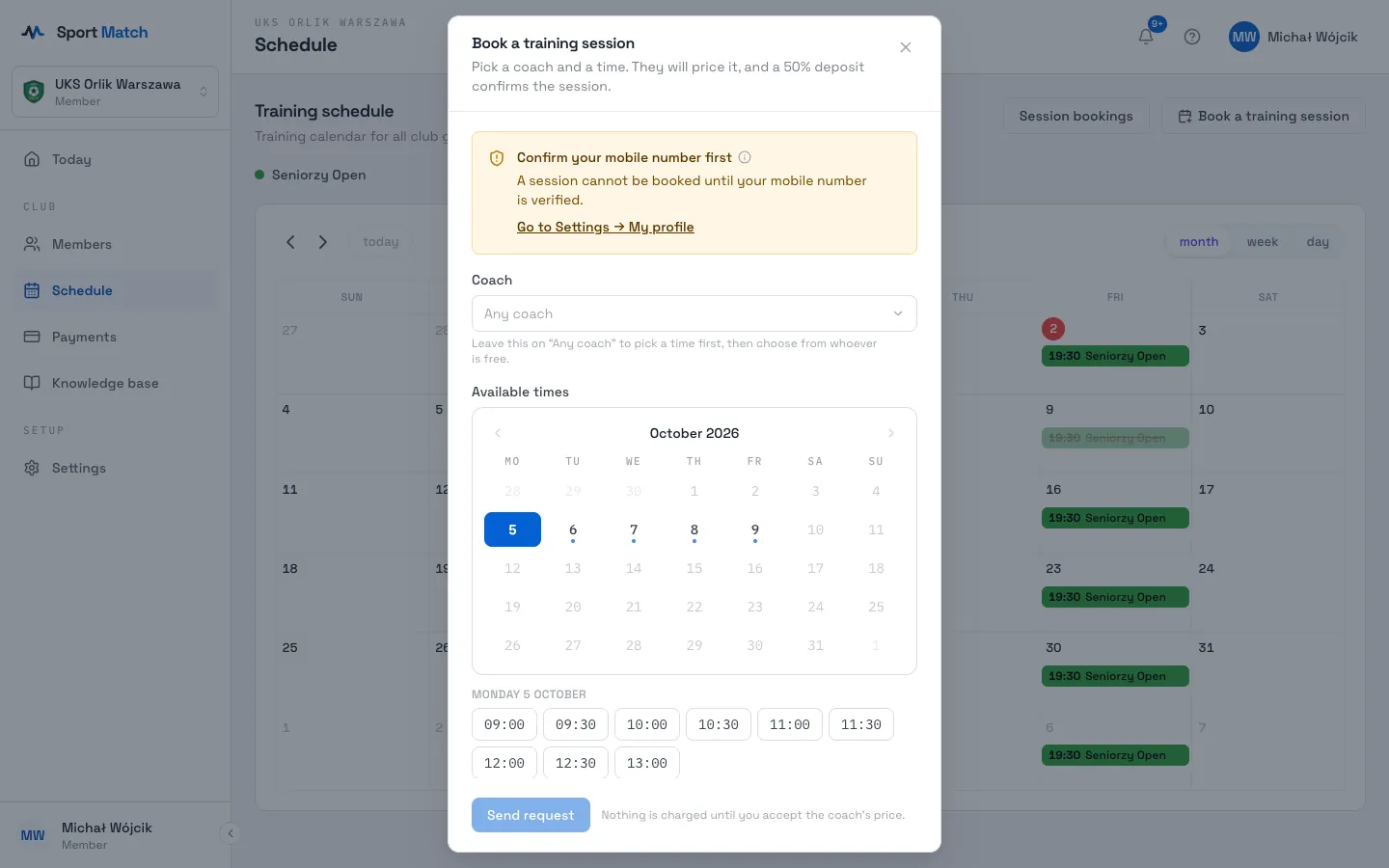
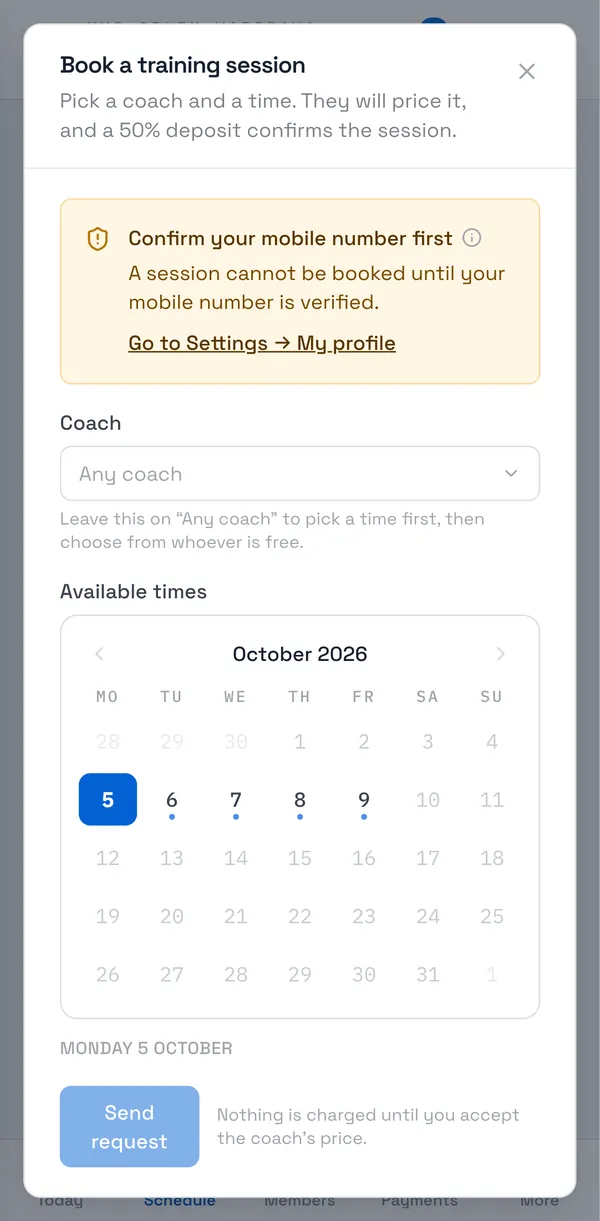
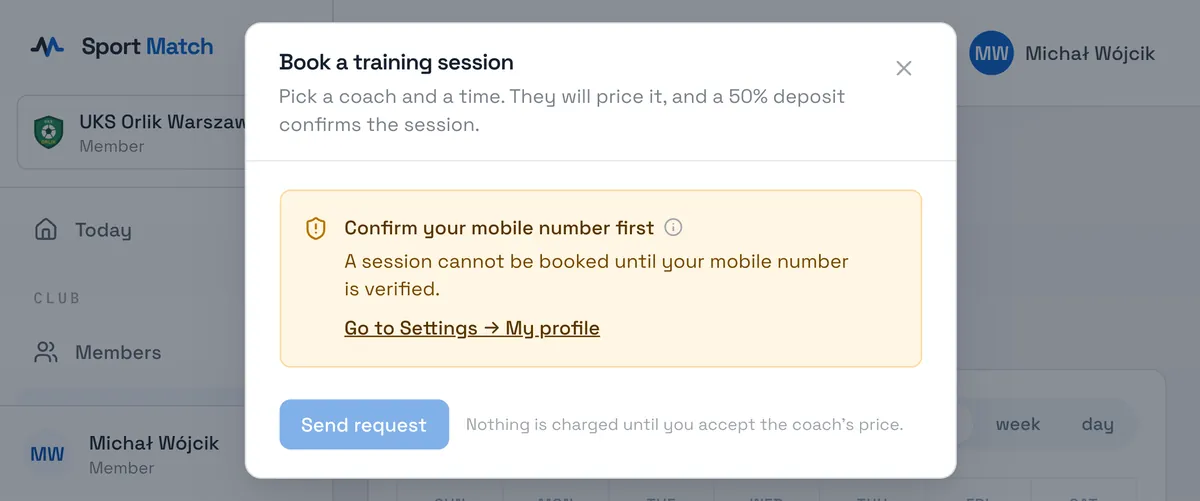
Book a session
-
In the Schedule, choose Book a training session.
-
Under Coach, pick a coach or leave Any coach — then you choose a time first and one of the coaches free then.
-
Under Available times, click a day on the calendar (a dot means there are free times), then a time.
-
Choose a Session type (its standard price is shown), or tick I would like to organise this a little differently and describe the group and the place. Add goals or notes under Anything else the coach should know?.
-
Tick the consent to share your contact details with the coach and choose Send request. Nothing is charged until you accept the coach’s price.
Accepting the price and the deposit
-
When the coach prices the session you get a notification. Open Schedule → Session bookings → My bookings — the booking shows Price offered.
-
Choose Accept and pay — you’re taken to pay the 50% deposit through Przelewy24. Or choose Cancel.
-
Once the deposit is paid the booking is Confirmed and appears in your schedule. You settle the rest with the coach.
Tip: Before a booked session you get a reminder the day before and an hour before it starts — just like a regular session, on the channels chosen in your notification settings. Someone who booked without an account (from a booking widget on a website) gets the reminders by email and by text message to the number given with the booking.
Bookings work when your club’s coaches take them in the app. If no coach is listed (“This club has no coaches taking bookings yet.”), ask your club.
Didn’t find an answer?
Write to us in the chat — it opens on this page, no login needed — or email contact@sportmatch.pl.