Training types and pricing
A training type is a price list: it says what sessions cost and how they are billed. Every group and every session has one, and Sport Match charges members from it automatically. Open Club settings → Training types.
Screenshots
Three ways of billing
- One-time — pay as you go
- One price per session. A member pays only once a coach marks them present — nothing is charged for a session they didn’t come to. Good for drop-in groups and adults.
- Subscription
- A Standard price per session plus optional Commitment levels: a member who commits upfront to regular attendance pays a lower rate — as long as they keep to it. Charges are added automatically before each session.
- Camp-based (by number of days)
- Price tiers by number of days, e.g. 5 days — 950 PLN, 10 days — 1750 PLN. Note: today the app charges every confirmed participant the highest (longest) tier, however many days they come — you’ll see a note about it when creating the session.
Add a training type
-
Choose Add training type.
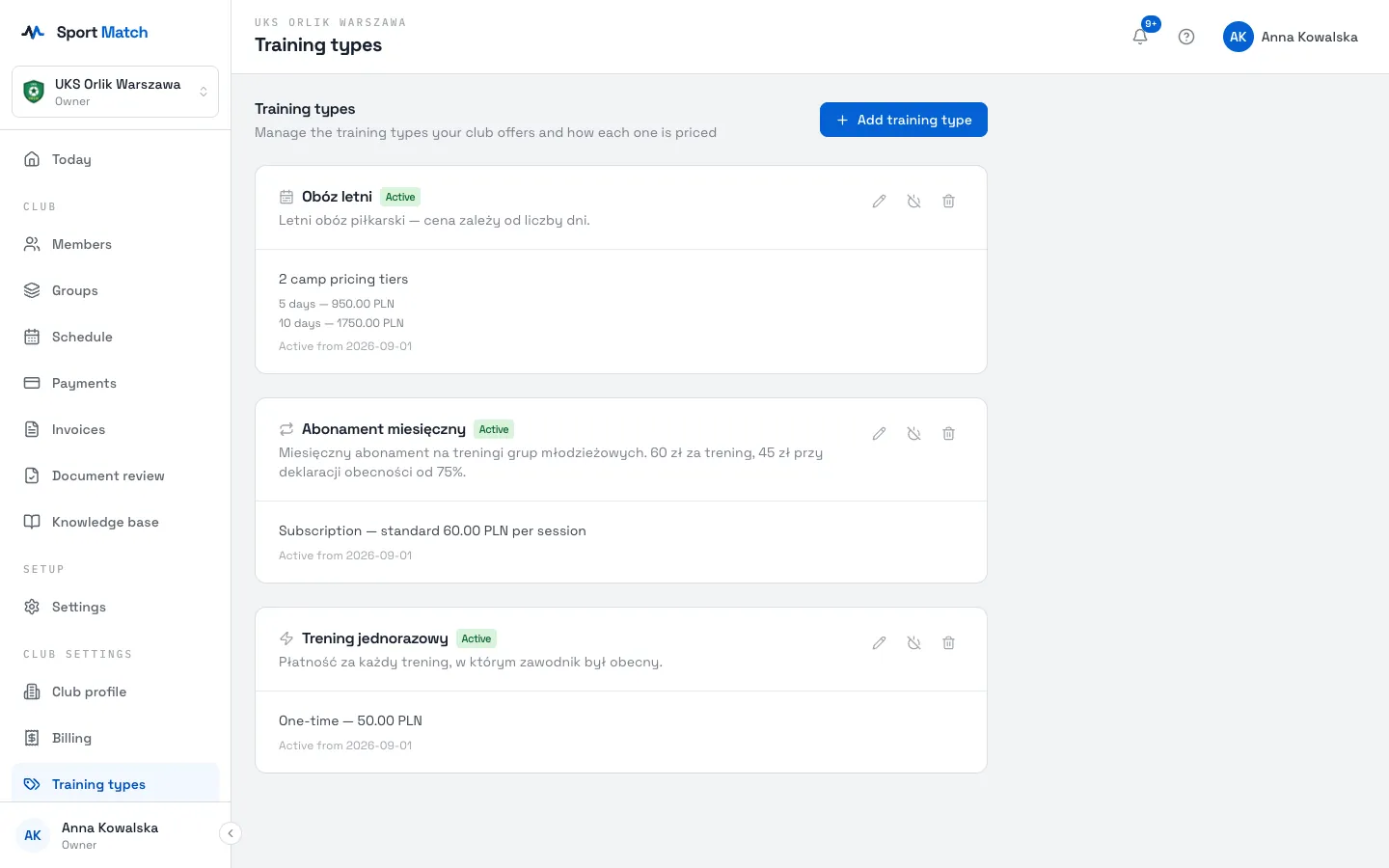
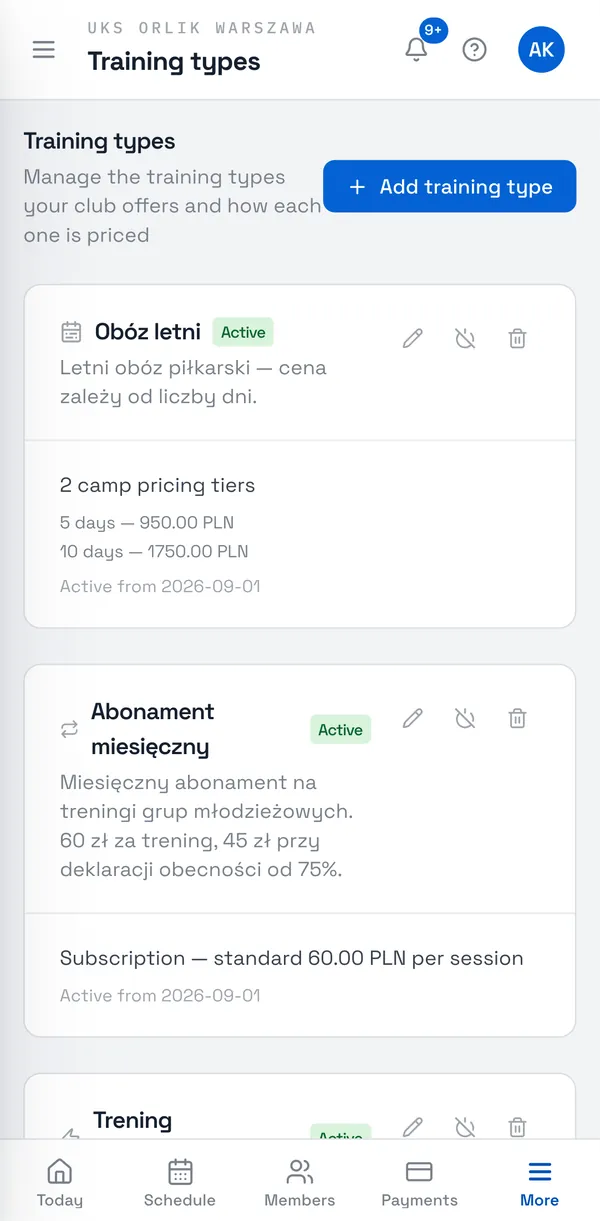
-
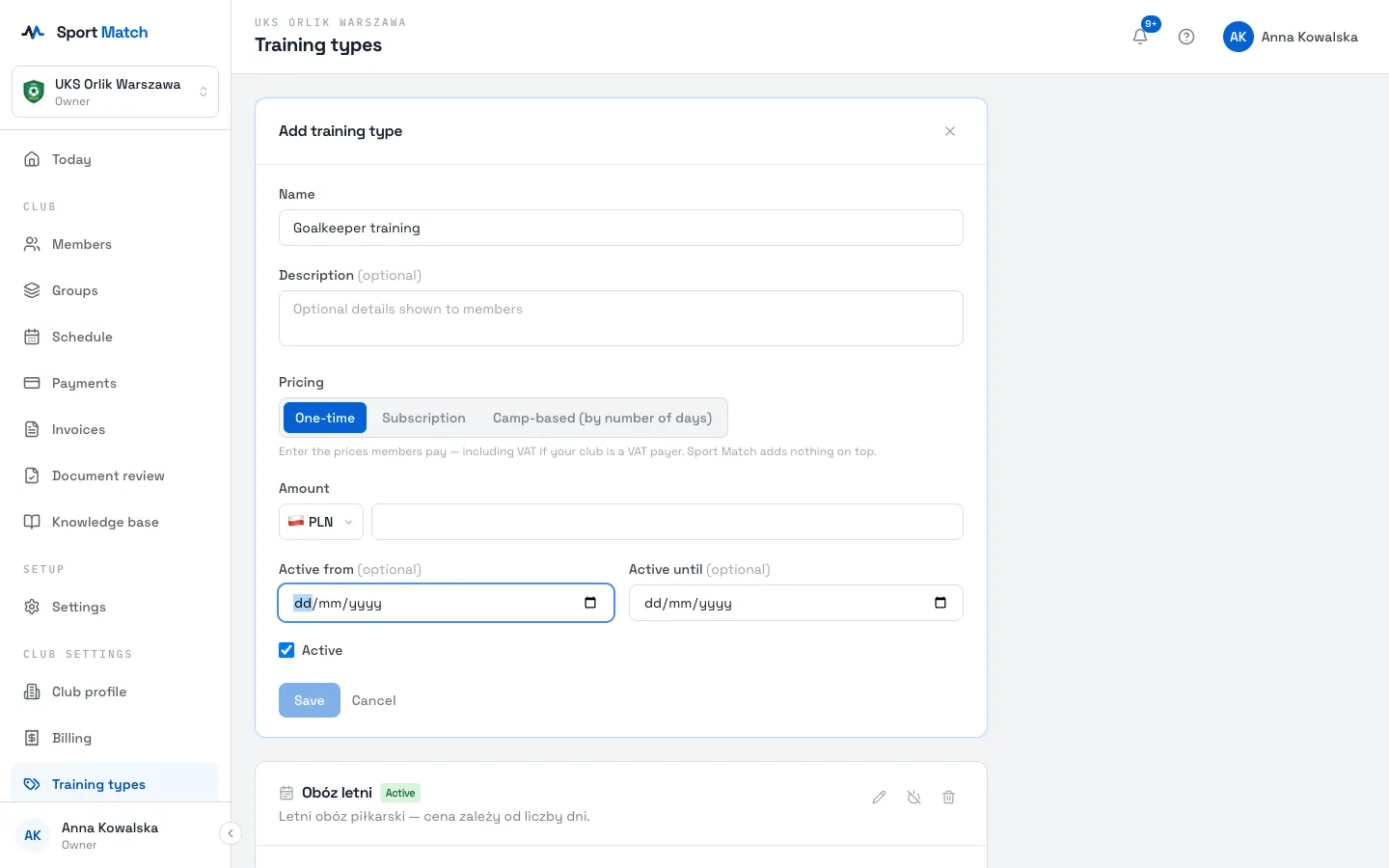
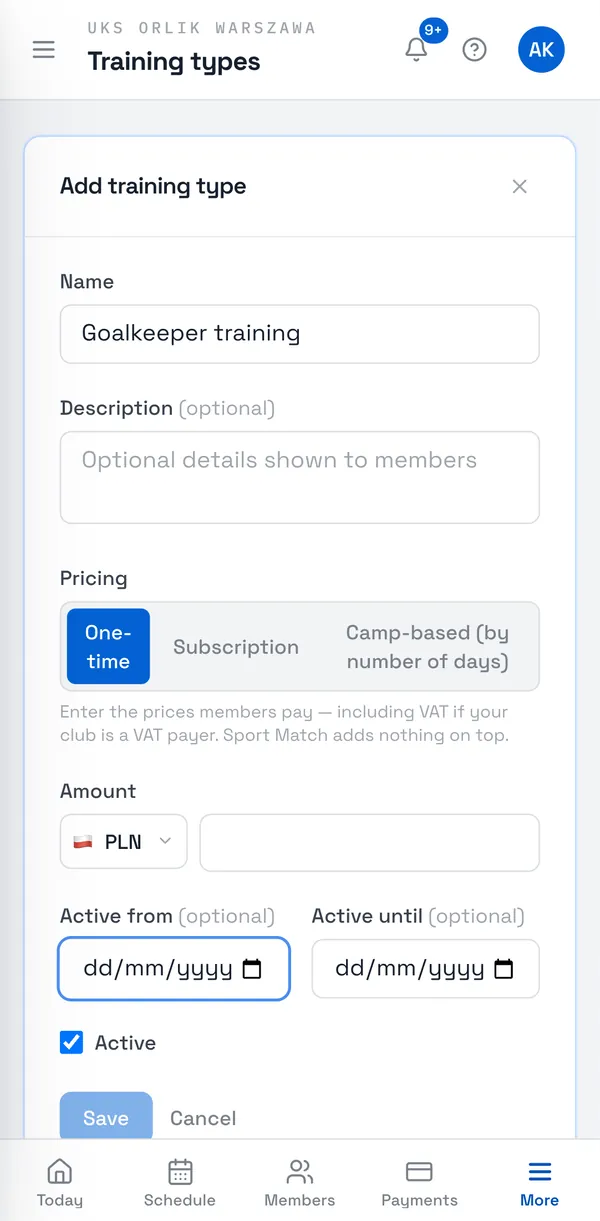
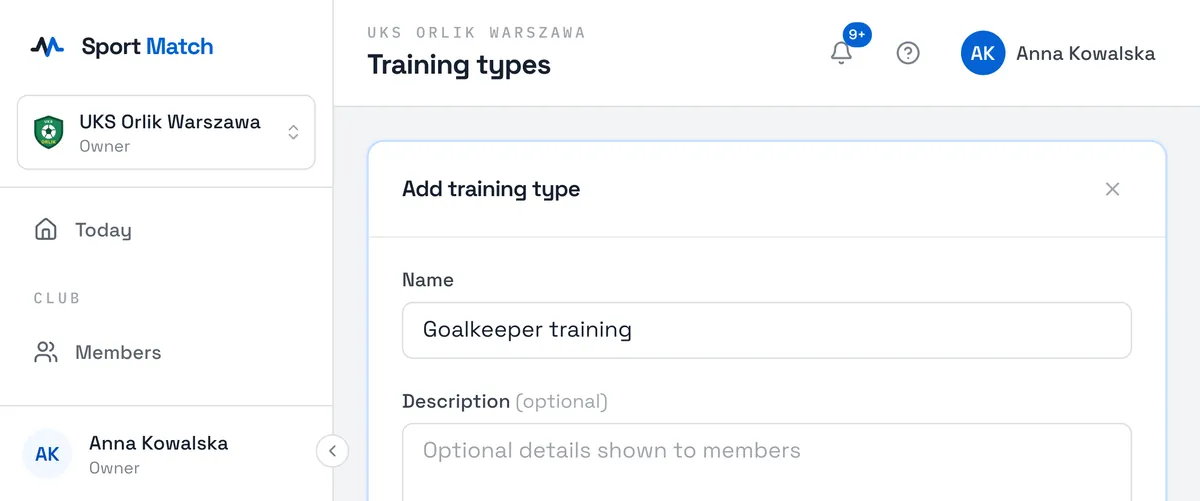
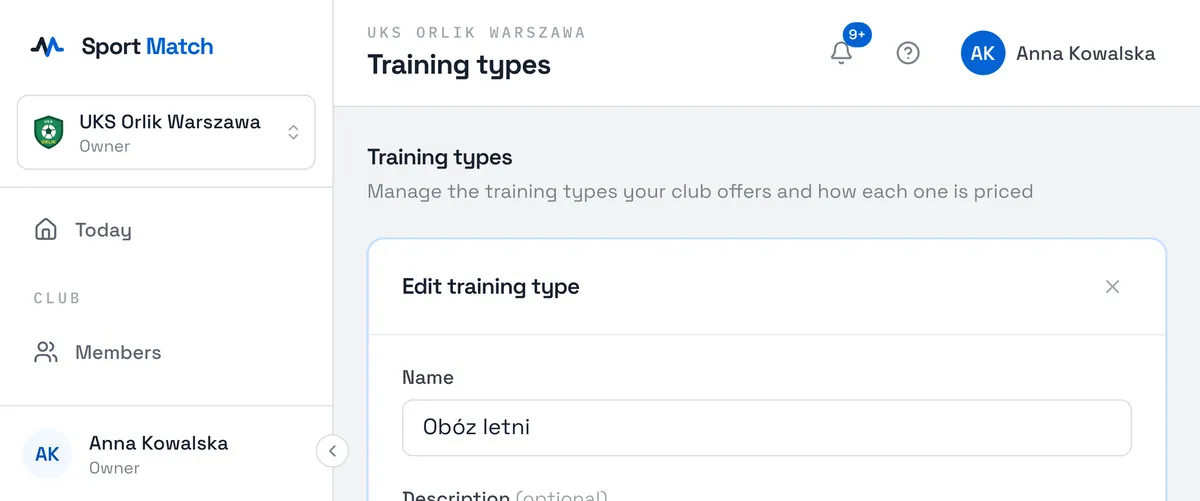
Enter a Name (e.g. “Monthly membership”) and, if you like, a Description members will see. Under Pricing, choose One-time, Subscription or Camp-based (by number of days) and enter the amounts.
-
Optionally set Active from and Active until — e.g. for a seasonal price list. Leave Active ticked and choose Save.
Enter the prices members pay — including VAT if your club is a VAT payer. Sport Match adds nothing on top.
Subscriptions with commitment levels
-
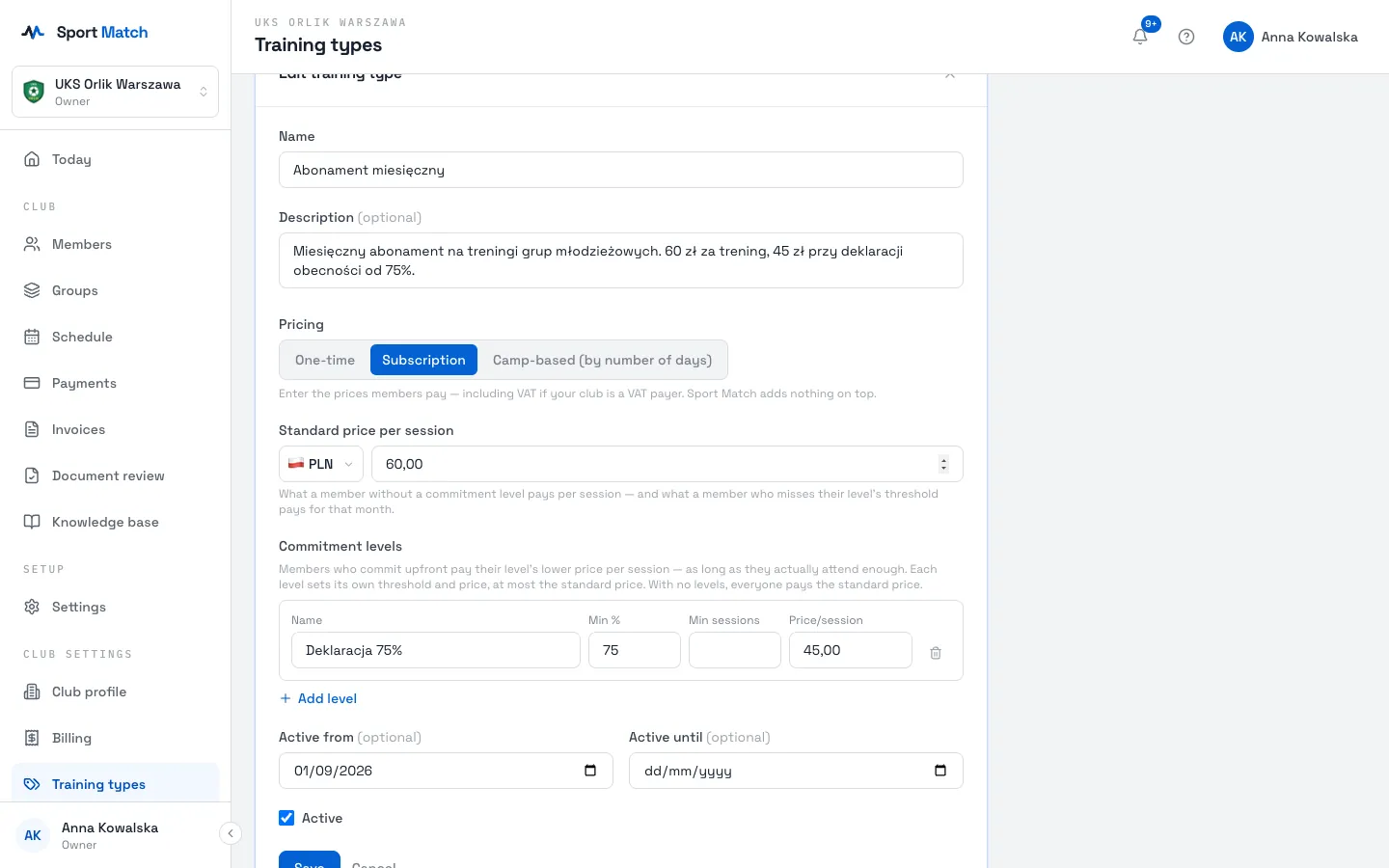
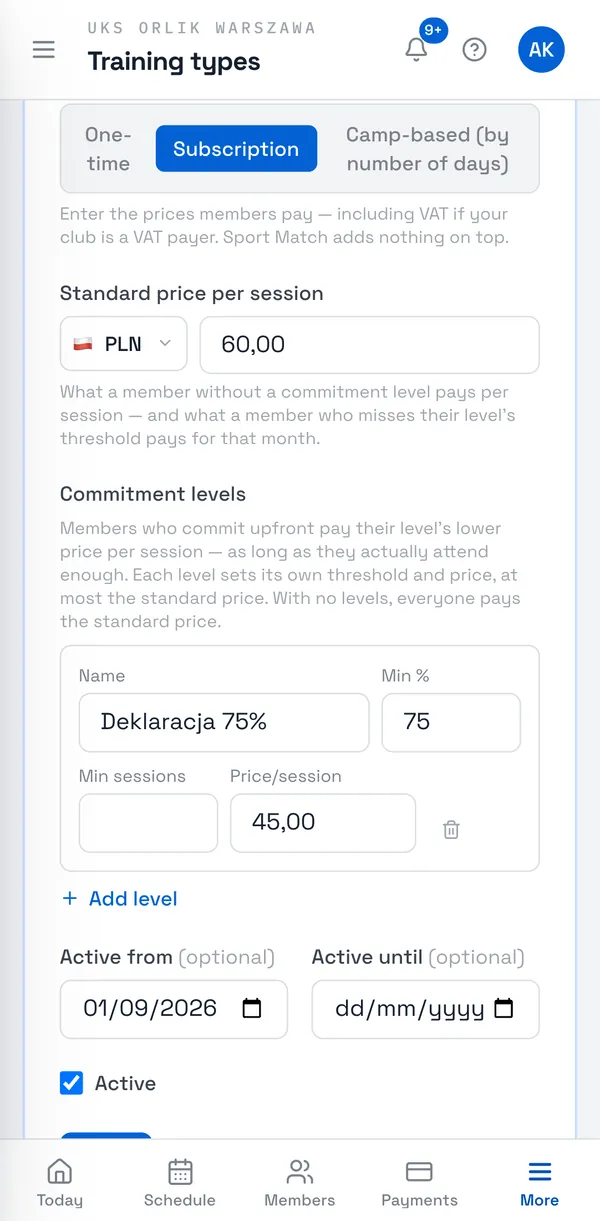
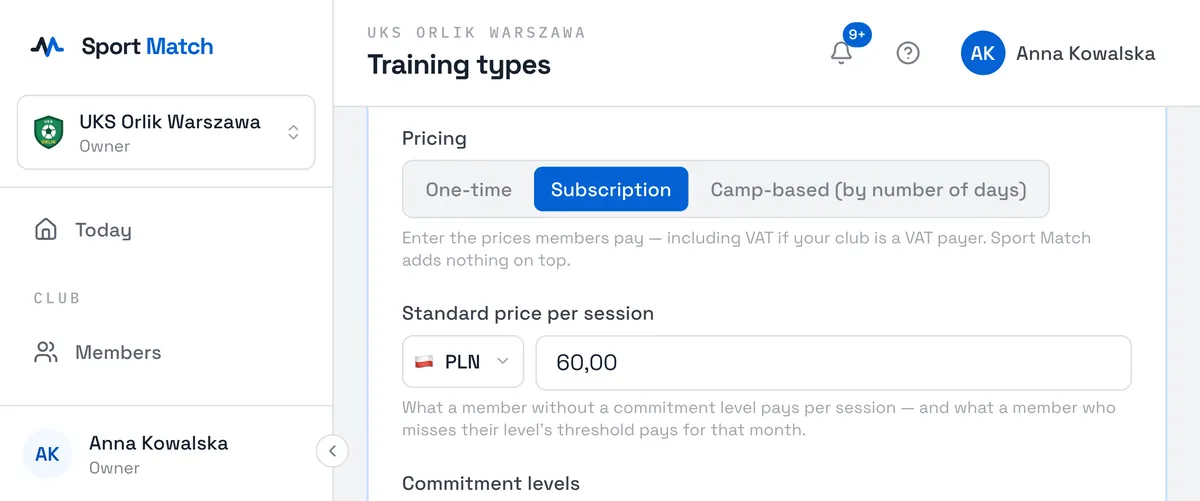
For a subscription, enter the Standard price per session, and under Commitment levels choose Add level: Name, Min % (required attendance), optionally Min sessions, and Price/session. A level’s price can’t be higher than the standard price.
How it works — an example
At UKS Orlik, the “Monthly subscription” costs 60 PLN a session, and the “75% commitment” level 45 PLN. The Żaki group trains twice a week — about 8 sessions a month.
- During the month, a member with the commitment is charged 45 PLN before each session — marked Provisional.
- At month end Sport Match checks attendance. Attendance: 7 of 8 sessions (88%) — the month is settled at 45 PLN a session (Final).
- Attendance: 4 of 8 (50%) — the whole month is re-priced at the 60 PLN standard rate, and the difference is added to their balance.
- A member without a commitment level always pays 60 PLN. In the “Seniorzy Open” group, on the one-time price list (50 PLN), people pay only for sessions they were present at.
You pick each member’s payment type and commitment level when assigning them to a group — see Groups. The month-end settlement only ever raises a bill, never lowers it.
Camp price lists
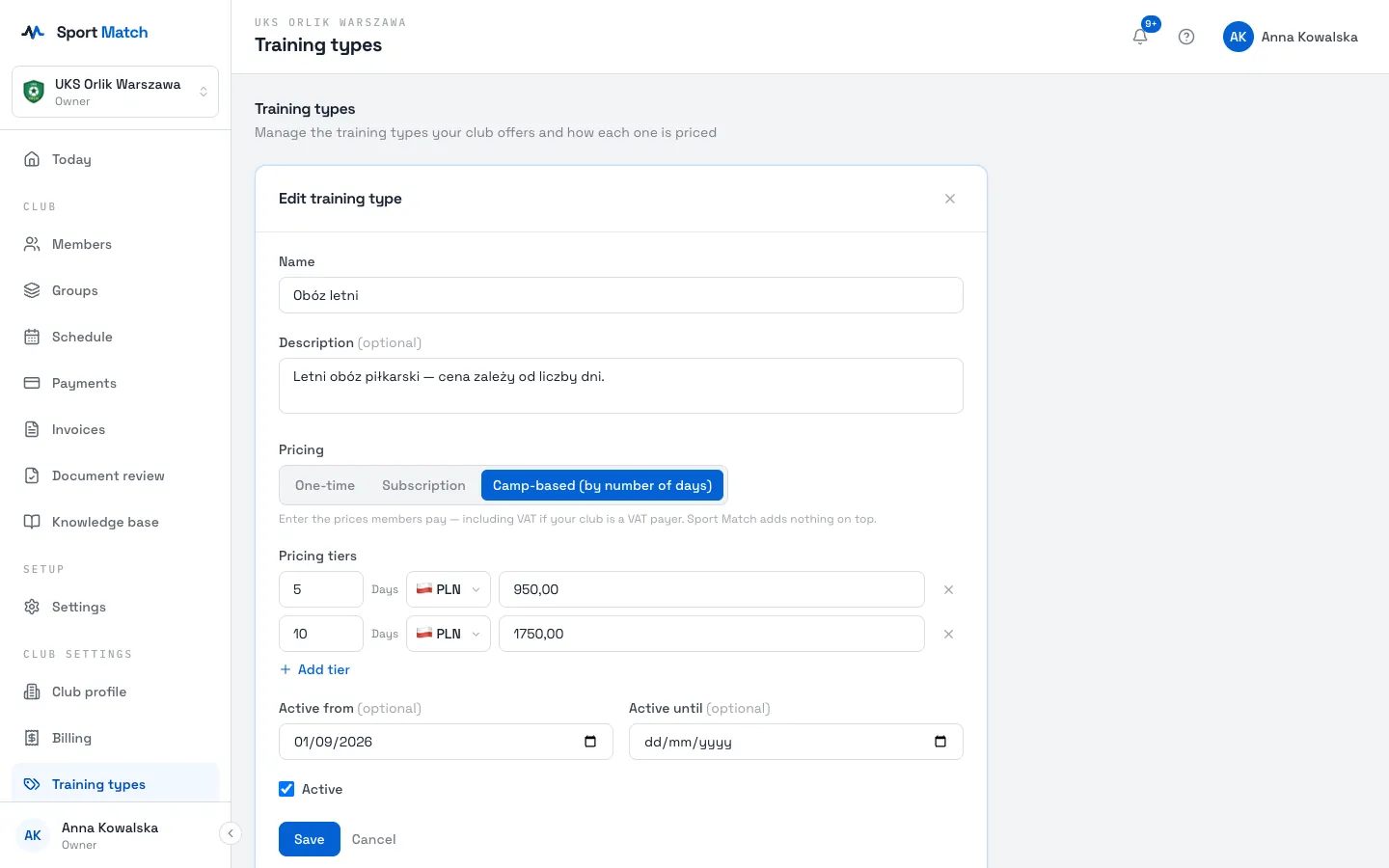
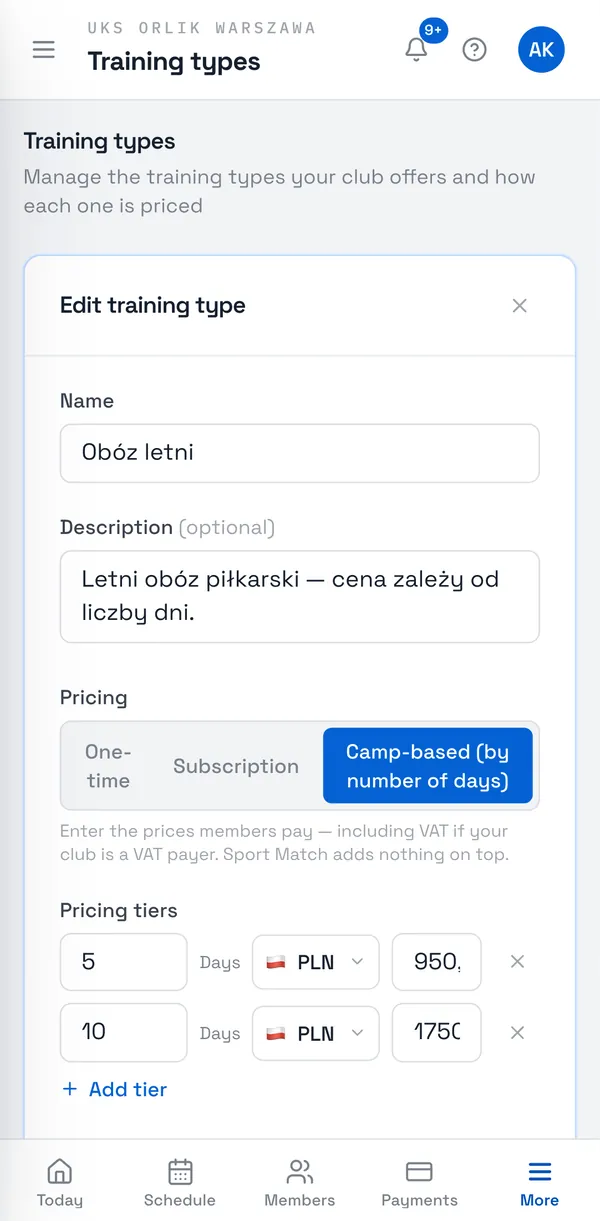
For a camp price list, choose Add tier and enter the Days and price for each option.
Editing, deactivating and deleting
- Edit (pencil) — changes the name, description, prices and dates. New prices apply to charges from now on; charges already made don’t change.
- Deactivate / Activate — switches a price list off without deleting it, e.g. for the summer break.
- Delete — removes the training type for good (after you confirm). If it has been used already, deactivating is the safer choice.
Frequently asked questions
Can a member pay for the whole month upfront?
Yes — in Payments they can pay any amount above what’s overdue, and the surplus stays on their balance and covers later charges. See Payments and your balance.
When exactly is a subscription charge added?
About 20 hours before each session starts, for members assigned to the group on a subscription. Sessions cancelled before then are not charged.
Didn’t find an answer?
Write to us in the chat — it opens on this page, no login needed — or email contact@sportmatch.pl.