Inviting members, parents and coaches
People join your club by invitation. You have two options: one shared link (and QR code) for everyone, or individual email invitations. Only the club owner can invite. Open Members.
Screenshots
The join link and QR code
-
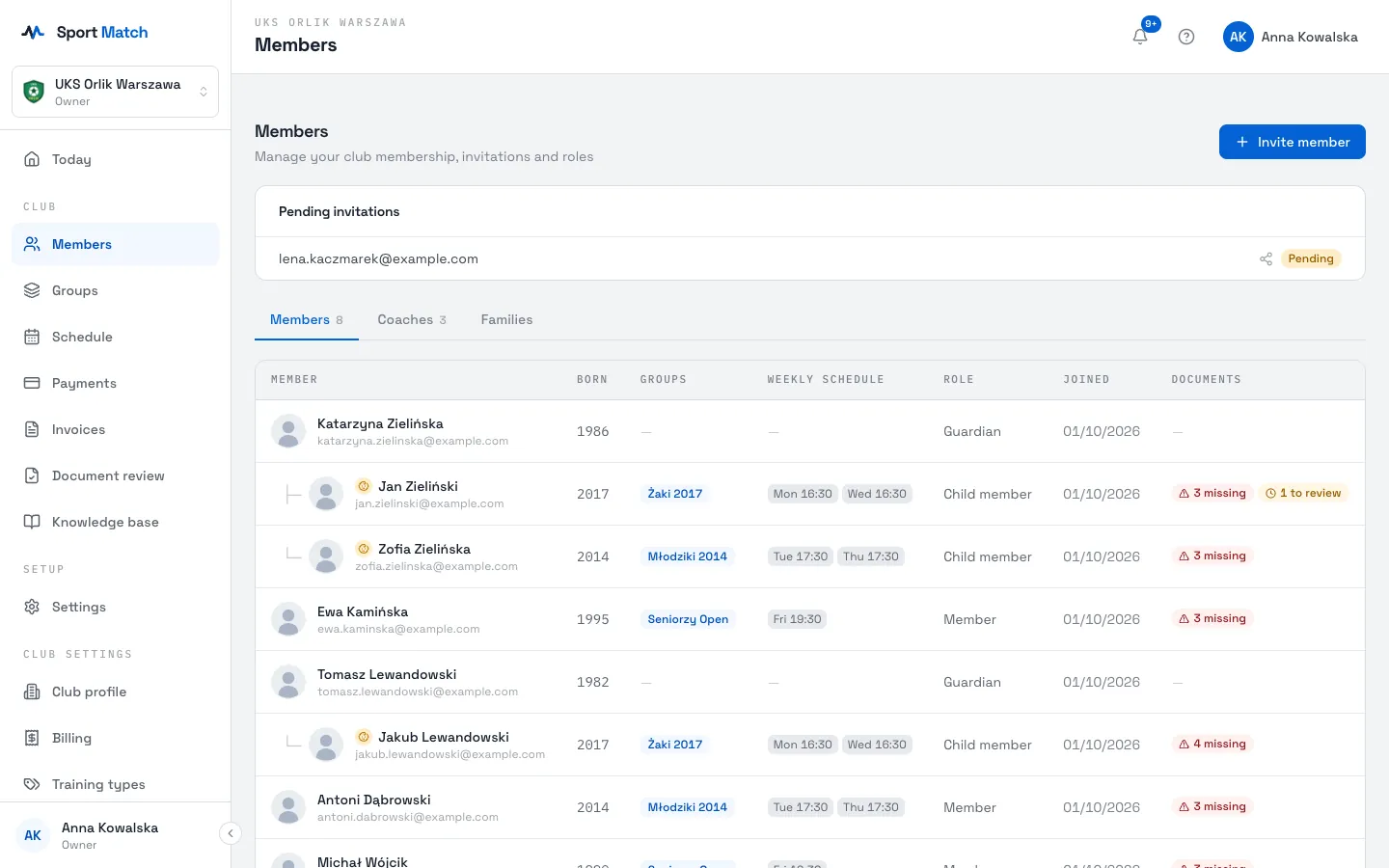
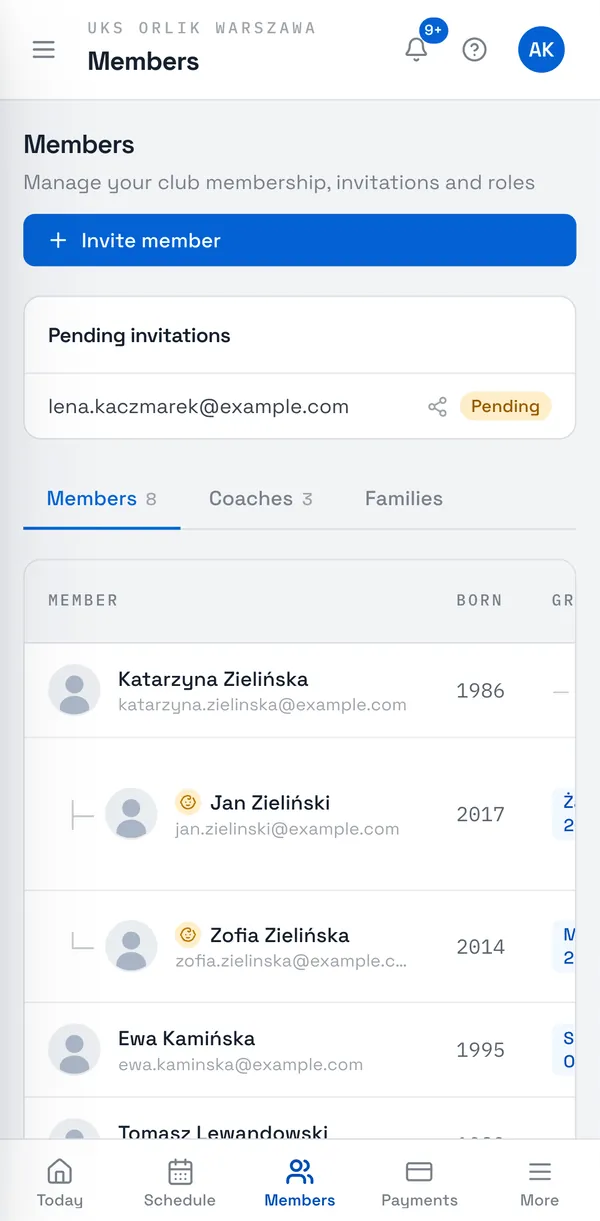
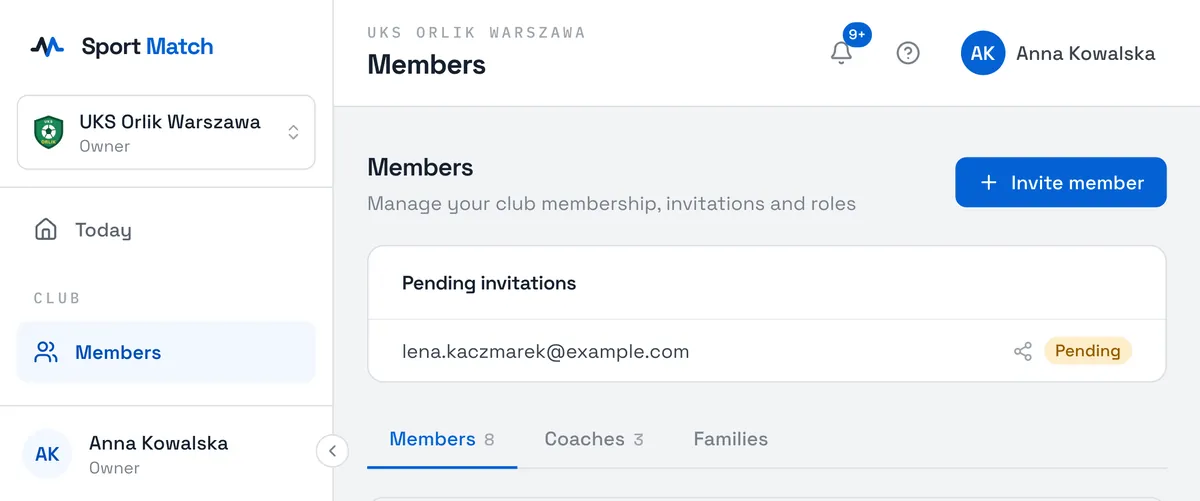
On the Members page, choose Invite member.
-
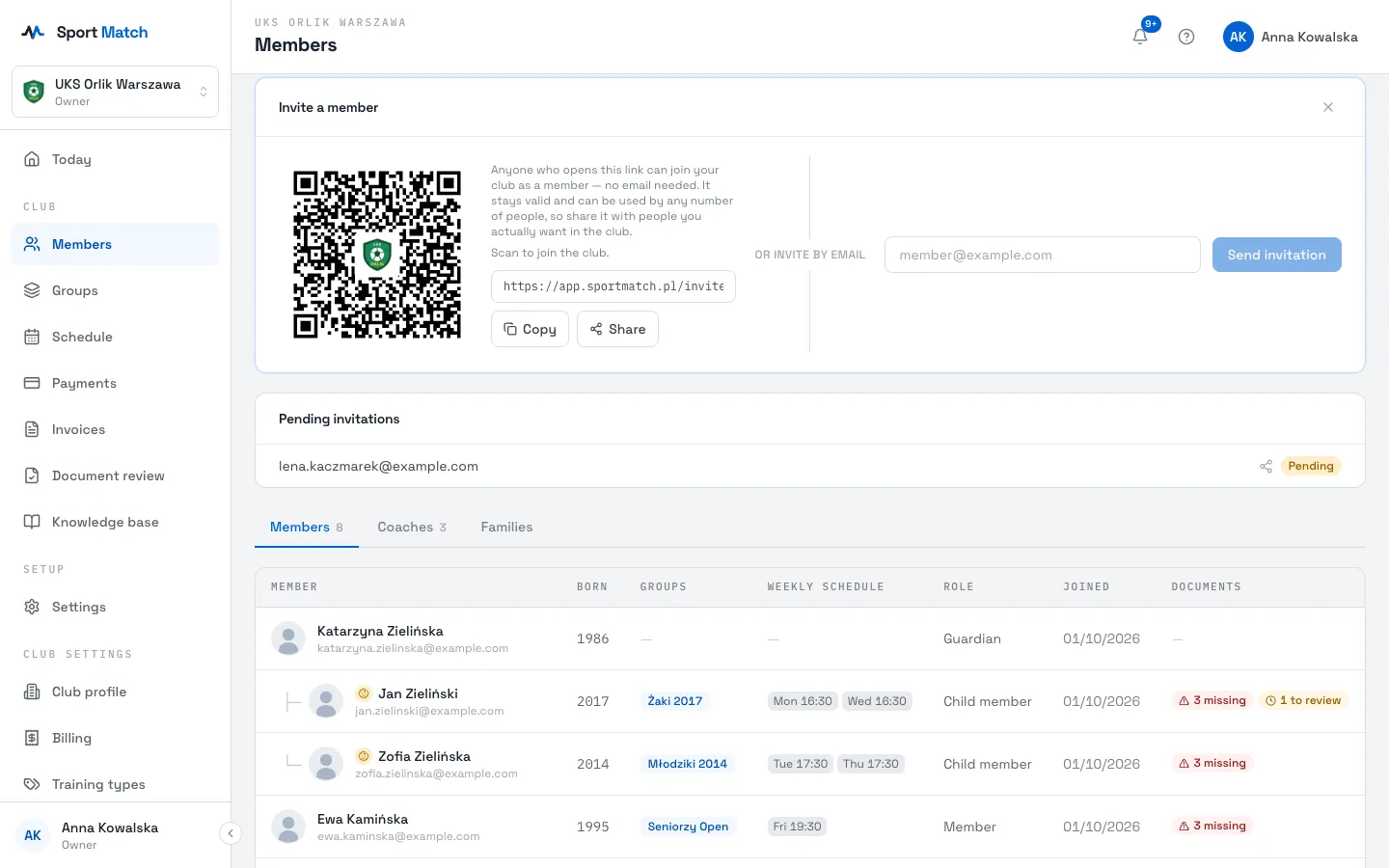
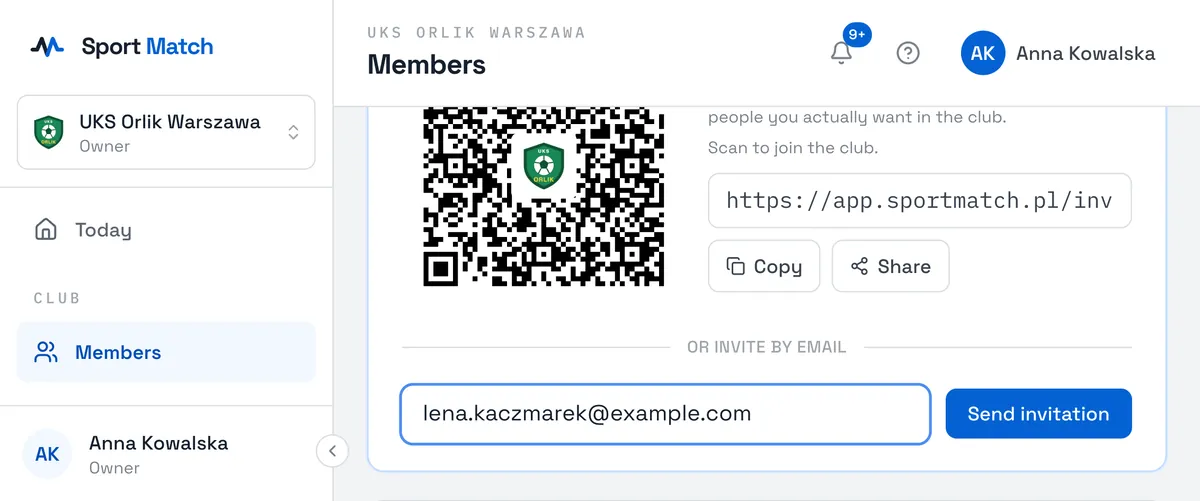
At the top is the Club join link with its QR code. Choose Copy and send the link to your parents’ group chat, print the QR code for the noticeboard, or show it on screen at a meeting (Enlarge QR code). On a phone, Share opens your messaging apps.
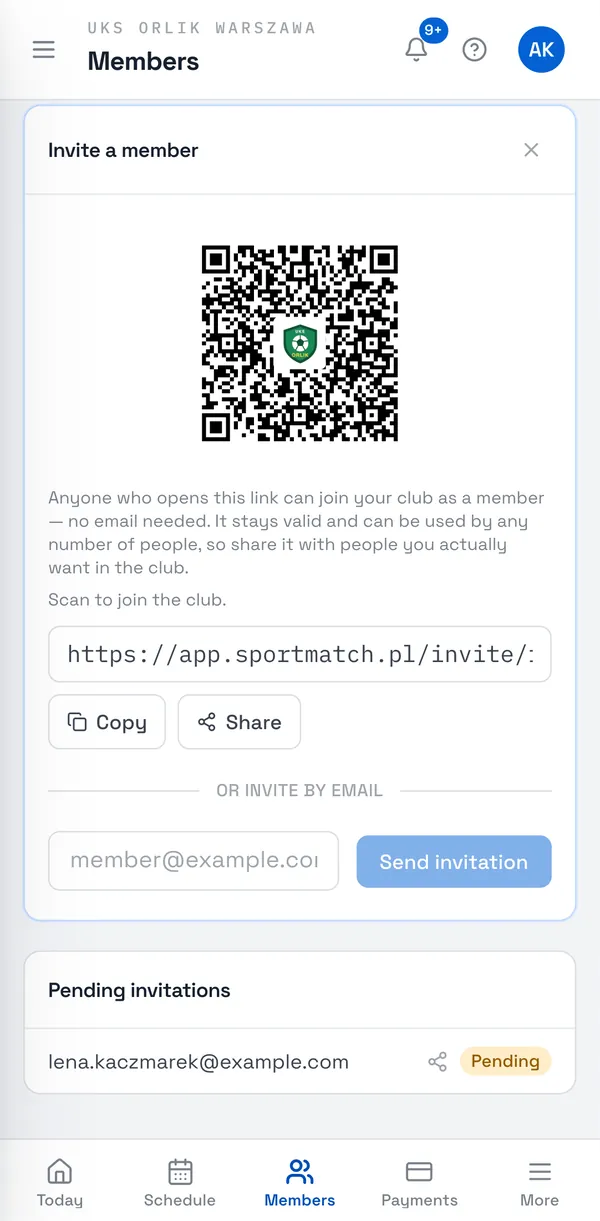
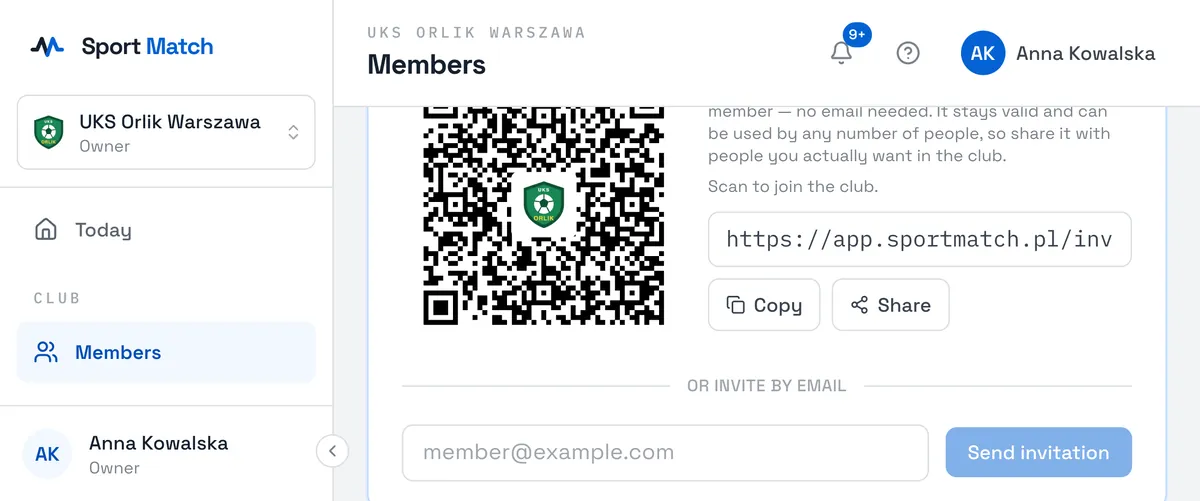
Important: The club link never expires and any number of people can use it — anyone who opens it can join as a member. Share it only with people you want in your club.
Inviting by email
-
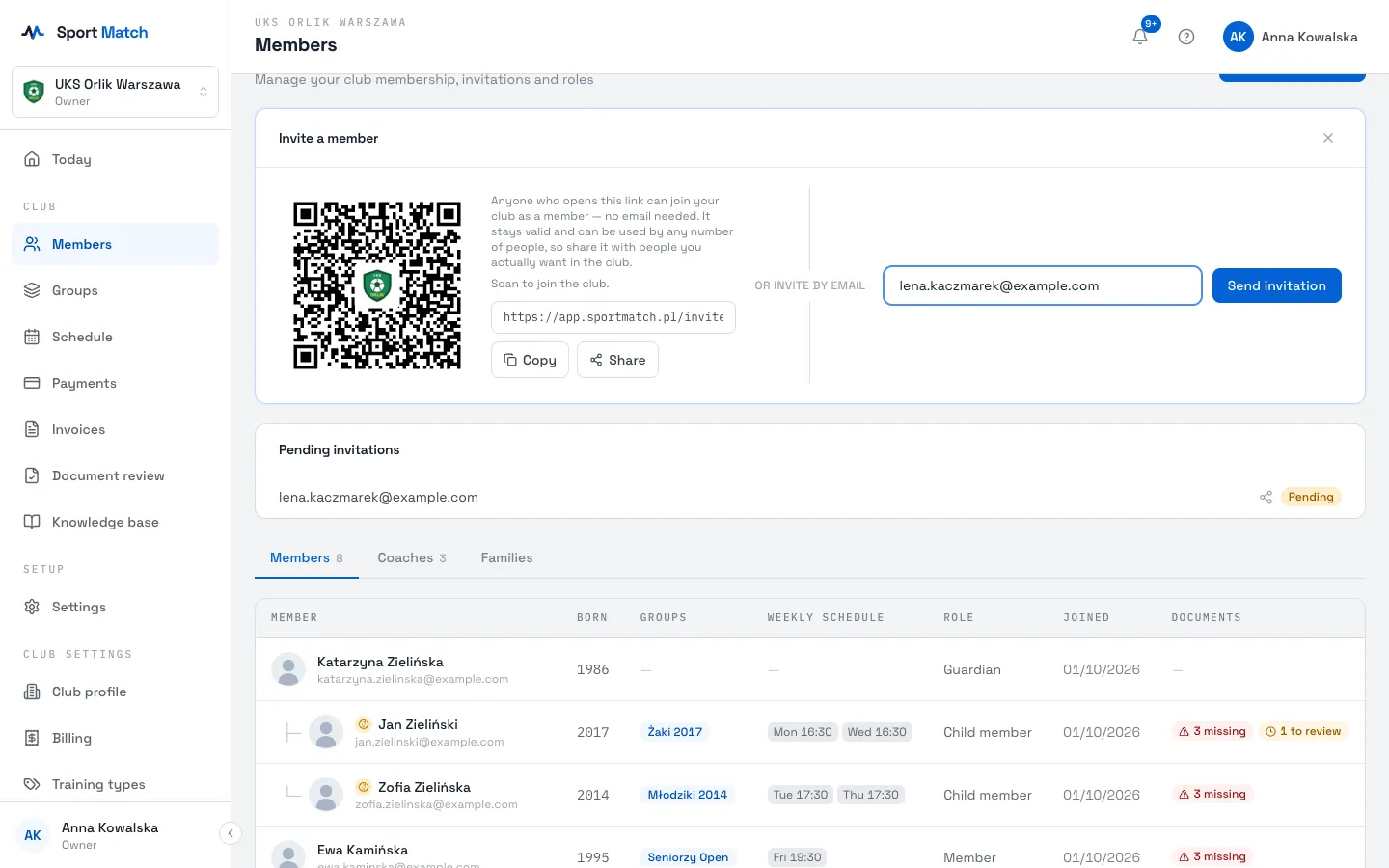
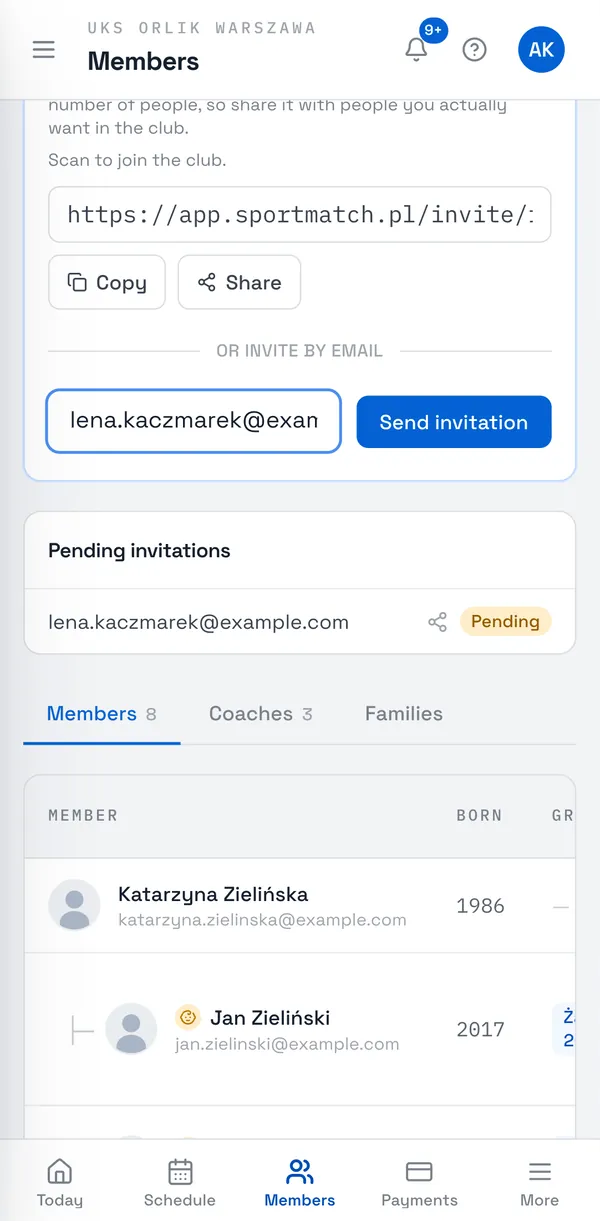
In the same panel, under or invite by email, enter the email address and choose Send invitation. The person doesn’t need a Sport Match account yet.
-
Once sent, you’ll see a Shareable invitation link with a QR code. This invitation is single-use — you can also send it by text or messenger in case the email doesn’t arrive.
Pending invitations
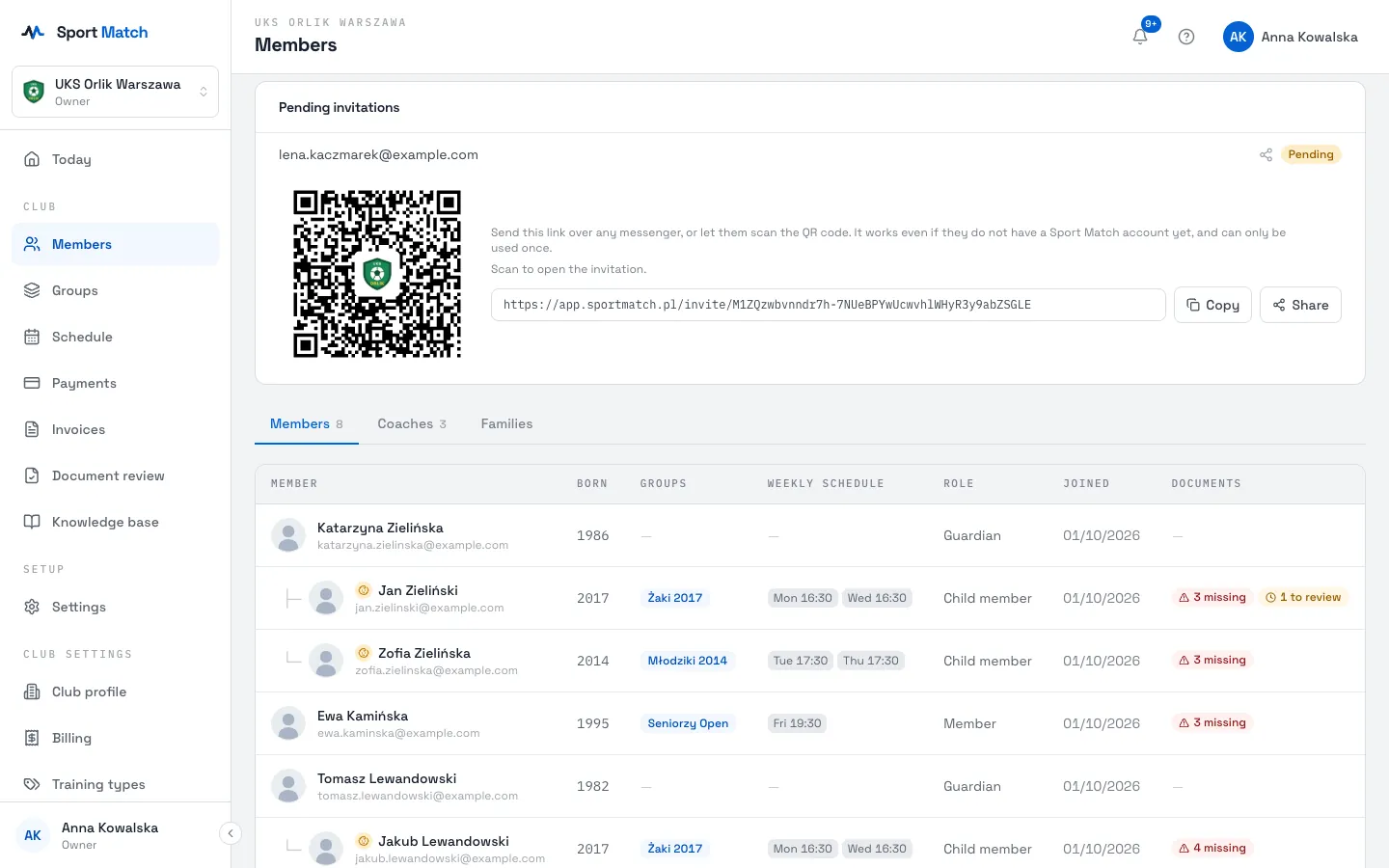
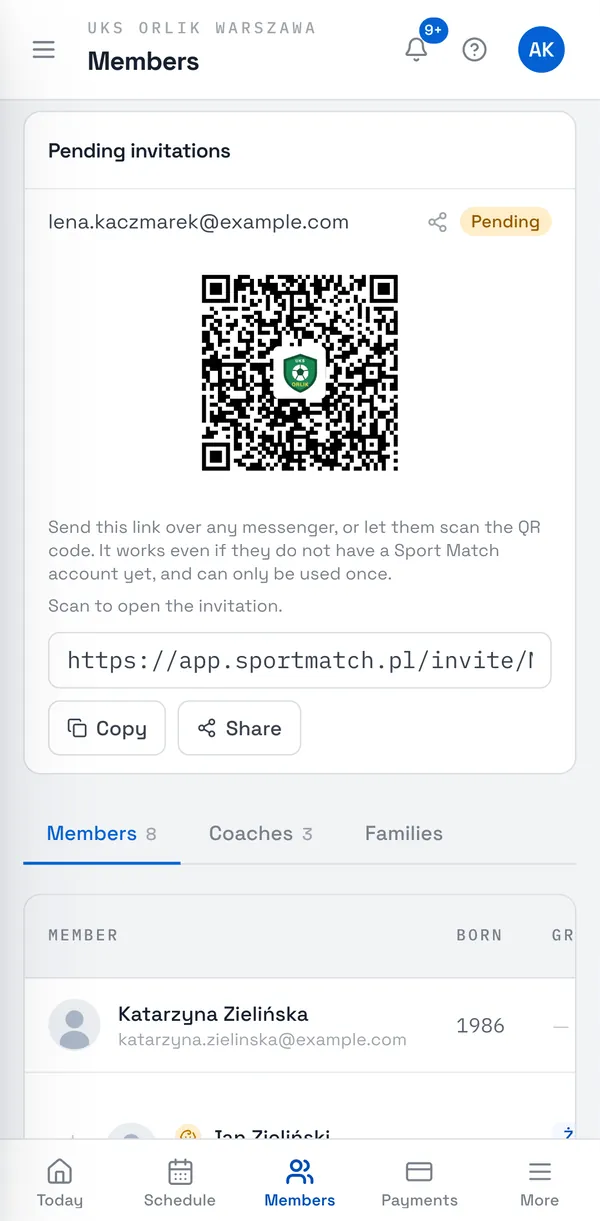
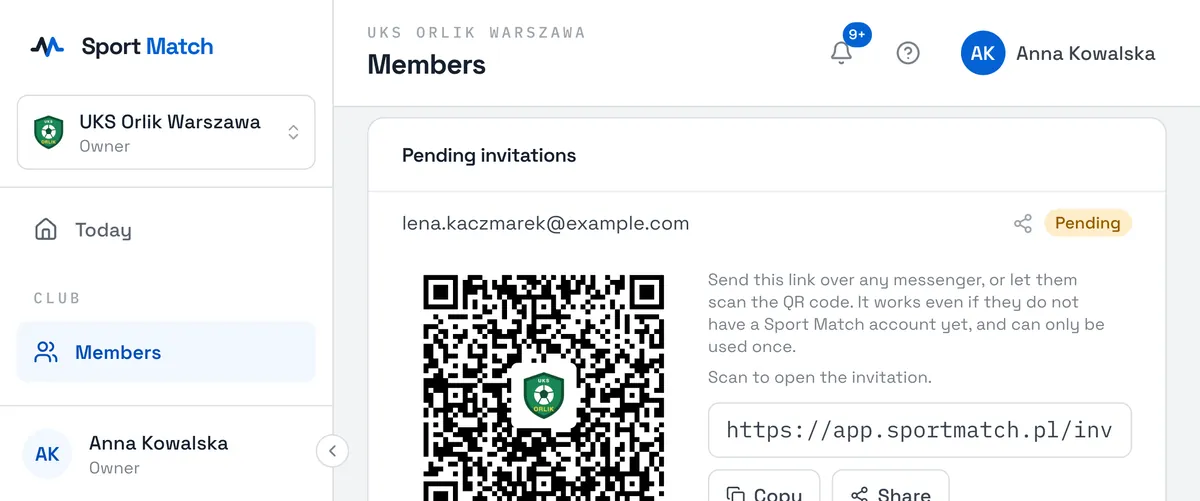
The Pending invitations list on the Members page shows the invitations you sent and their status: Pending, Accepted or Denied. The share icon next to one shows its link and QR code again. You get a notification when someone accepts or declines.
What the invited person sees and how they accept — see Joining a club.
Coaches, parents and children
- Coaches join like everyone else — by link or email. Once a coach has joined, open their page in Members, choose Coach under Role in the club and then Save role — see Roles in the club. From then on they appear in the coach lists for groups and sessions.
- Parents are invited like members. Someone becomes a parent (guardian) once you pick them on a child’s page — see Members, guardians and families.
- Children have their own member account in Sport Match. Usually a parent creates it for their child and joins the club with it via the same link; then you link the child to the parent.
A newcomer shows as No role assigned on the members list until you pick their role or they become a guardian. Until then they count as a member — they can train, answer attendance and pay.
Frequently asked questions
The invitation email didn’t arrive — what now?
Copy the Shareable invitation link from the pending invitations list and send it by text or messenger, or let them scan the QR code. It works exactly like the email.
Can a coach invite members?
No — only the club owner. Coaches see the members list, but without the invite button.
Didn’t find an answer?
Write to us in the chat — it opens on this page, no login needed — or email contact@sportmatch.pl.