Getting support and reporting a bug
Help is always under the question mark in the top-right corner of the app.
Screenshots
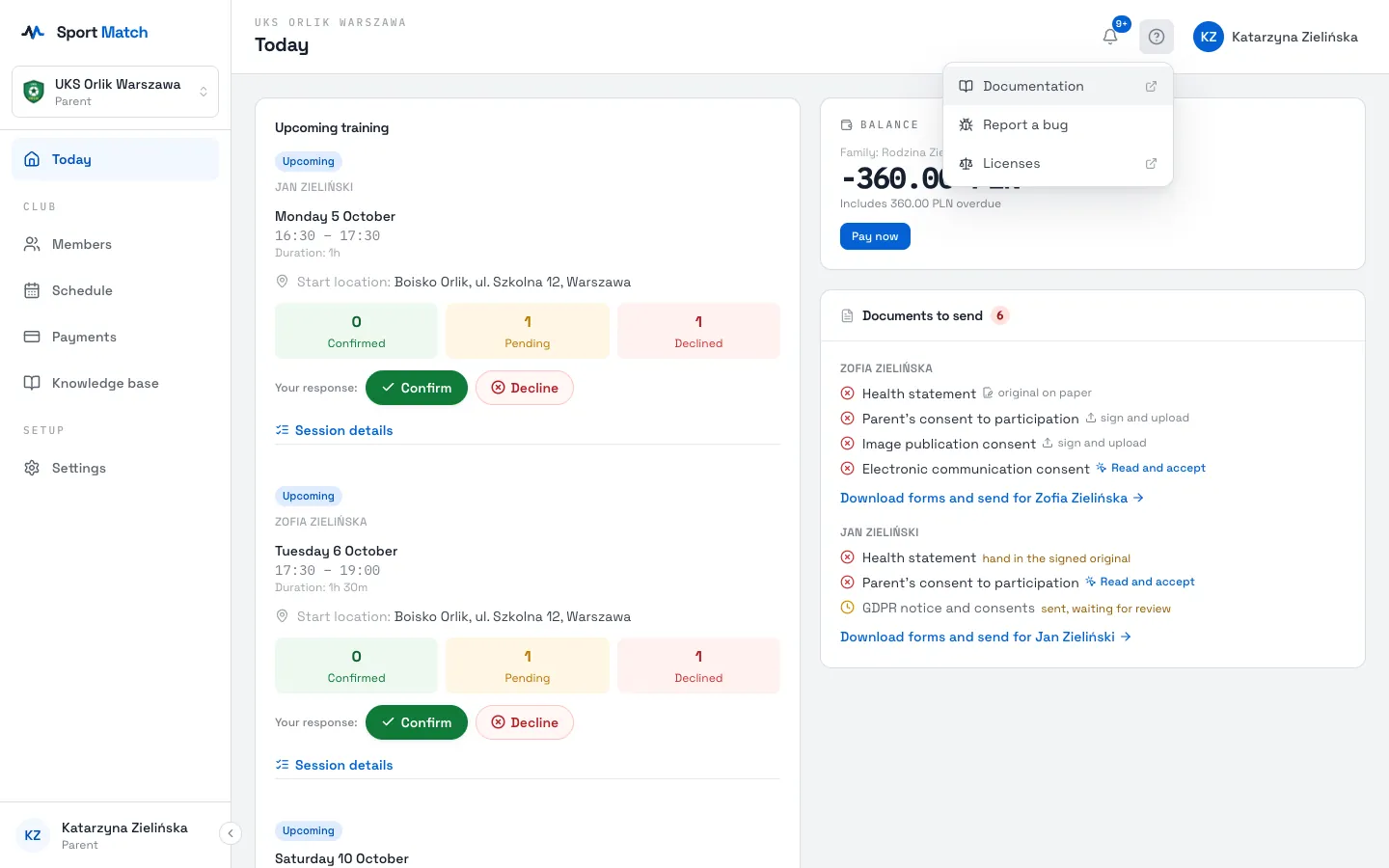
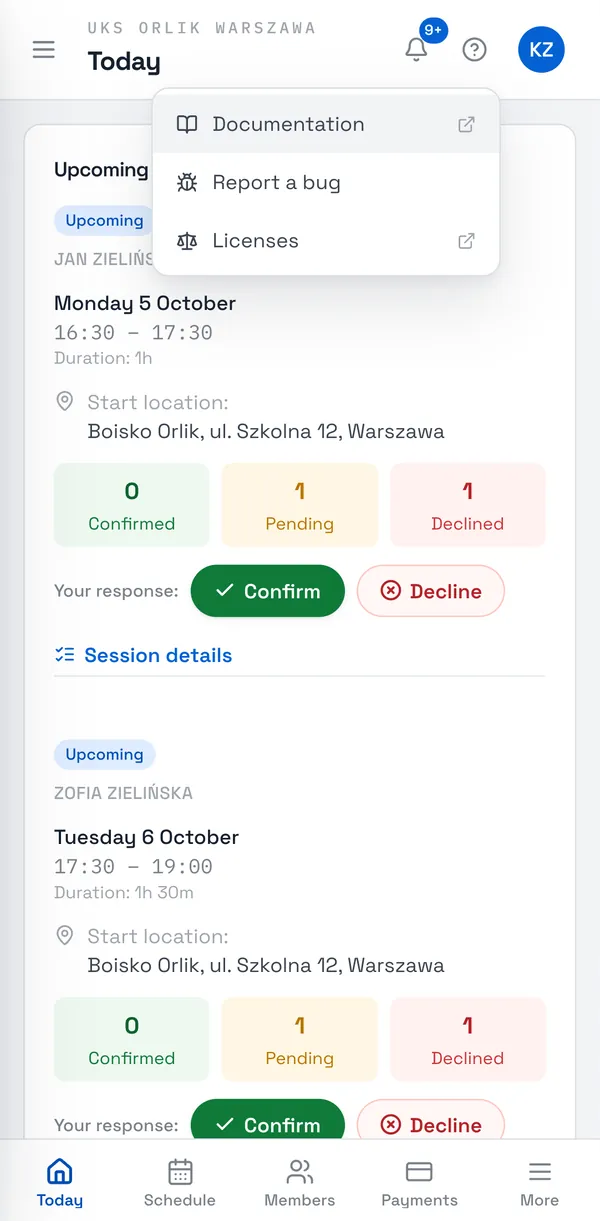
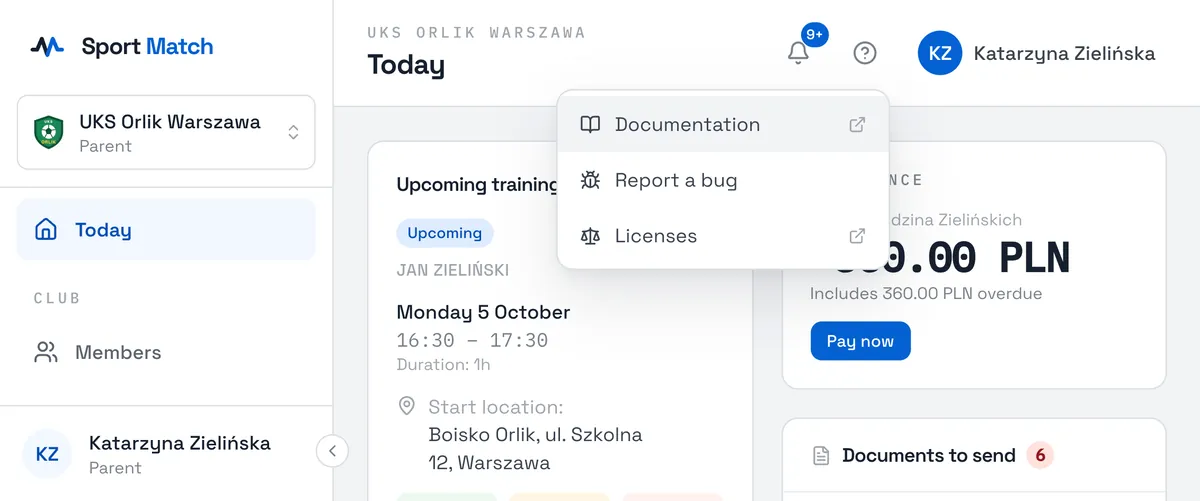
The help menu
- Documentation
- Opens these help pages in a new tab.
- Chat with us
- Opens a chat with the Sport Match team in a window inside the app. The number next to it counts unread replies.
- Report a bug
- Sends us a report with a screenshot or a recording — see below.
- Licenses
- The open-source software Sport Match uses, with its licences.
For club matters — schedules, fees, documents — contact your club. The Sport Match team helps with how the app works.
Report a bug
-
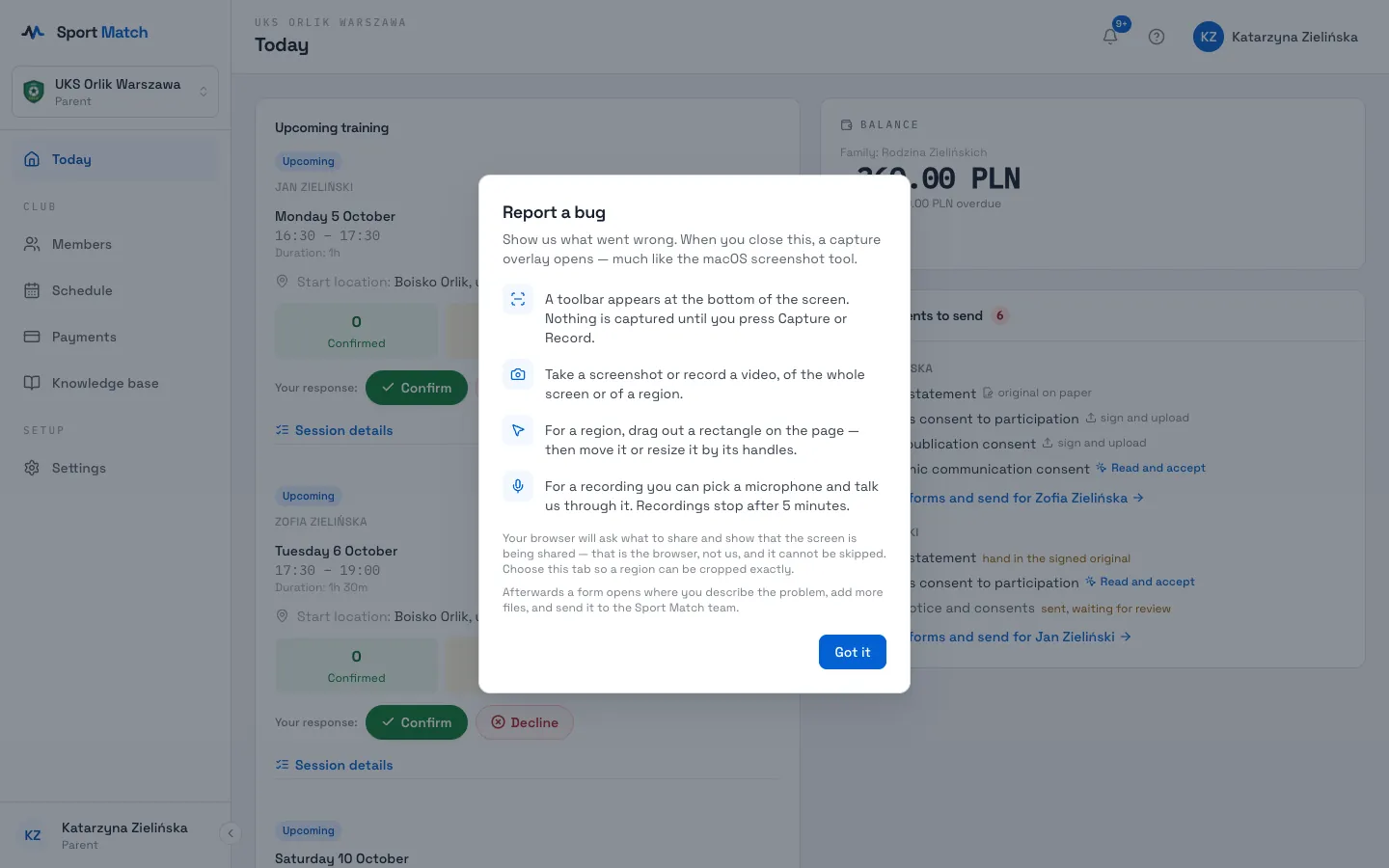
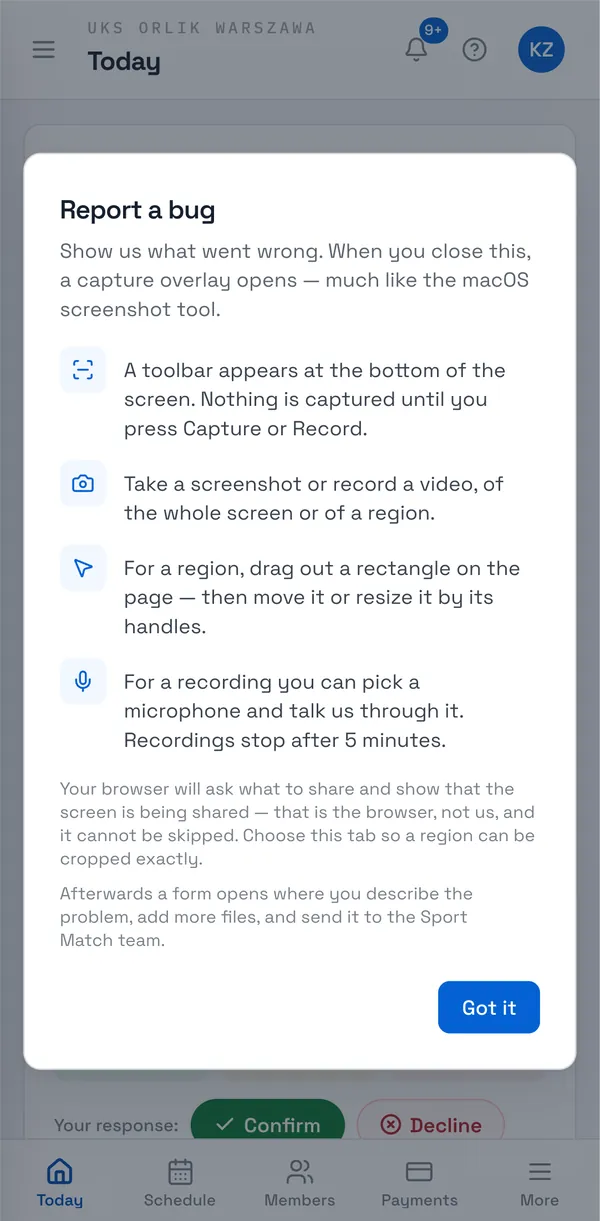
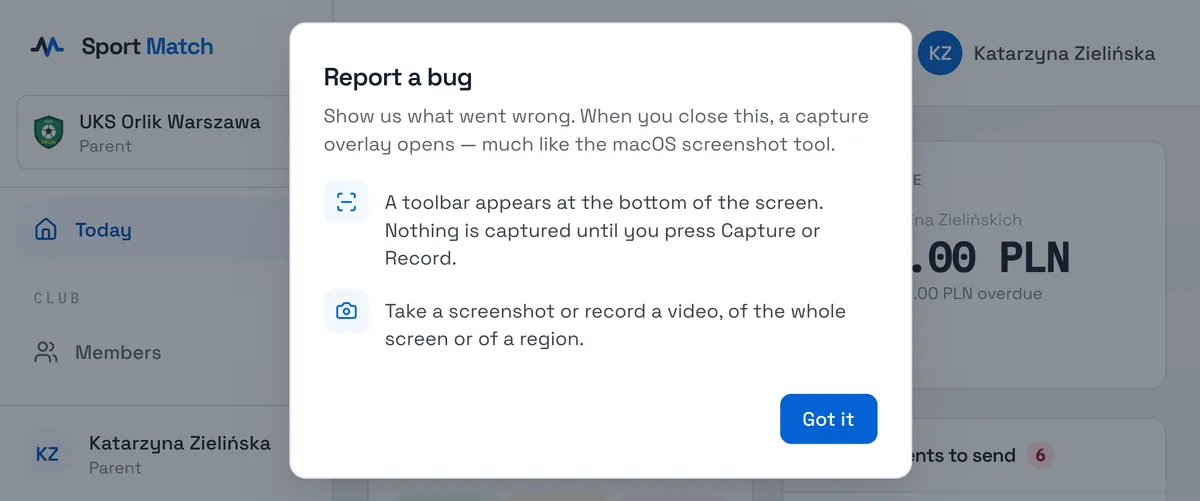
Click ? → Report a bug. The first time you’ll see a short explanation — choose Got it.
-
A toolbar appears at the bottom of the screen. Choose a screenshot or a recording — of the whole screen or a region — and press Capture or Record. Your browser asks what to share: choose this tab. For a recording you can turn on the microphone and talk us through it.
-
In the form enter a Title and a Description — what you did, what you expected and what happened instead — add more files if you like, and choose Send report.
Tip: On a phone whose browser can’t capture the screen, the form opens straight away — take a screenshot with your phone’s buttons and attach it as a file.
Didn’t find an answer?
Write to us in the chat — it opens on this page, no login needed — or email contact@sportmatch.pl.