Joining a club
You join a club from an invitation — a link or a QR code the club gives you. You create your account once, and can then belong to any number of clubs.
Screenshots
Open the invitation
A club can invite you in two ways: a personal link sent to your email (it works once), or the club’s shared link or QR code that a coach or another parent passes on, e.g. in a WhatsApp group. Both lead to the same page.
-
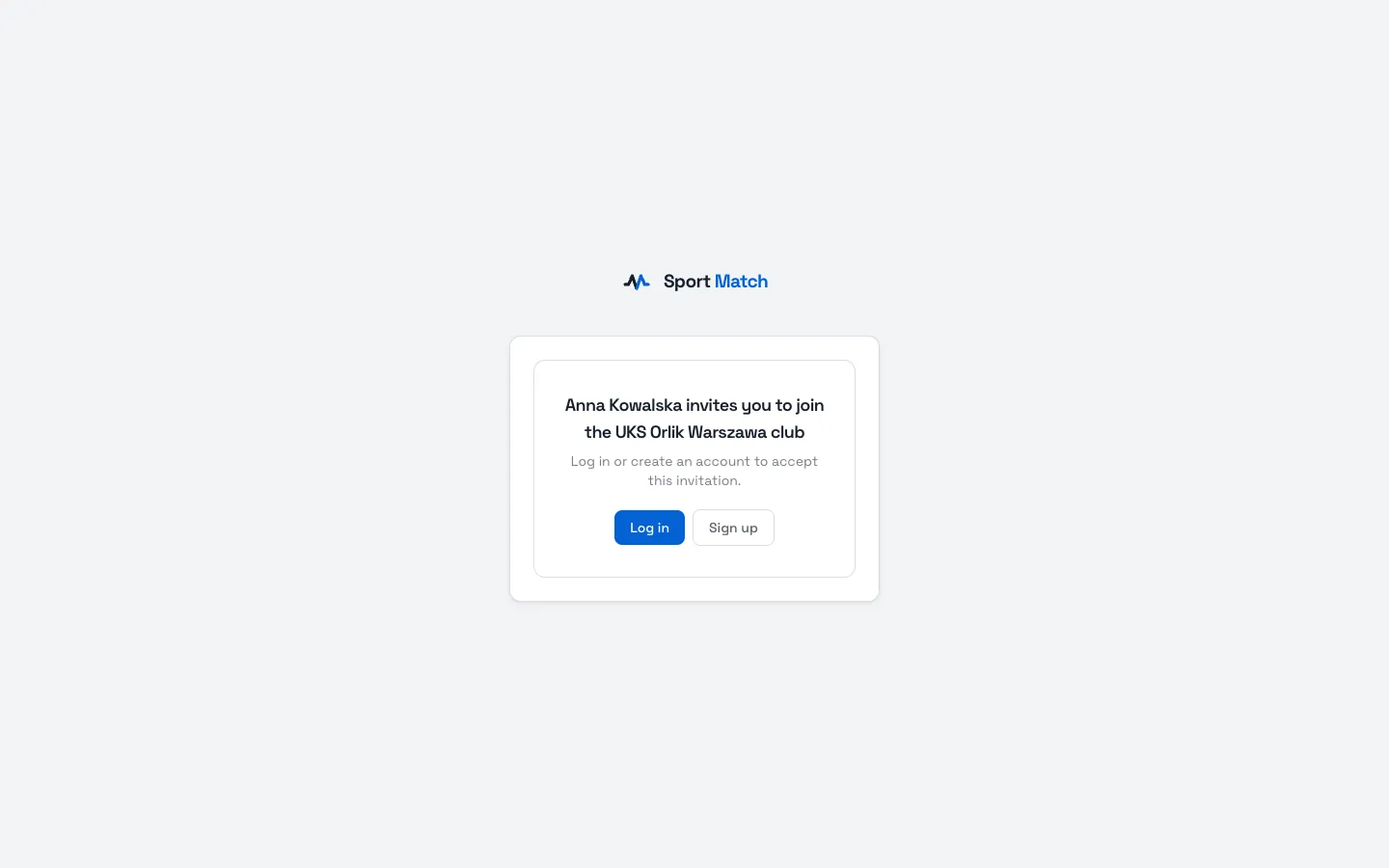
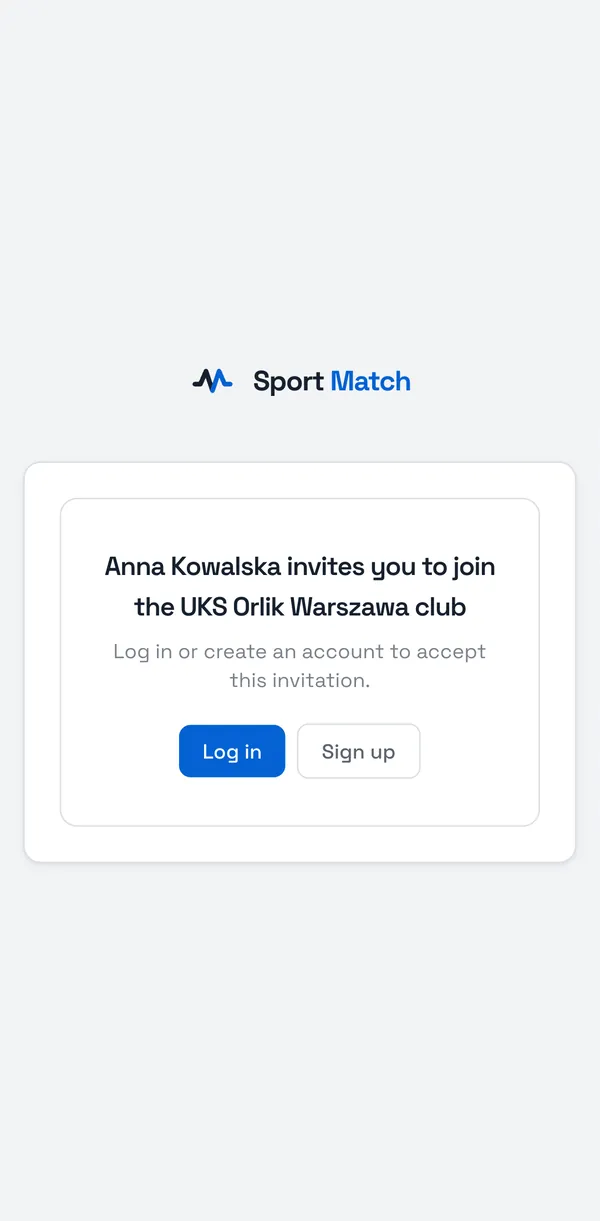
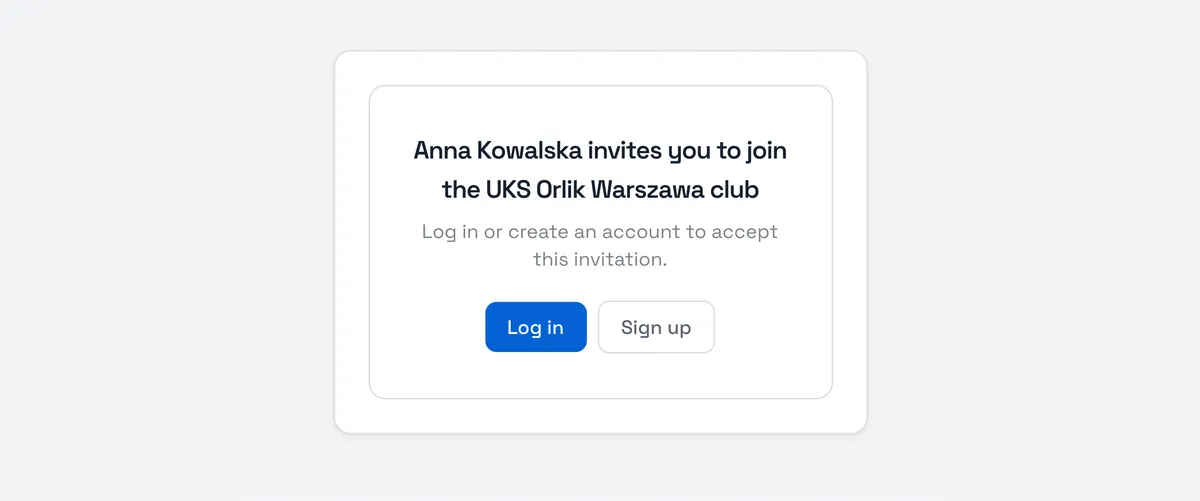
Open the invitation link, or scan the QR code with your phone’s camera. You’ll see the club’s name and who is inviting you.
-
Already have a Sport Match account? Choose Log in. New here? Choose Sign up.
Tip: After you log in or sign up you’re taken back to the invitation automatically — no need to find the link again.
Create your account
-
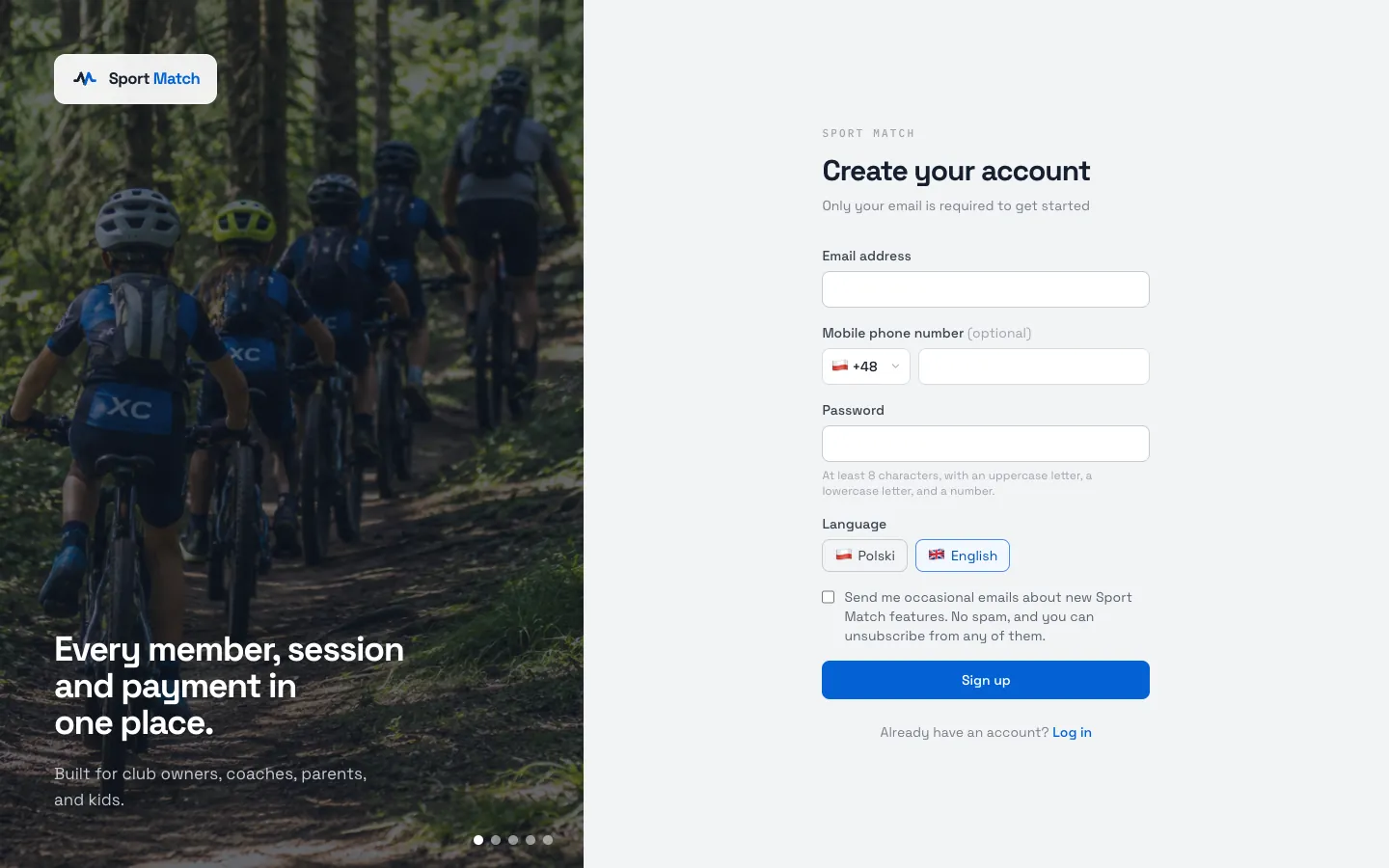
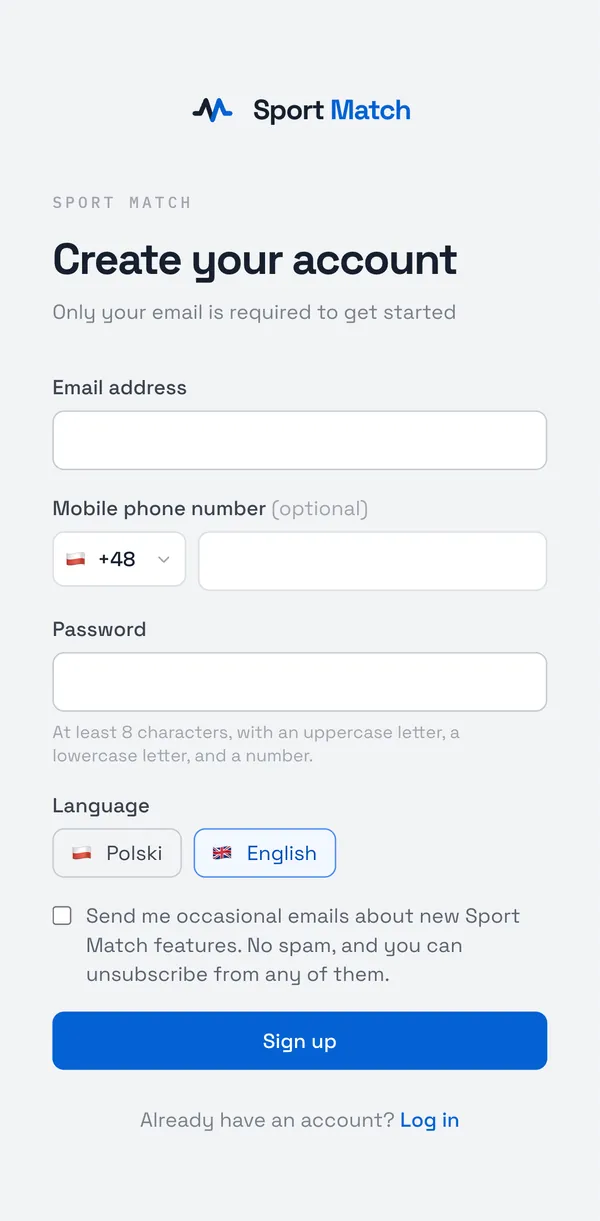
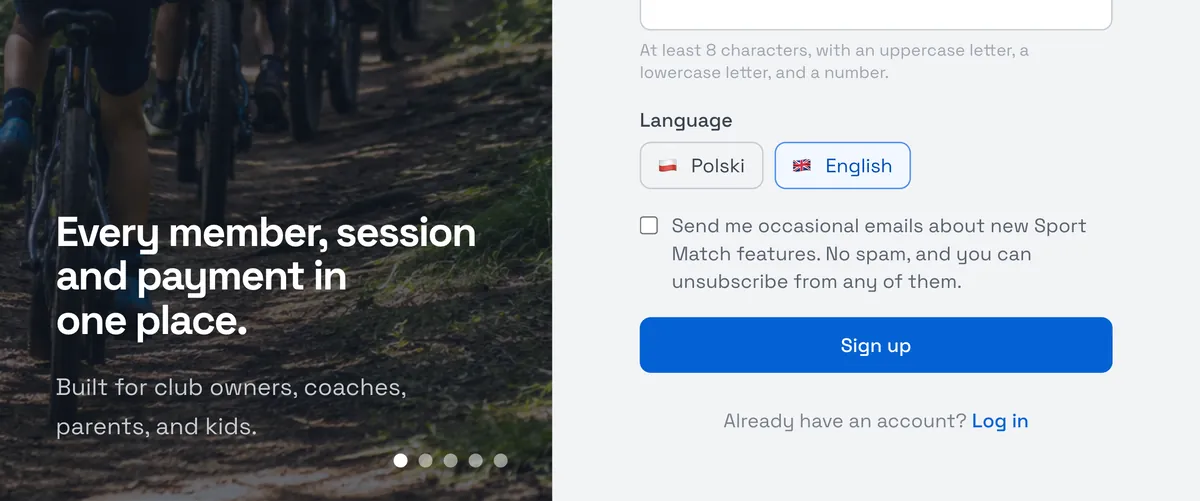
Enter your Email address and a Password (at least 8 characters, with an uppercase letter, a lowercase letter and a number). The phone number is optional. Pick your language and choose Sign up.
-
Check your inbox for an email with a 6-digit code. Enter it under Verification code and choose Verify email. No code? Check your spam folder, or choose Didn’t get a code? Resend it.
-
Log in with your new password. You’re back on the invitation — choose Accept. You’re now a member of the club and can see it in the app.
On the login page you can also use a Google or Facebook account. One email address is one account: if you already have a password account for that address, connect Google or Facebook to it in your settings — see Profile and account settings.
Fill in your details
Your club needs your name, date of birth and phone number — for the member list, for group placement and to reach you about sessions. If you sign up without an invitation, the app asks for them straight away on the Tell us about yourself screen; if you joined from an invitation, fill them in under Settings → My profile.
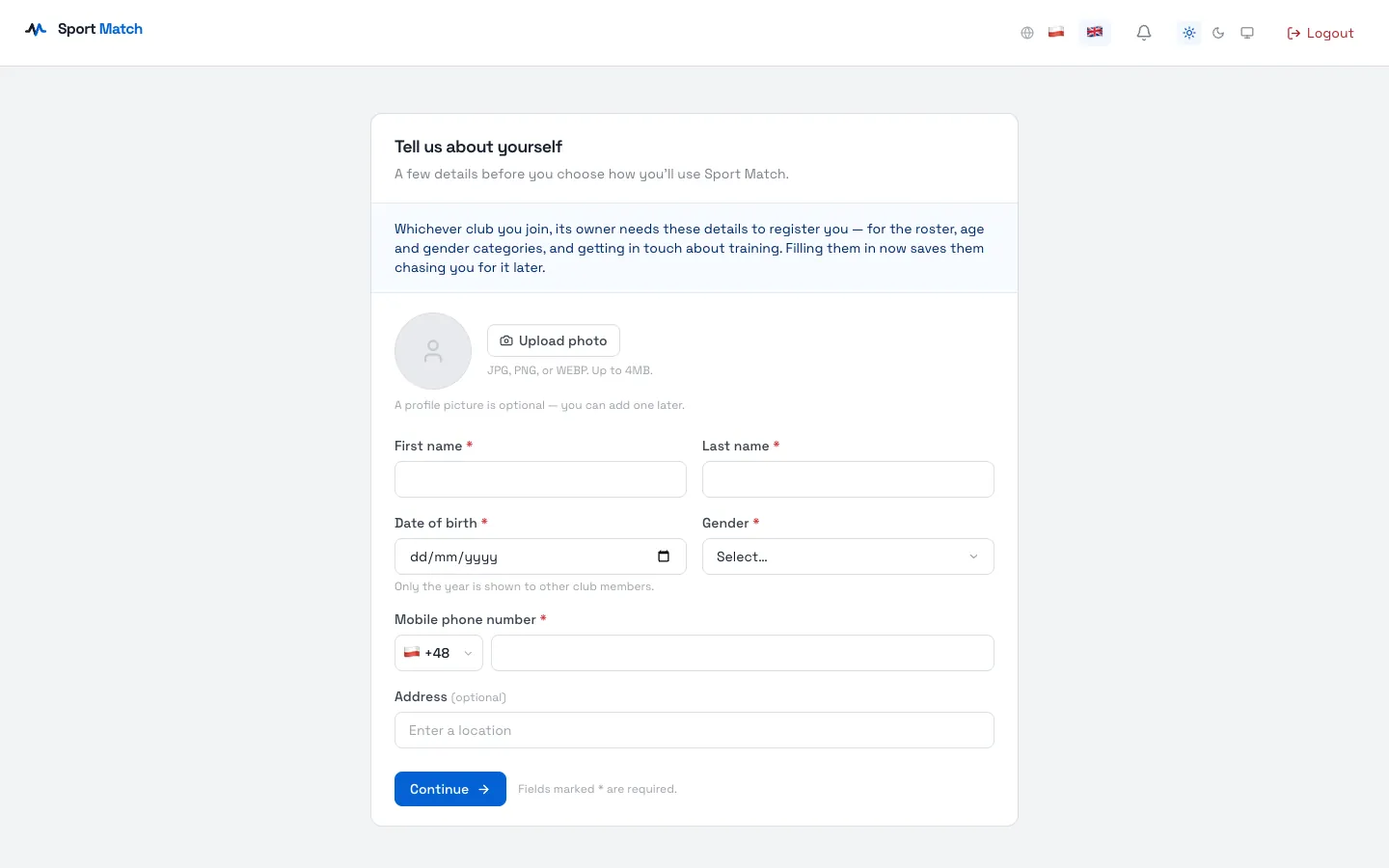
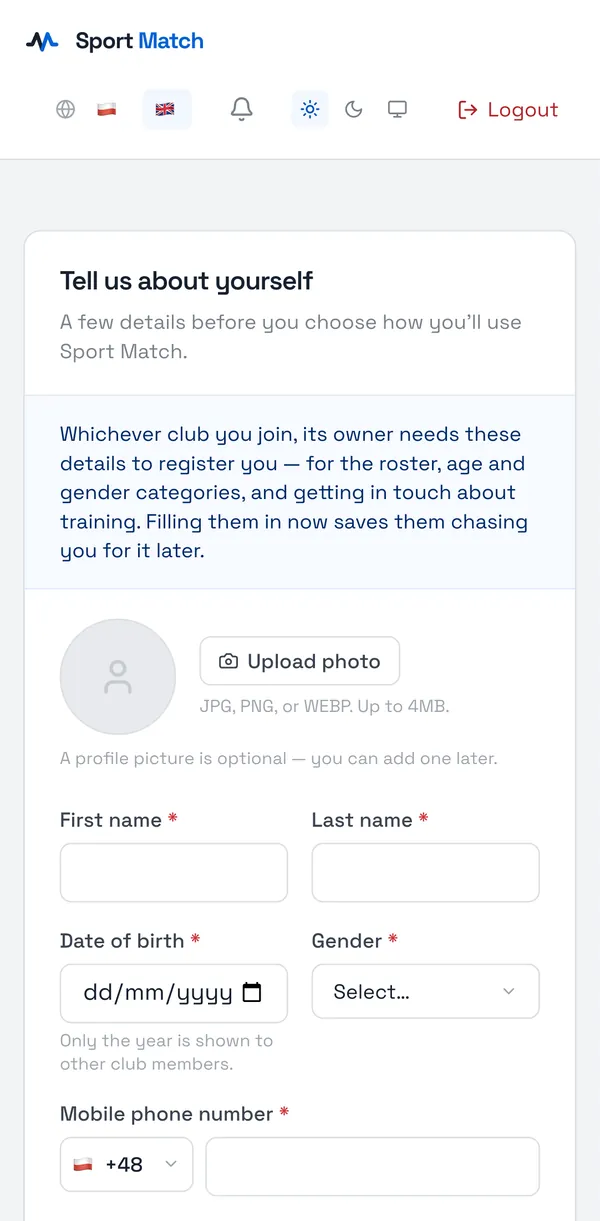
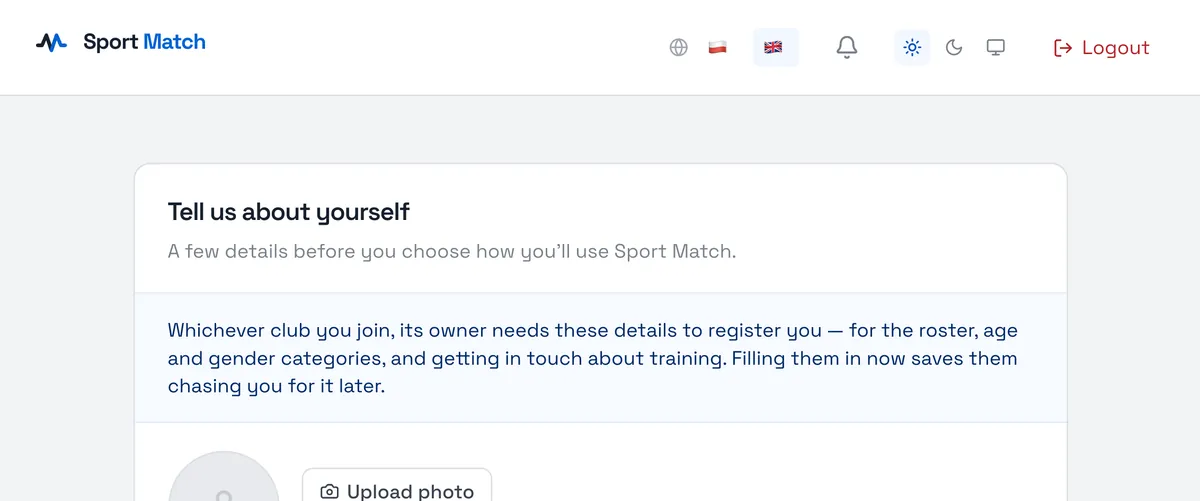
Signed up without an invitation? After that screen choose I’m a member or a parent — the app waits until the club invites you. When the invitation arrives, it appears under the notification bell with Accept and Deny buttons.
Children’s accounts
Every child training at the club has their own place on the member list. The club links them to the parent’s or guardian’s account — you then confirm the child’s attendance, pay and send their documents. More in Parent accounts: your children.
Frequently asked questions
The link says “Invitation already used”
A personal link from an email works only once. If you used it yourself, just log in to the app. If not, ask the club for a new link.
I belong to two clubs. Do I need two accounts?
No. Accept the second club’s invitation with the same account and switch between clubs — see Finding your way around.
Didn’t find an answer?
Write to us in the chat — it opens on this page, no login needed — or email contact@sportmatch.pl.