Document templates
Document templates are the forms members accept in the app, or download as a PDF, fill in, sign and send back. Sport Match comes with ready-made templates for the most common consents and declarations; you can adapt them, write your own, or upload a PDF your club already uses.
Screenshots
General templates and your club’s templates
-
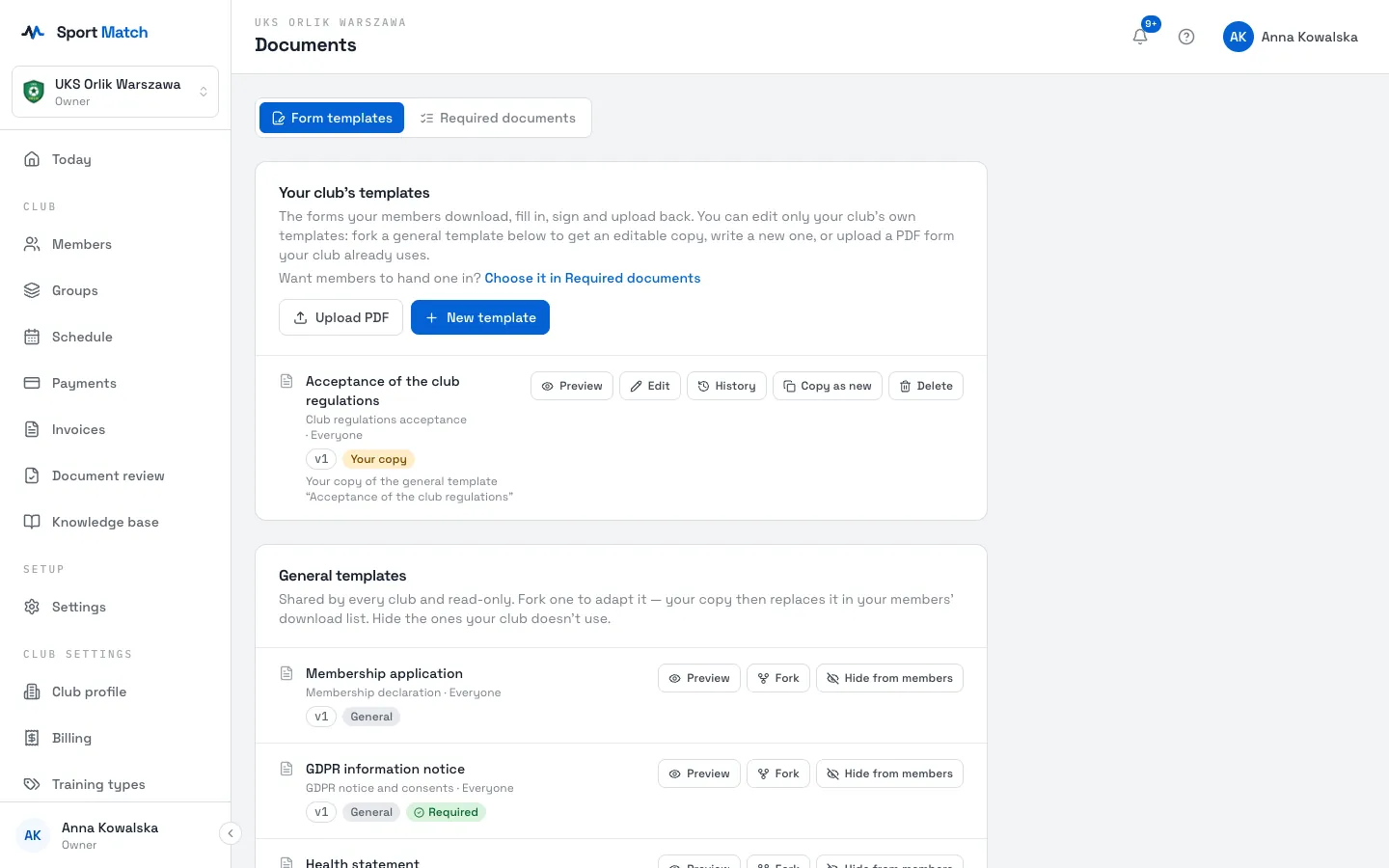
Under Club settings in the menu, open Documents, Form templates tab.
-
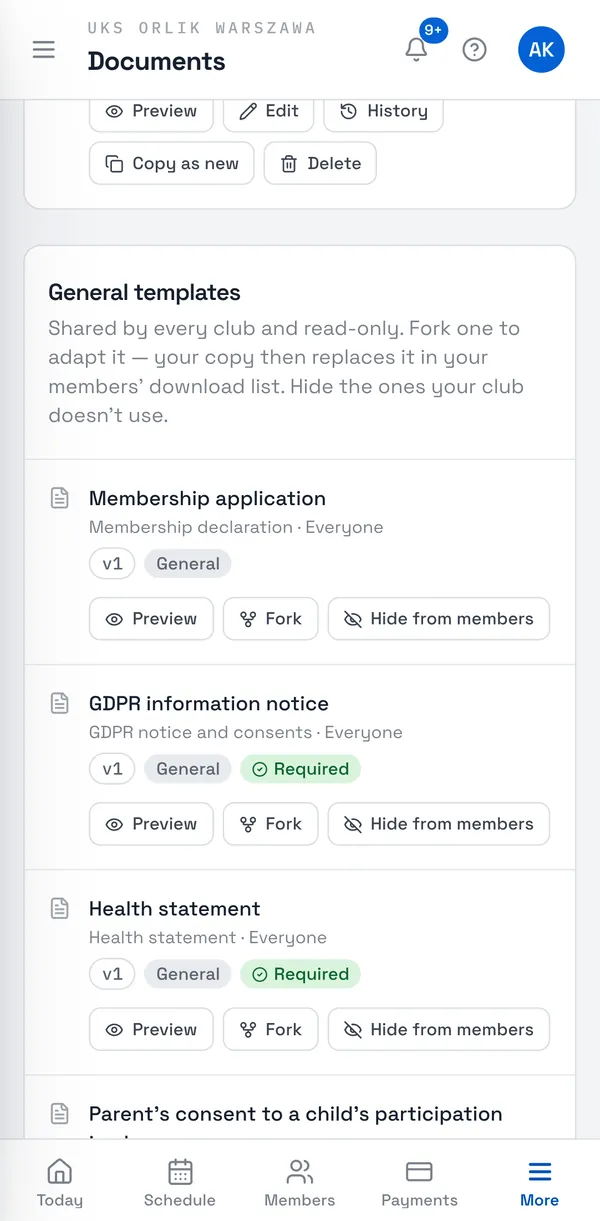
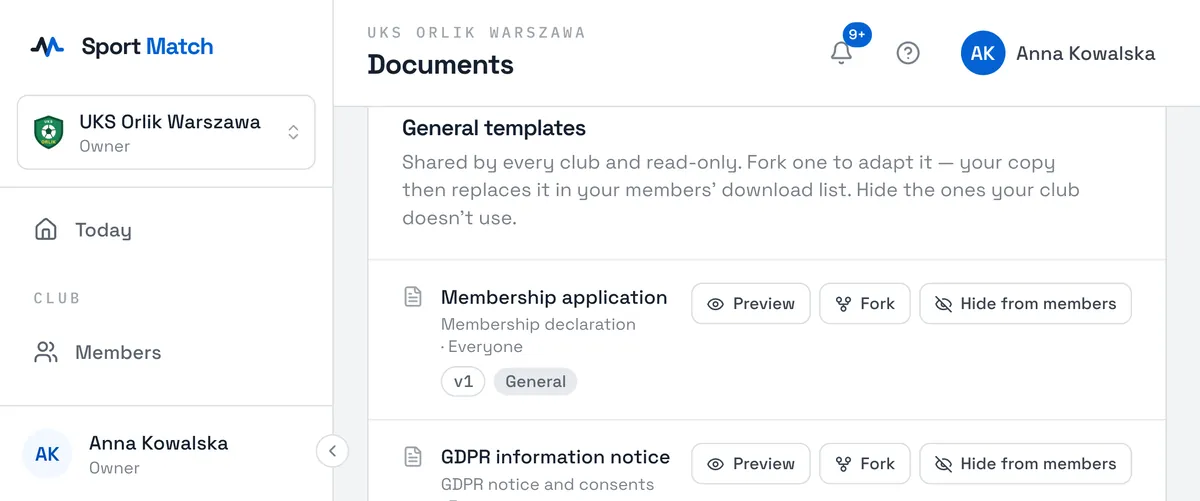
General templates are shared by every club and read-only, in Polish and English. Preview shows the PDF a member gets — with your club’s logo and name.
-
To change a general template, click Fork. Your copy appears under Your club’s templates marked Your copy, and replaces the general one in your members’ download list. Delete it and members get the general template again.
-
You don’t need to delete templates your club doesn’t use — Hide from members takes them off the download list.
The general templates cover every kind of document you can make required: the GDPR notice, consents for taking part, image use, trips and electronic communication, the health statement, club rules, the membership declaration, authorisation to collect a child, consent to giving medicine and the medical emergency procedure — and, newly added:
- Consent to taking a child to a doctor or medical facility — an authorisation for the club’s coaches and carers when medical help is urgently needed and the parents can’t be reached;
- Accident insurance (NNW) statement — whether the participant has accident insurance (members may upload a copy of their own policy instead);
- Allergy information and Information about medical conditions — health details your staff should know, with explicit consent to processing them;
- Lead parent declaration — which parent is the club’s first contact; each parent hands it in from their own account.
Start a template of your own from scratch with New template; Copy as new makes a new template from an existing one.
Your club’s logo from the club profile is printed on every form Sport Match generates.
The form editor
-
Click Edit next to your template. At the top, pick the Document type (where uploads are filed) and Who it is for: Everyone, Children (signed by a parent) or Adults.
-
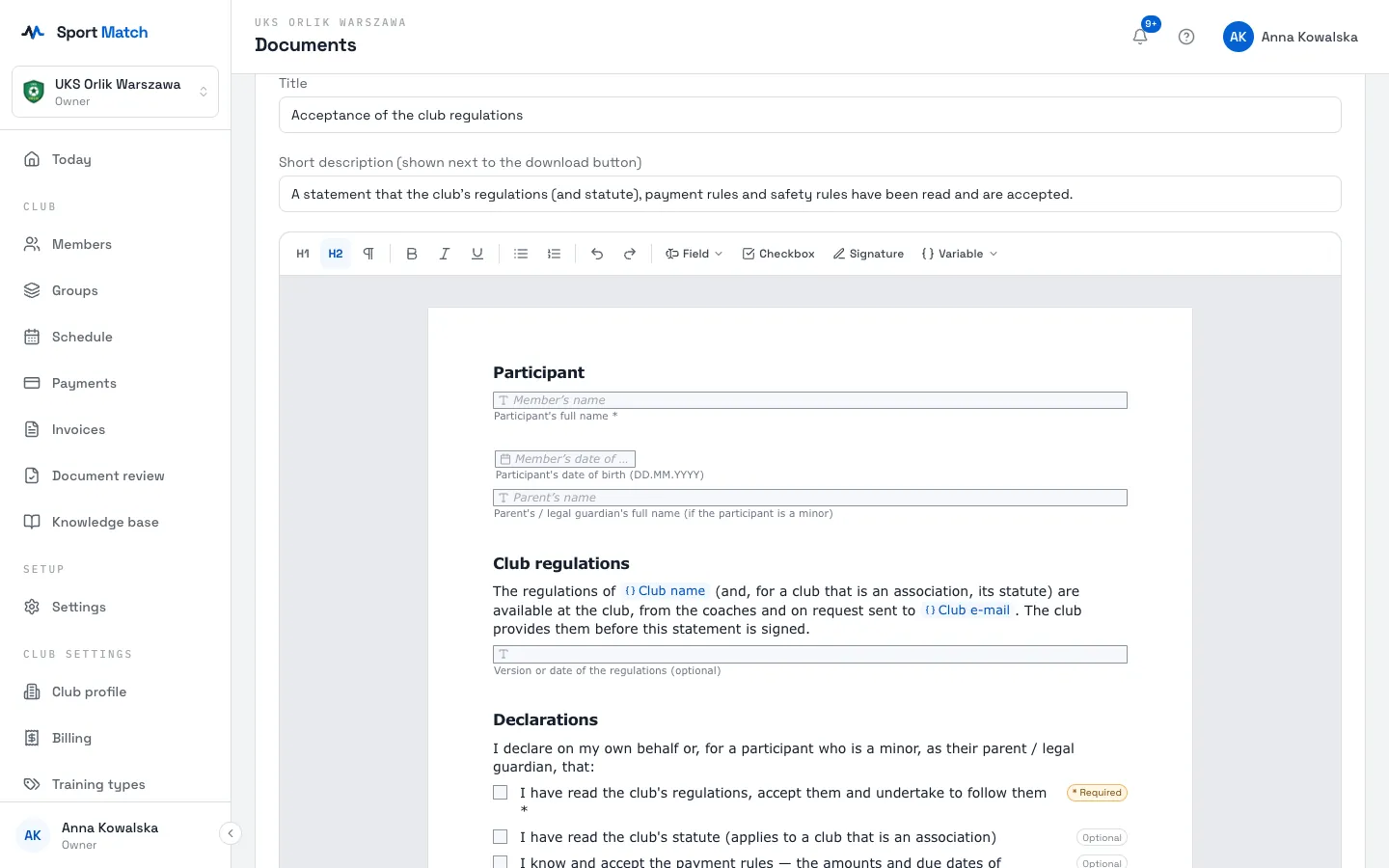
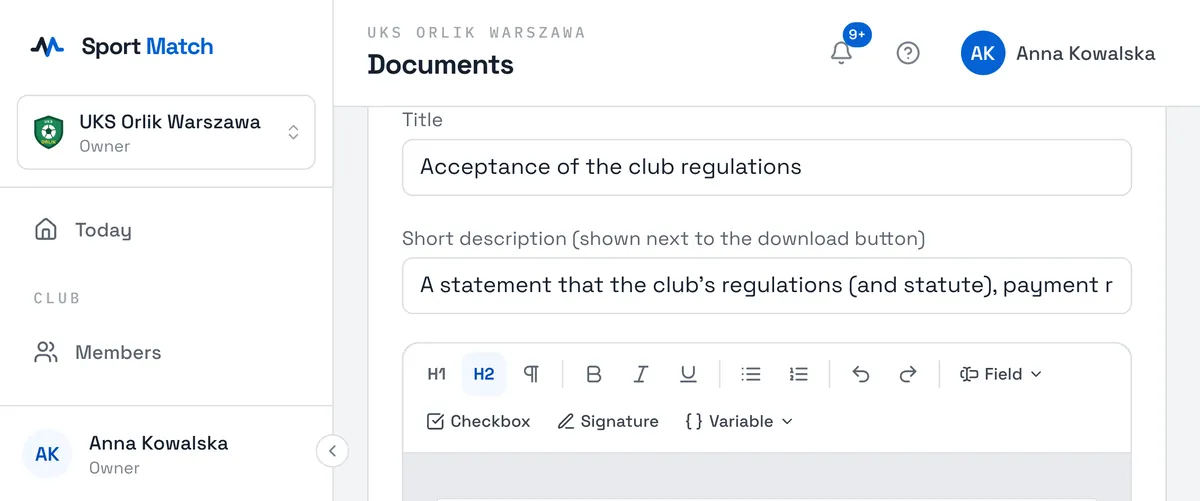
Each language has its own tab (Polish, English) with a Title, a Short description and the text. Add a missing language with Add this language (starts as a copy).
-
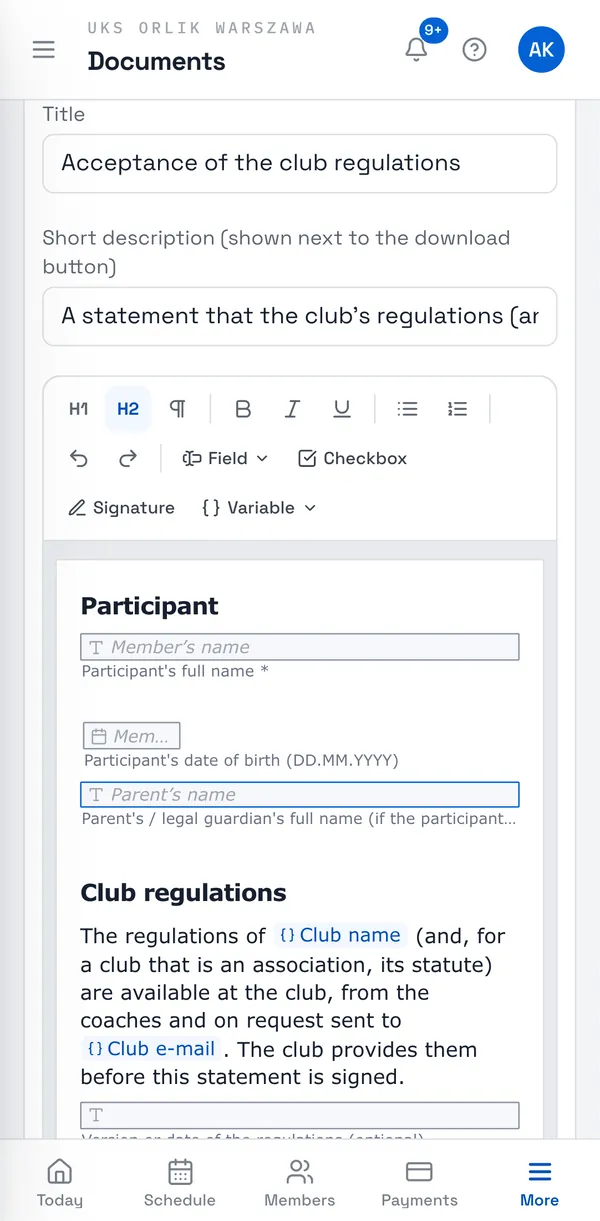
You write the text as in a word processor — what you see is what members get in the PDF. From the toolbar you insert:
- Field
- a place to type: text, longer text, a date, PESEL, e-mail or phone. A field can fill itself in — with the member’s name, their date of birth, the parent’s name or the club’s name.
- Checkbox
- a box to tick, required or optional.
- Signature
- a signature line, optionally with a place-and-date field.
- Variable
- club details filled in automatically: name, data controller and their address, e-mail, phone, city. What do variables print? shows where each comes from.
-
Preview PDF shows the finished form. In Change note you can say what changed.
-
Click Save. Every save creates a new version, and members always download the latest.
Tip: If the template is a required document, saving offers Members must sign this new version. Tick it for an important change — uploads made on an older version then stop counting, and members see “new version to sign”.
Version history and new general versions
-
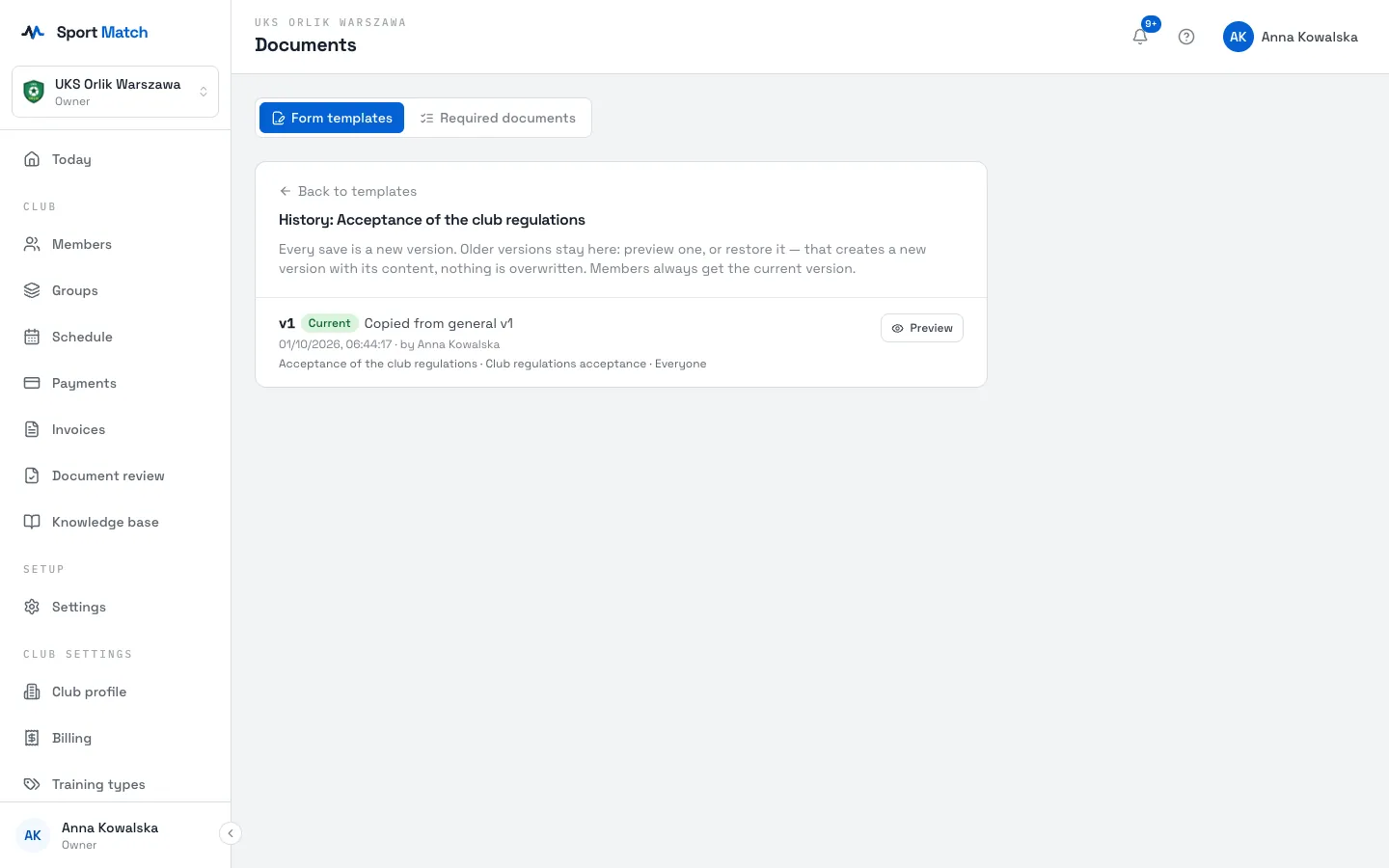
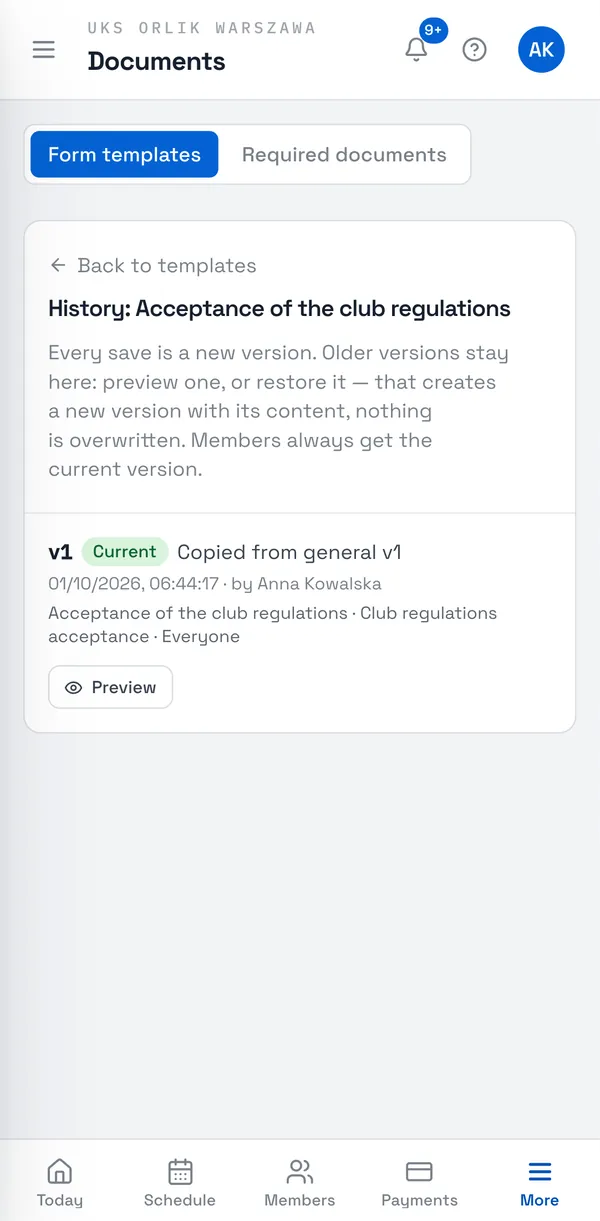
Click History next to a template. Each version has a date and an author; Preview shows its PDF, and Restore makes a new version with its content — nothing is overwritten.
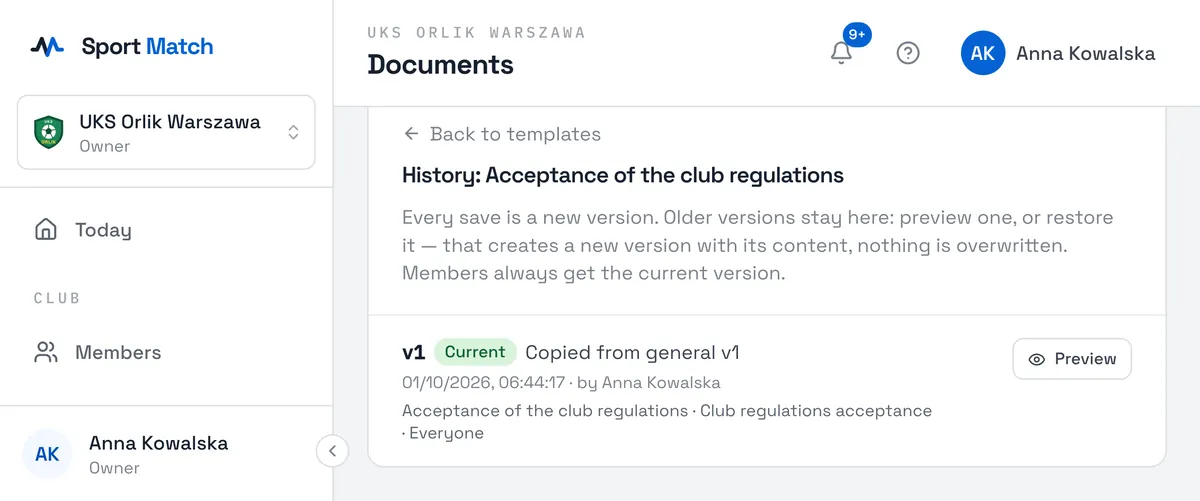
When Sport Match publishes a newer version of a general template, your copy shows A newer general version is available with What changed. Your copy stays exactly as it is until you click Create a new version from it — the new version then starts from the new general text, and your earlier edits are not carried over.
Your own PDF
-
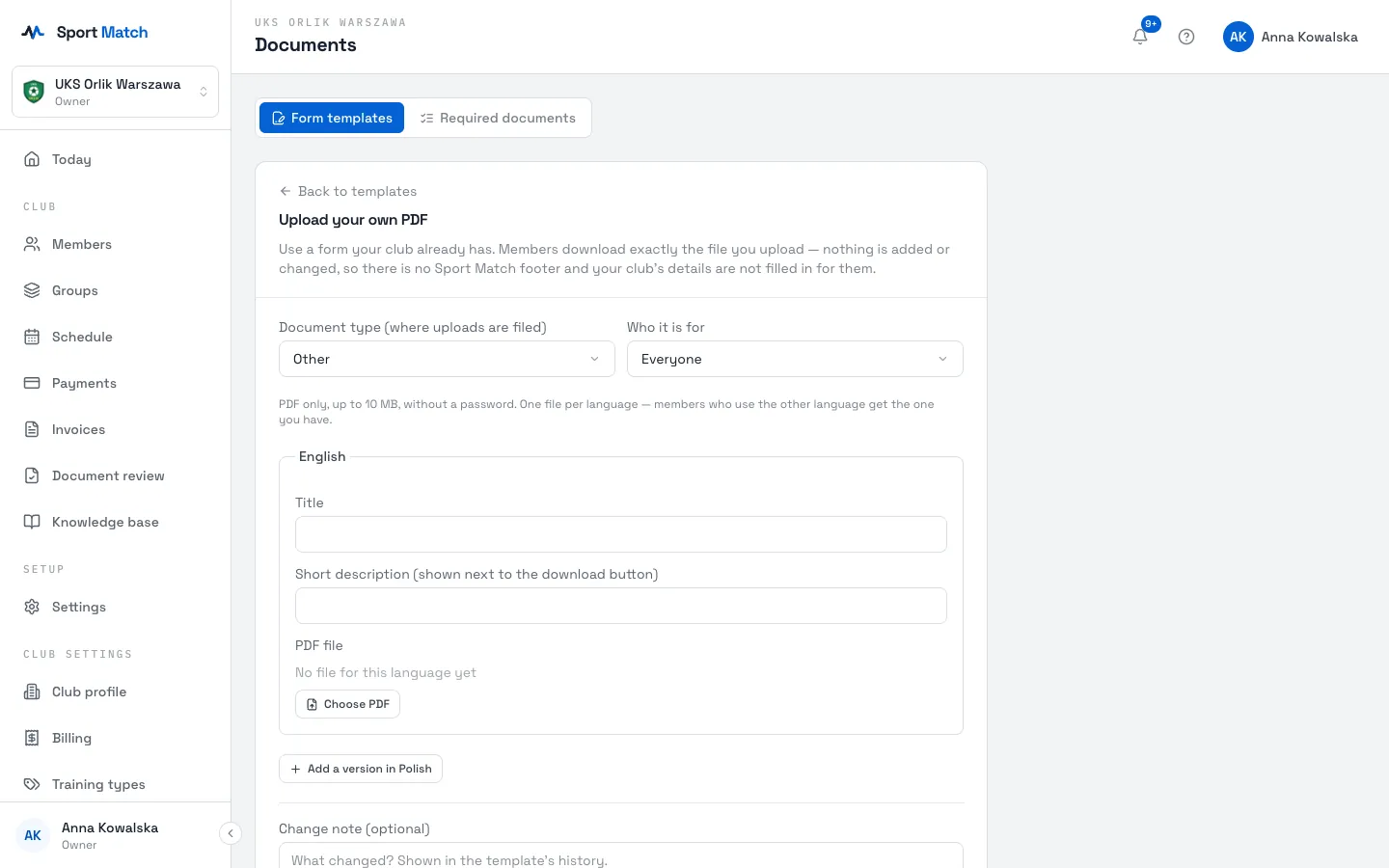
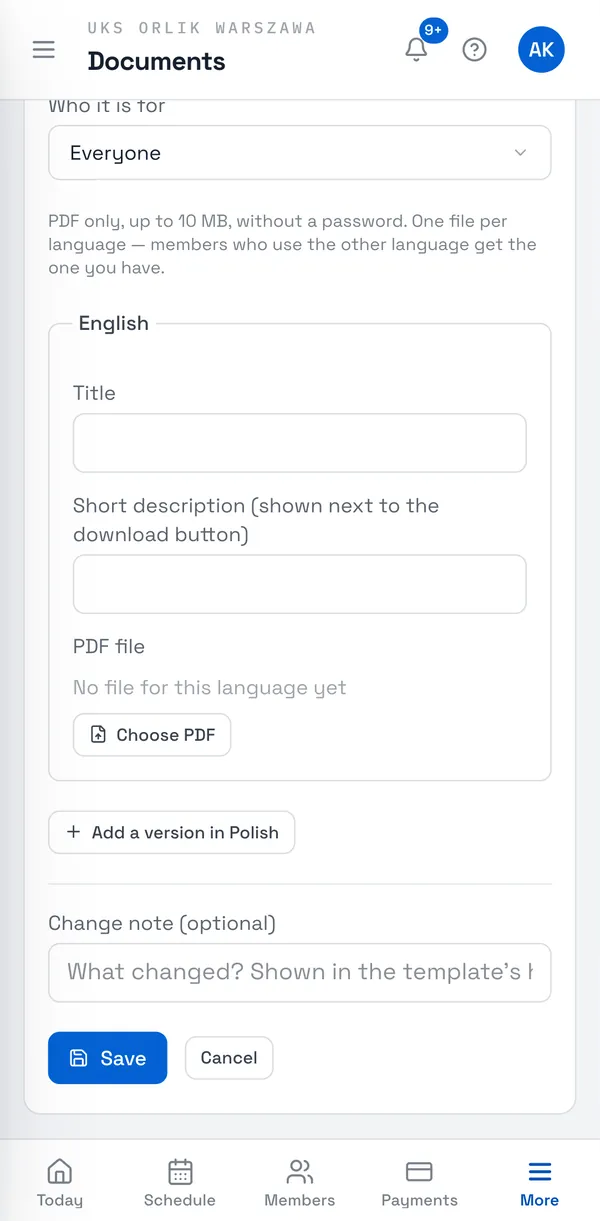
Click Upload PDF. Choose the Document type and Who it is for, enter a Title and a Short description, then Choose PDF.
-
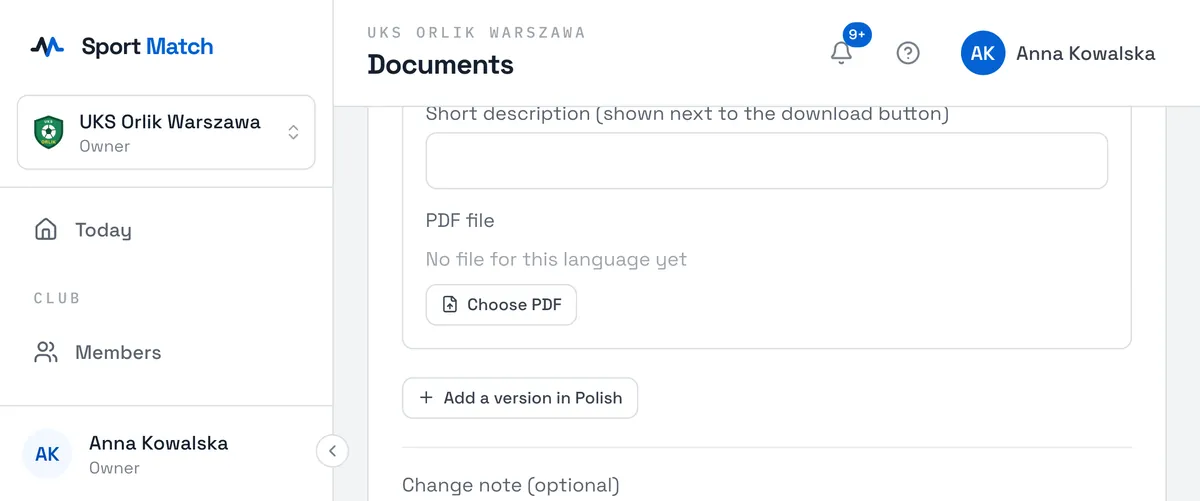
Add the other language with Add a version in Polish (or English). Members using a language with no file get the one there is.
-
Save. You can later swap the file with Replace with a new version — older versions stay in the history.
Important: PDF only, up to 10 MB, no password. A file is refused if it contains scripts, actions that start programs, embedded files or multimedia, an XFA form, or actions that send form data to a website. Members download exactly your file — with no Sport Match logo or footer.
Didn’t find an answer?
Write to us in the chat — it opens on this page, no login needed — or email contact@sportmatch.pl.