The club’s knowledge base
Everything your club wants you to know — rules, kit, how things work — in one place, always up to date.
Screenshots
Reading pages
-
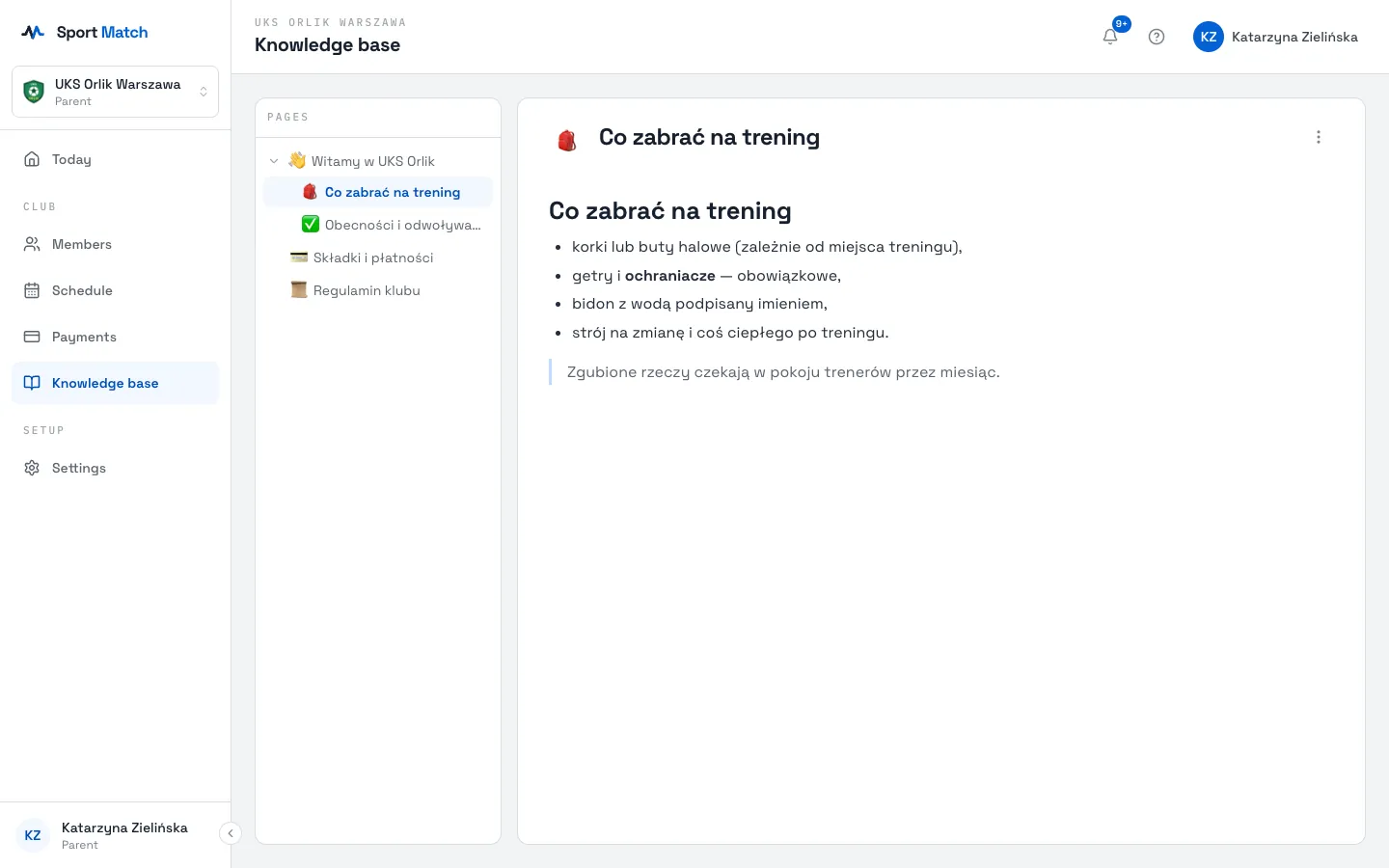
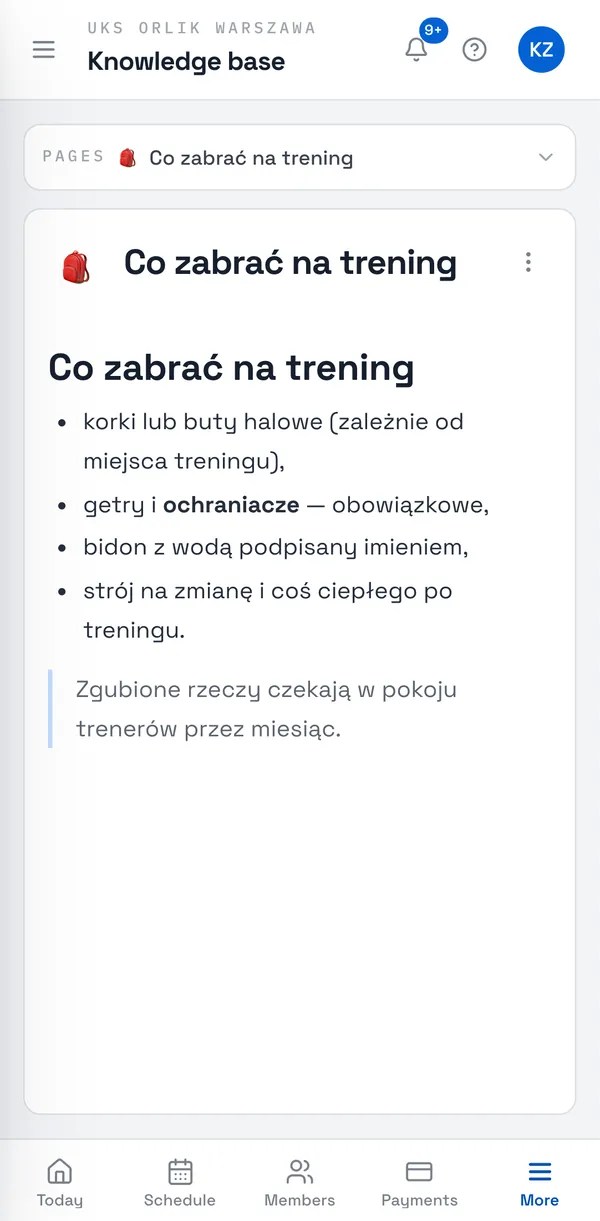
Choose Knowledge base in the menu (on a phone: More → Knowledge base).
-
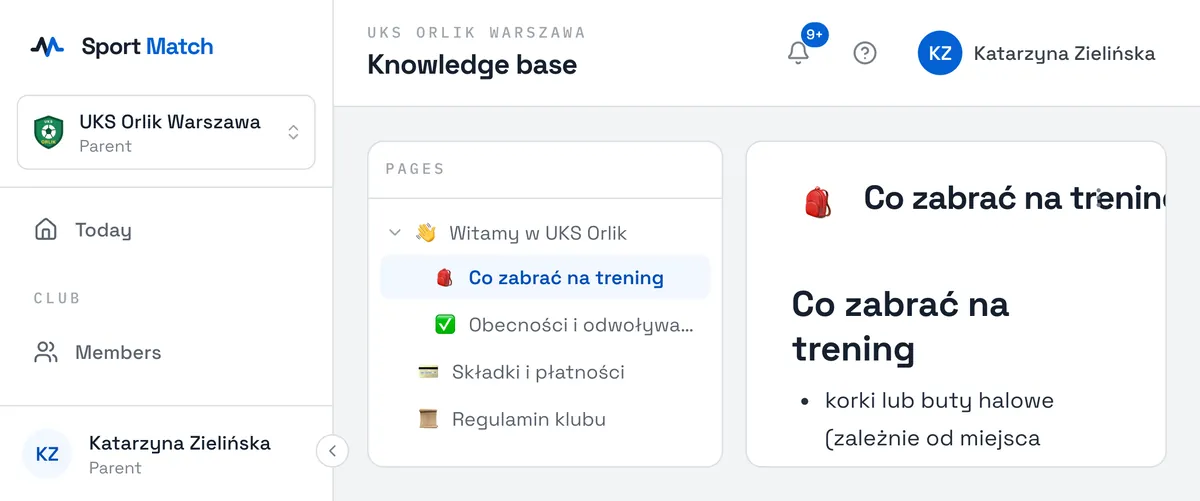
On the left is the Pages list. The arrow next to a page expands its sub-pages. Click a title to open it — with text, tables, pictures and videos.
-
Want a page on paper or as a file? In the page menu (⋮ in the top-right corner) choose Export to PDF — your print dialog opens; choose “Save as PDF”.
Pages are written by the club owner and coaches. An empty knowledge base (“Your club has not published anything to its knowledge base yet.”) just means the club hasn’t added anything yet.
Didn’t find an answer?
Write to us in the chat — it opens on this page, no login needed — or email contact@sportmatch.pl.