Editing the knowledge base
The knowledge base is the club handbook: rules, what to bring, training plans. Every member can read it; coaches and the club owner can edit it. Changes save by themselves.
For coaches and club owners.
Screenshots
Pages and subpages
-
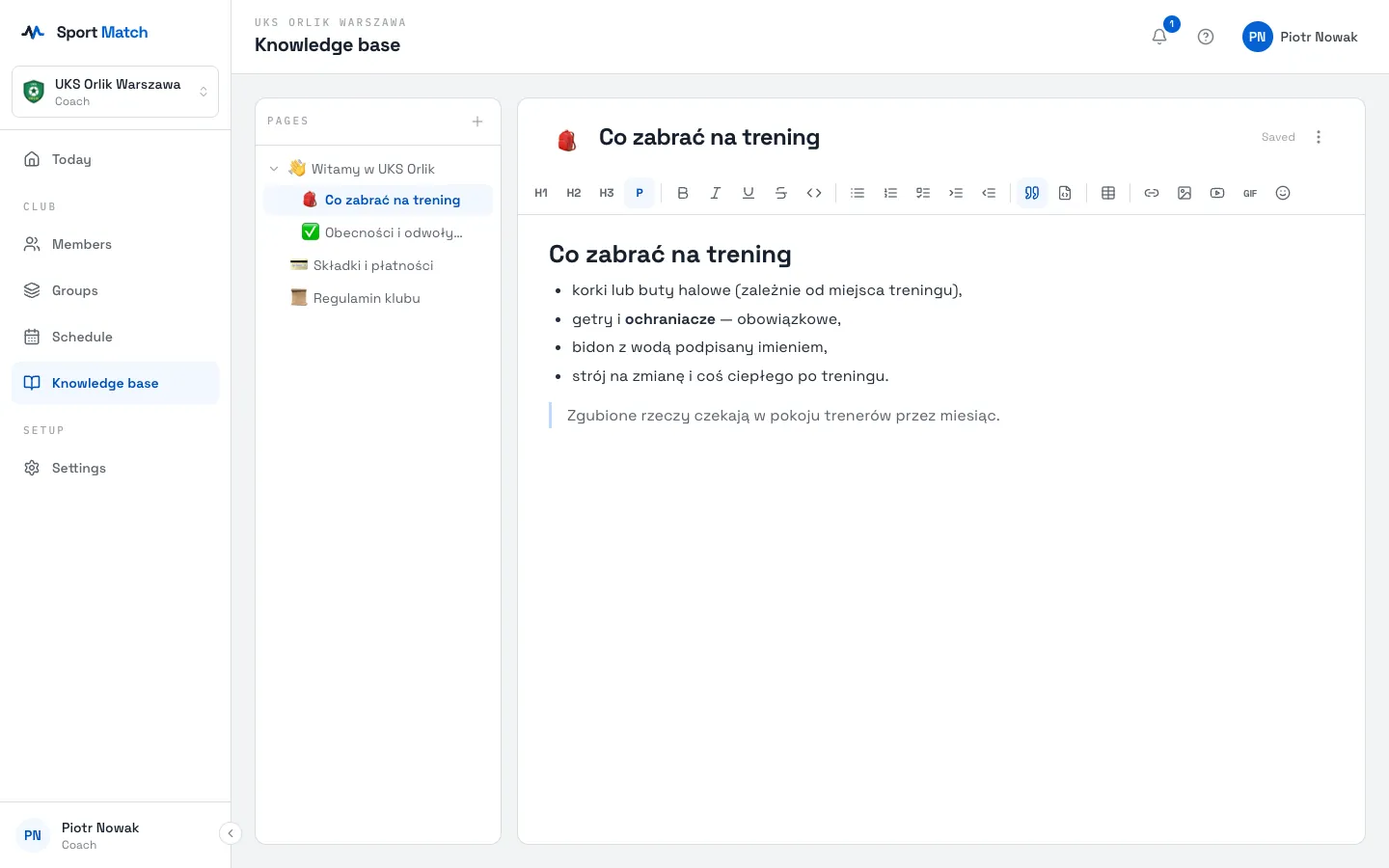
Open Knowledge base. On the left is the Pages tree.
-
Click New page for a top-level page, or Add subpage next to an existing one to nest a page under it.
-
Type a title; click the page icon to change it (Change page icon). Write in the body — Saving… and Saved show next to the title.
Formatting, tables, images and videos
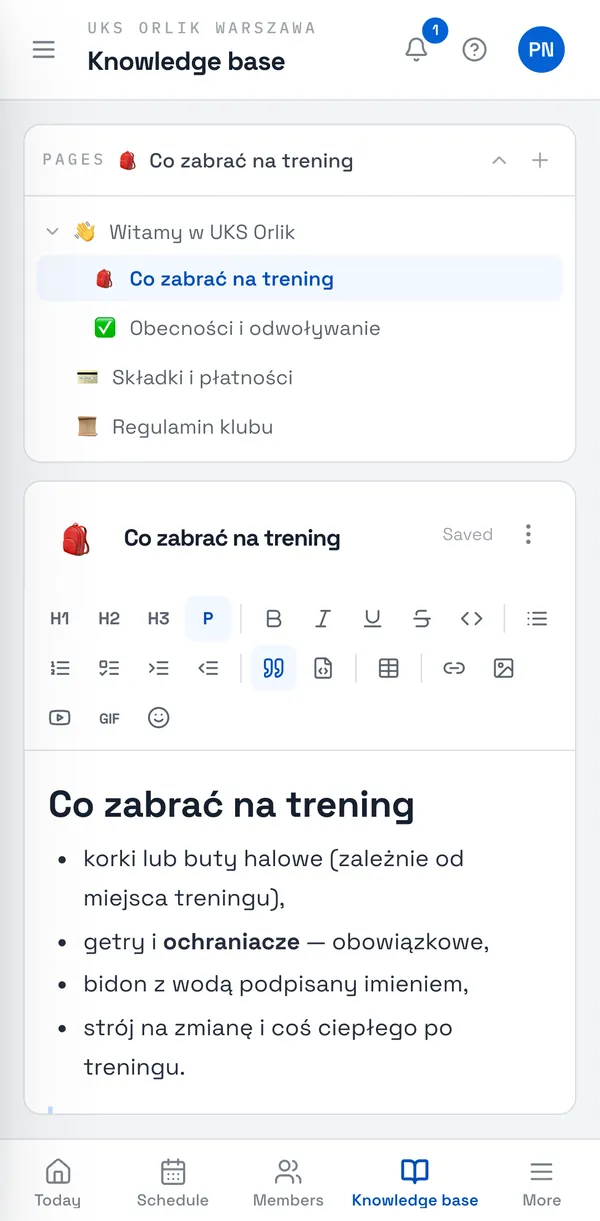
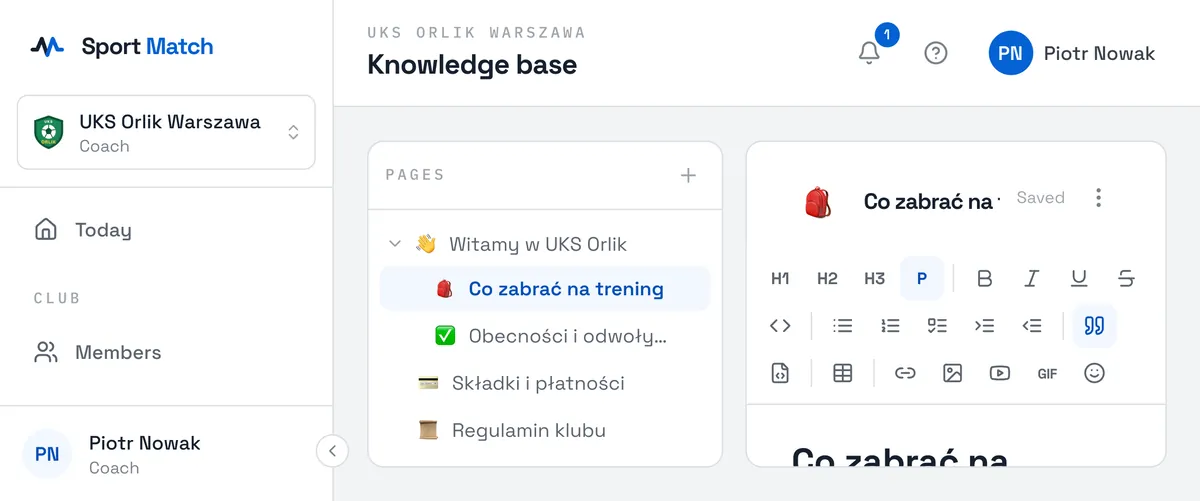
The toolbar above the text has headings, bold, italic, underline, strikethrough, lists (bullet, numbered and Checklist), quote, code block, Insert table, Link (to another page or a web address), Insert image (PNG, JPEG, GIF or WebP), Embed a YouTube video, Insert a GIF and Insert emoji.
Tip: Link to other pages with Link → Page — the link keeps working when the page is renamed.
Exporting to PDF and deleting
-
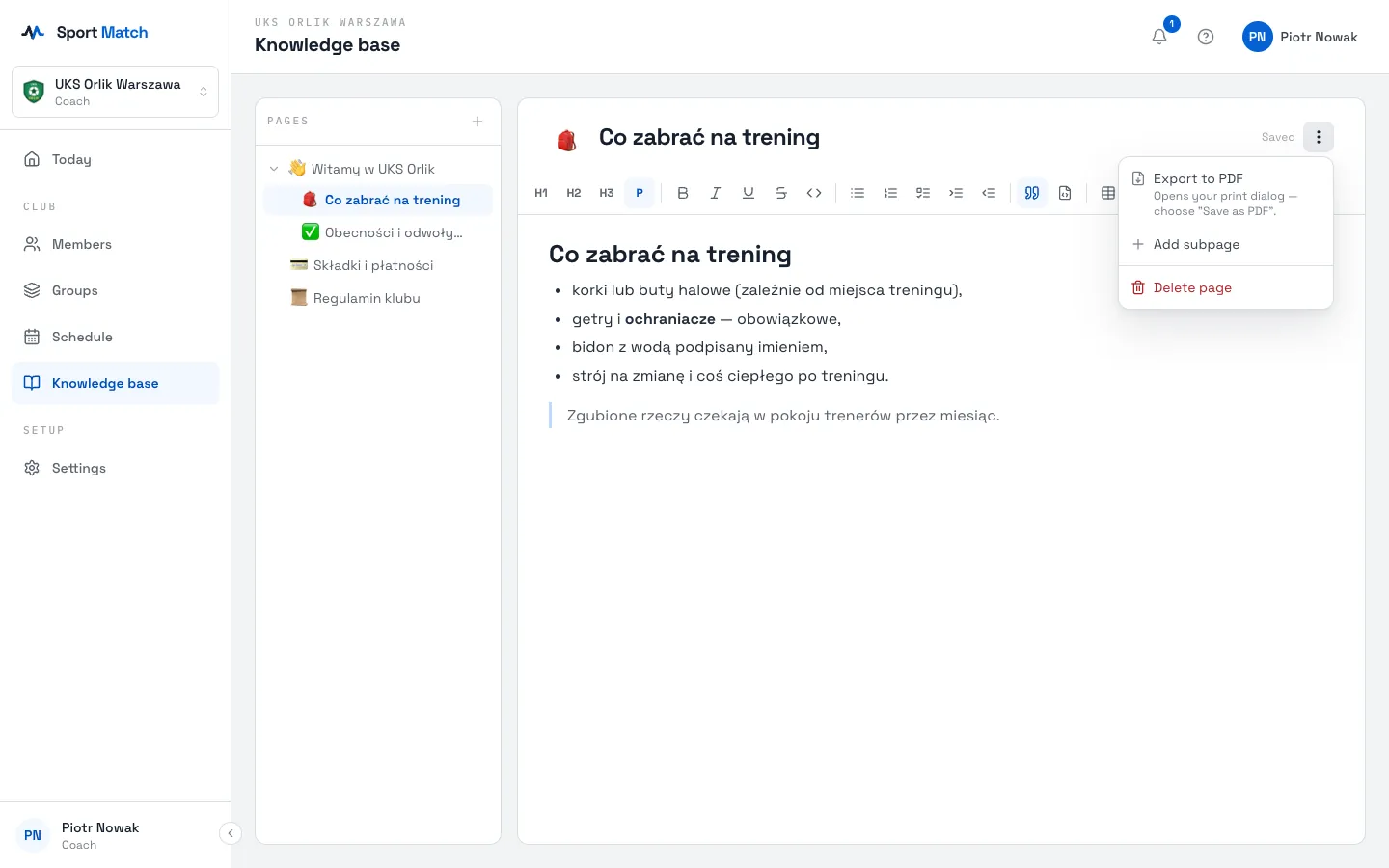
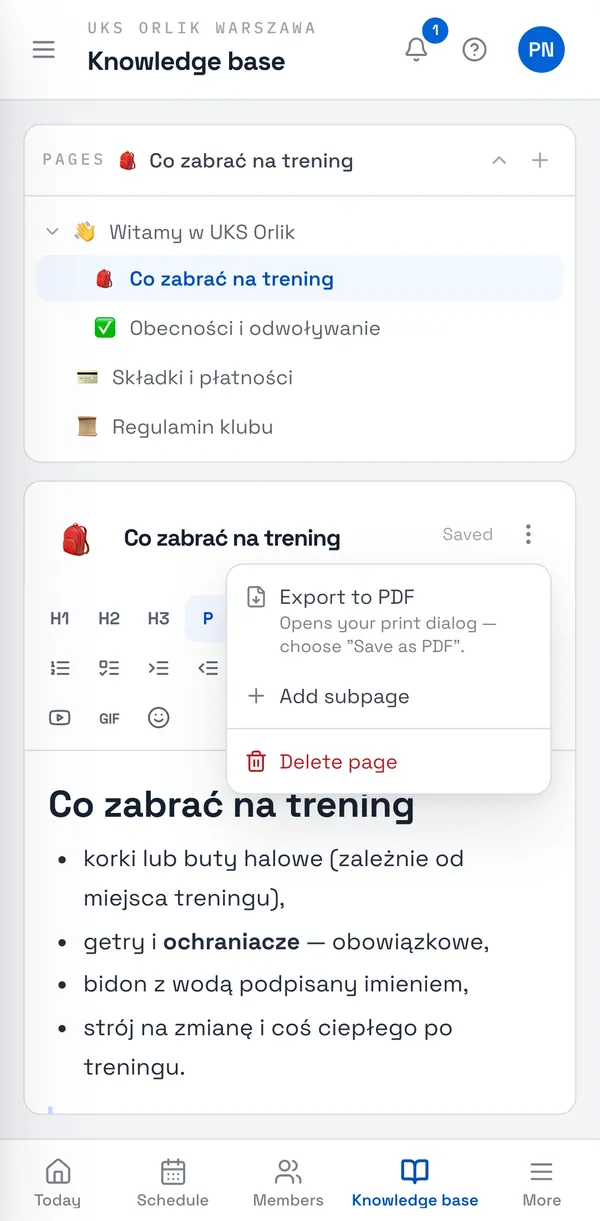
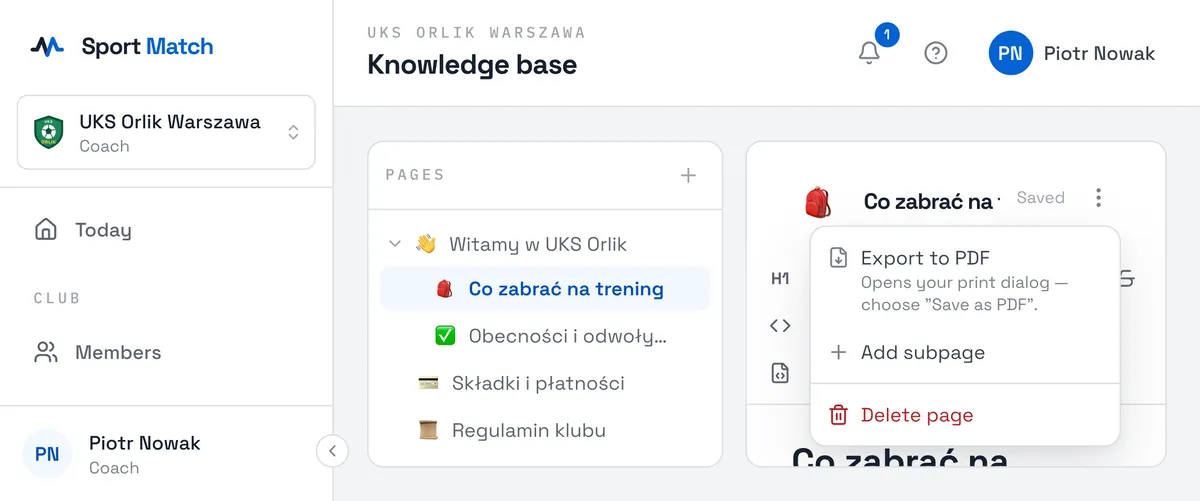
Click the Page actions menu next to the title.
-
Export to PDF opens the print dialog — choose “Save as PDF” there.
-
Delete page removes it together with every page under it. This can’t be undone.
Pages can’t be reordered by dragging yet, and the knowledge base has no version history or search.
Didn’t find an answer?
Write to us in the chat — it opens on this page, no login needed — or email contact@sportmatch.pl.