The booking widget for your website
Got your own website or coach profile page? Paste the booking widget into it: visitors pick a time from your availability, leave their contact details and pay a deposit. They don’t create a Sport Match account and don’t join the club.
Screenshots
Generate the code
-
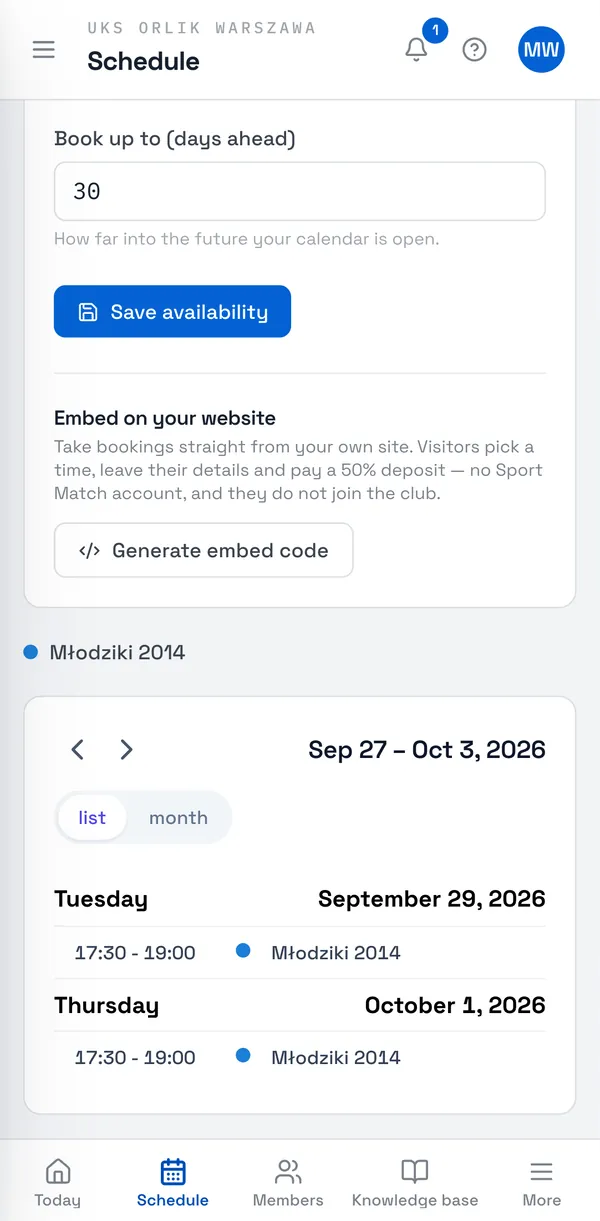
First set your hours in My availability — the widget offers only those. See Availability and one-to-one bookings.
-
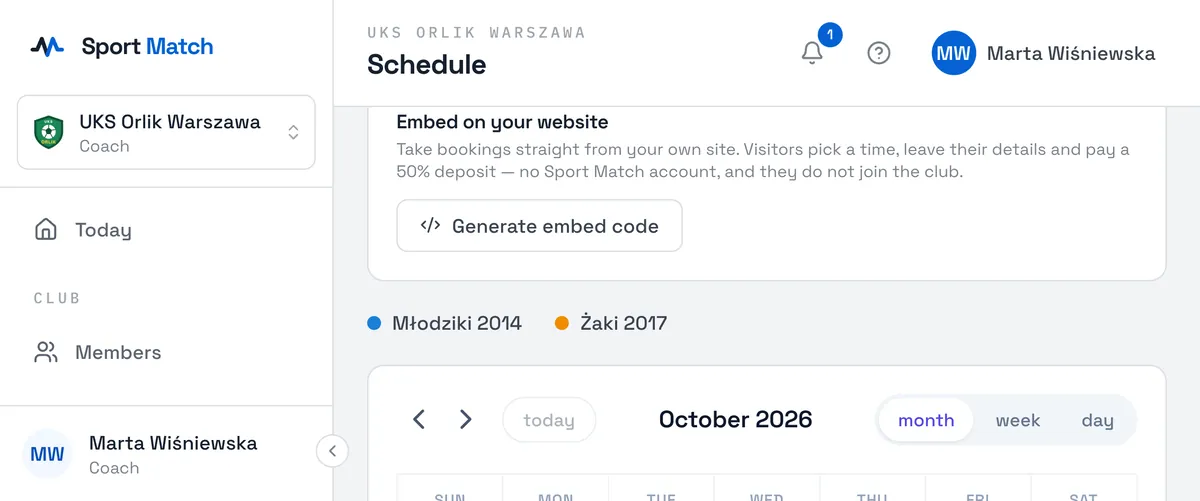
At the bottom of My availability find Embed on your website and click Generate embed code.
-
Click Copy code and paste it into your site’s editor (as an HTML block). Preview the widget shows what it looks like.
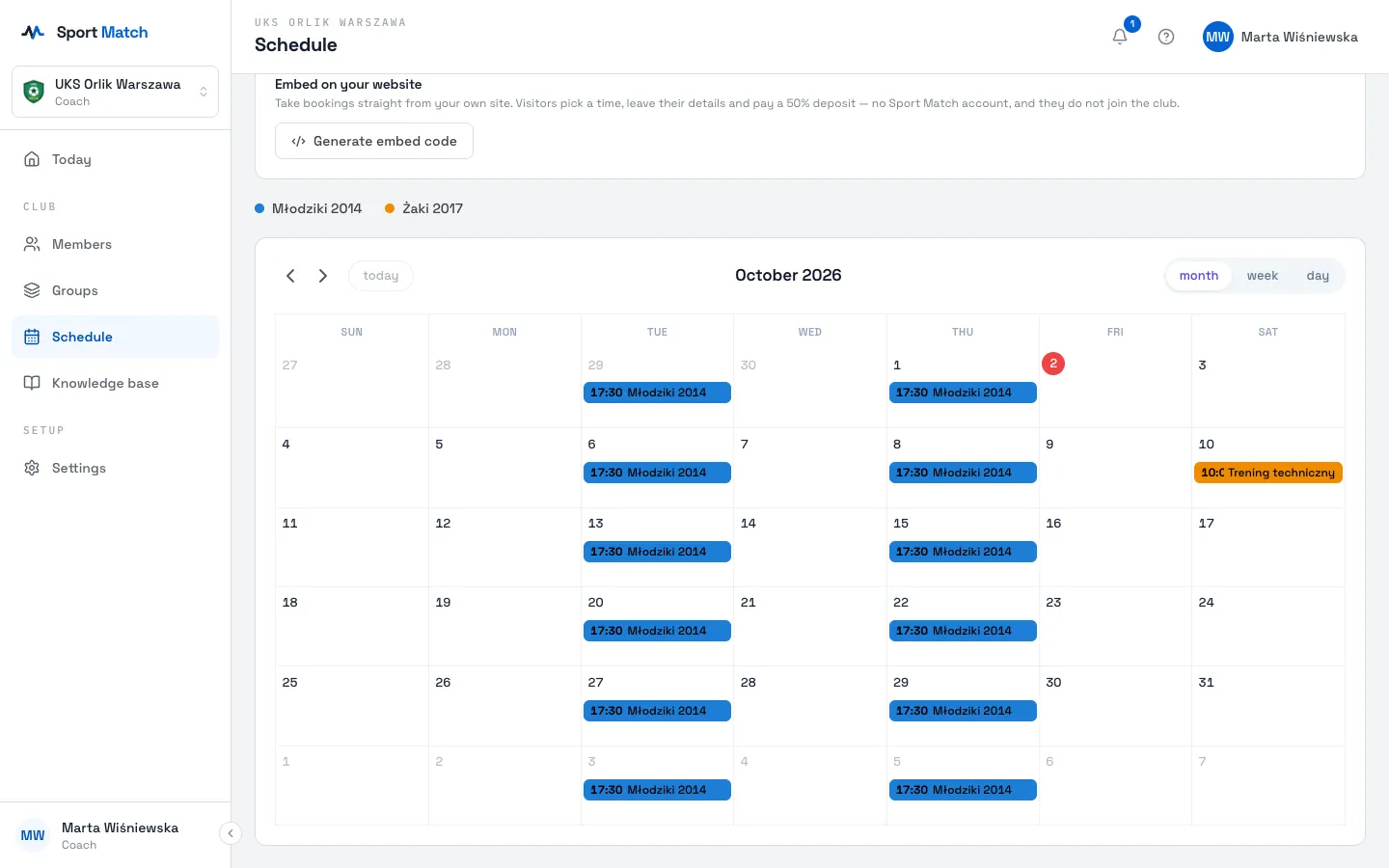
Important: Anyone with this code can see your free times, and it can’t be revoked yet. Only put it on sites you control.
What visitors see
-
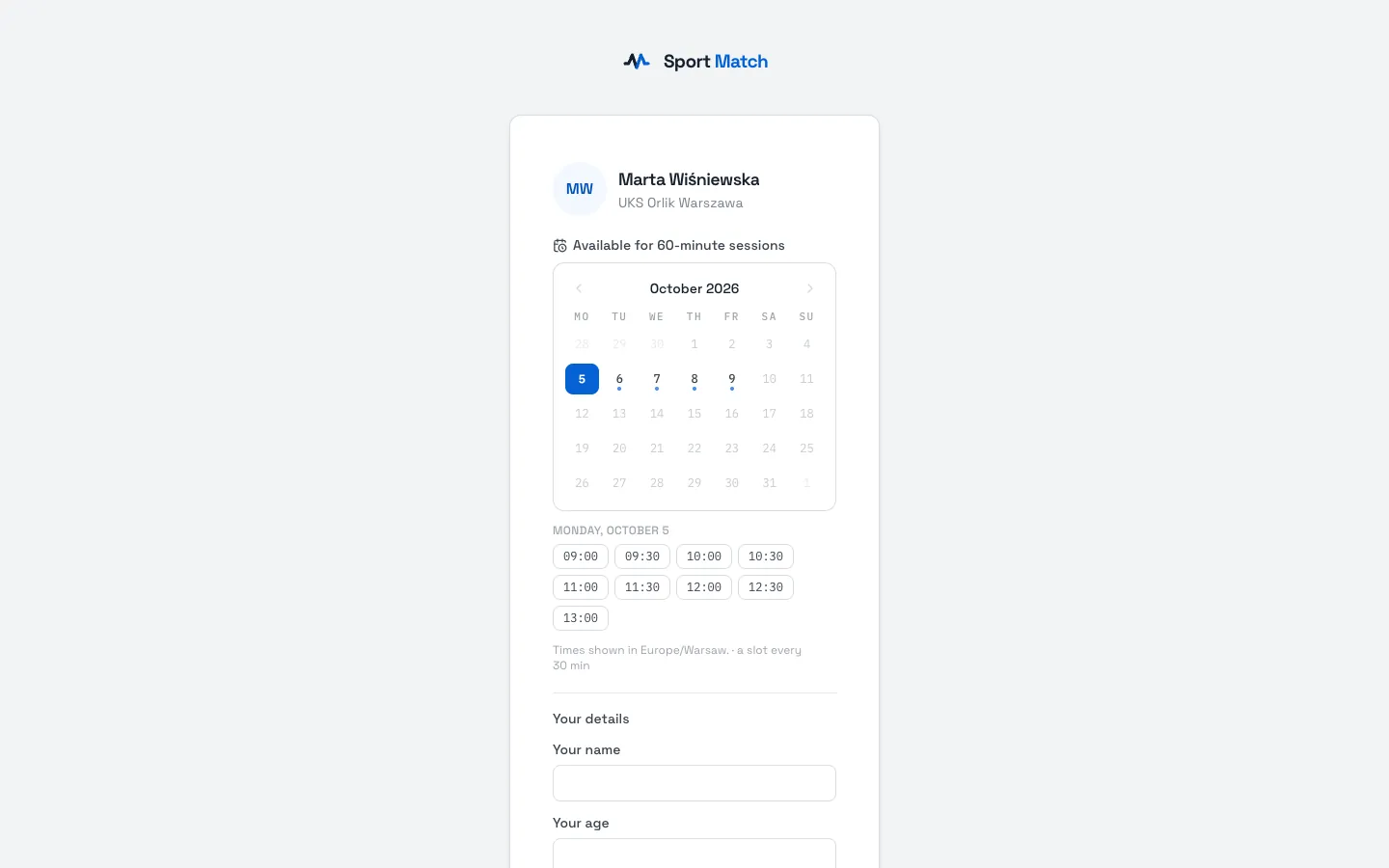
The widget shows your free times for the next two weeks. The visitor picks a day, a time and how long they want to train.
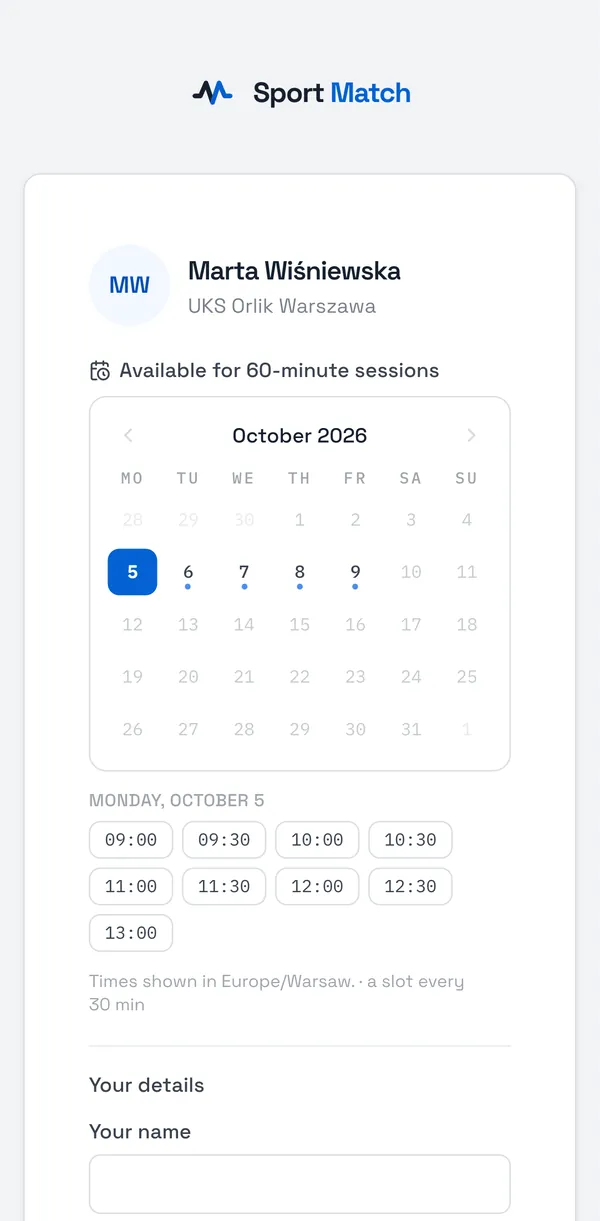
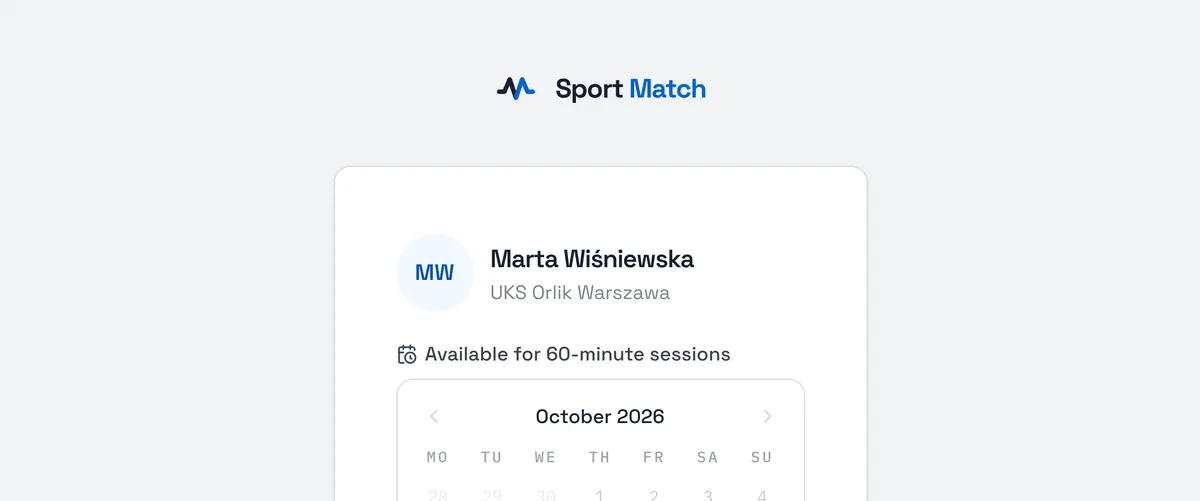
-
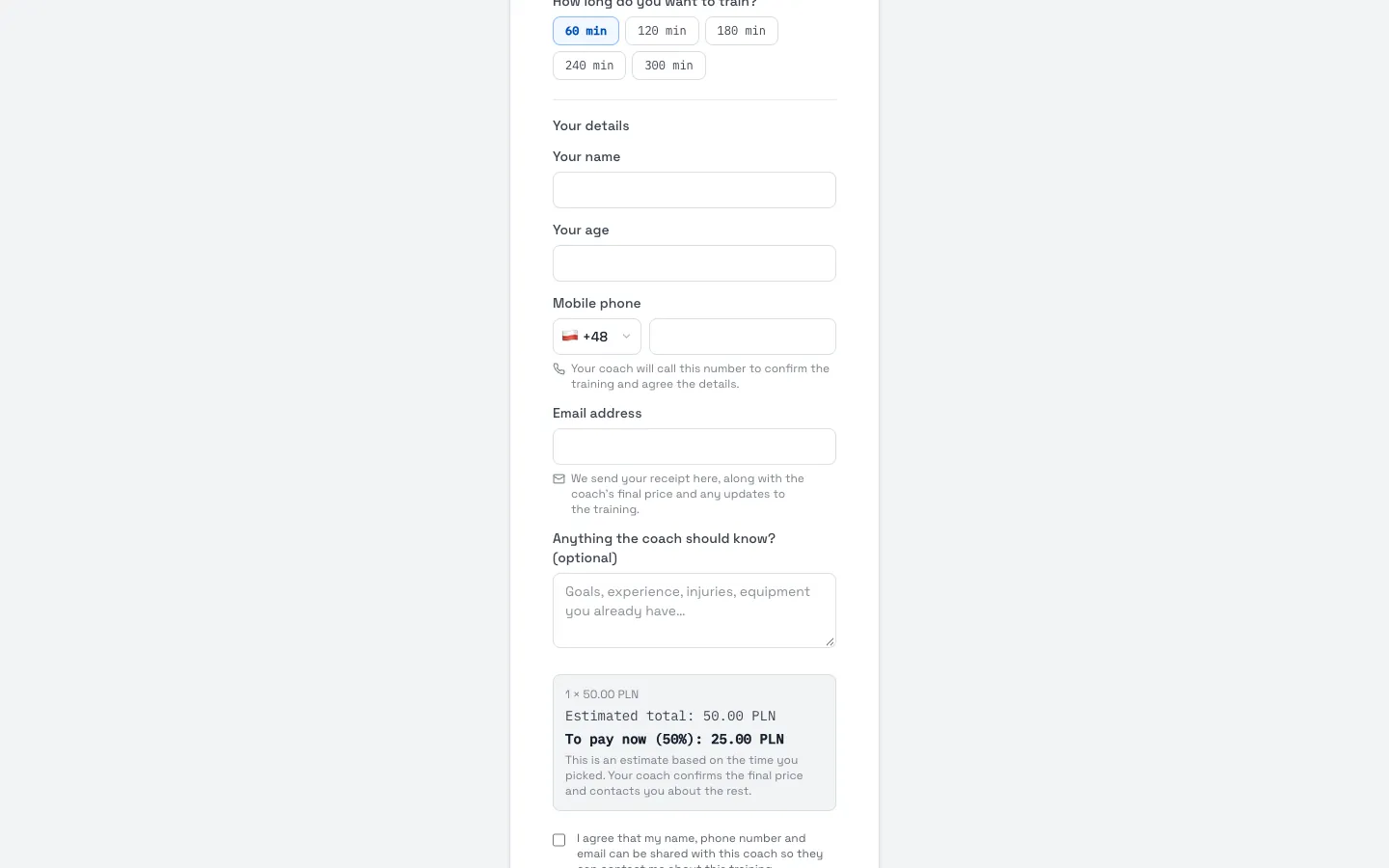
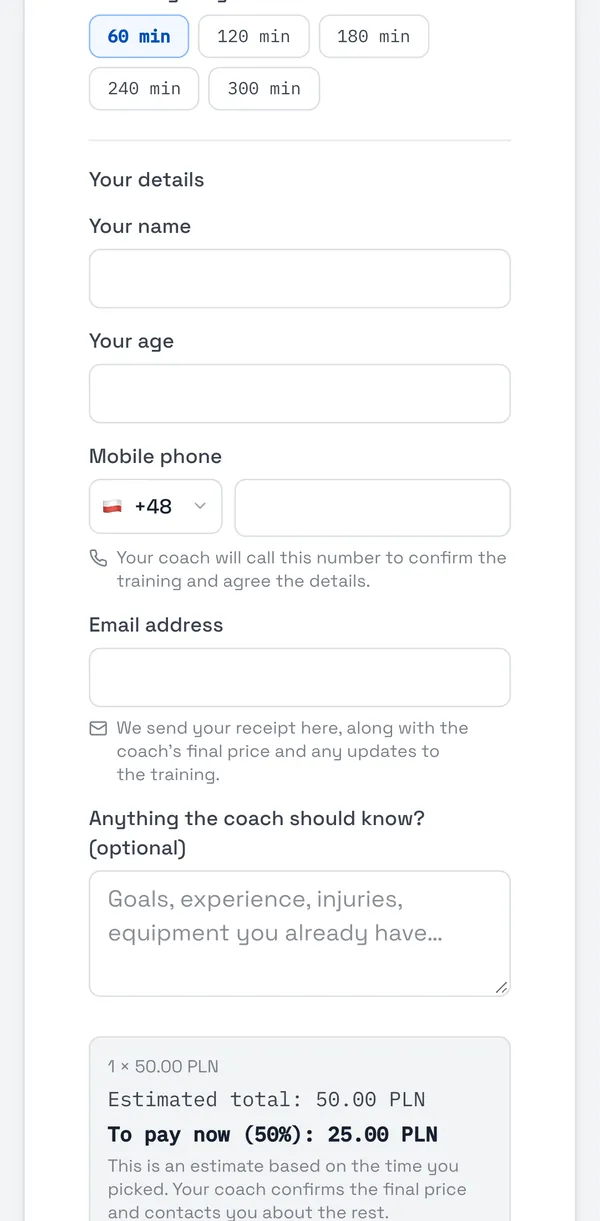
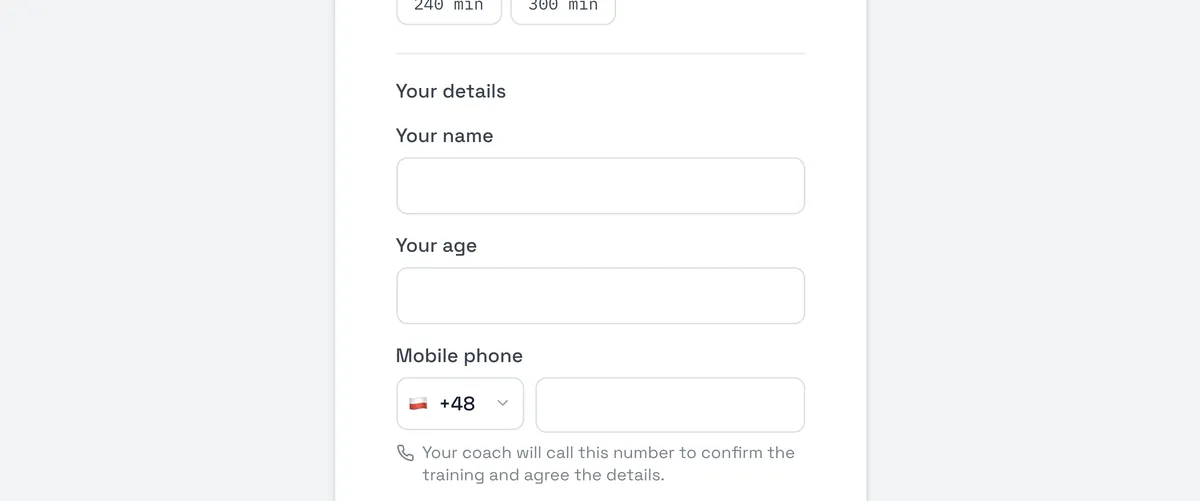
Under Your details they give their name, age, mobile number and email, optionally a note for you, and agree to their details being shared with you.
-
They see an estimate (number of slots × the club’s one-off session price) and pay 50% now through Przelewy24 — the Pay … and book button.
-
The booking reaches you as Booking from your website. Call them, agree the details and confirm the session under Session bookings.
The price per slot comes from the club’s active one-off training type — if there isn’t one, the widget says the coach hasn’t published a price yet. A time with no deposit paid is released after 30 minutes.
Didn’t find an answer?
Write to us in the chat — it opens on this page, no login needed — or email contact@sportmatch.pl.